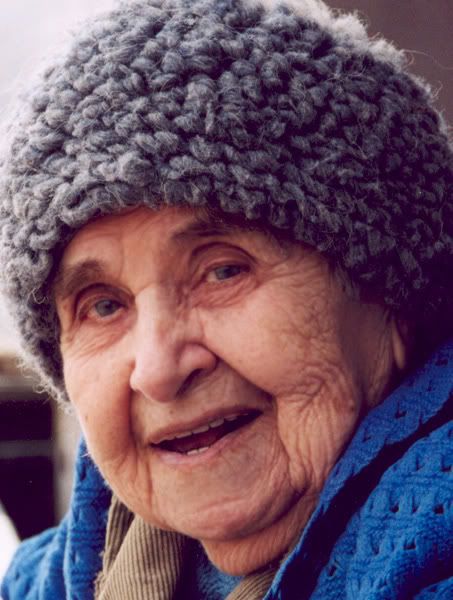
I use photo elements 2.0, This is a stock image, randomly done a search on google for old woman with wrinkles just so I'd have an image to work with......if you use the sponge tool on photo elements you can smooth skin out. here's an example LOL this woman is alot older than whta I was lookin for in my search, but thought since she has no many wrinkles that she'd be an ideal canvas to try this on.
Before
After: not a huge difference, but enuff that if it were a younger person it'd really smooth the skin out.