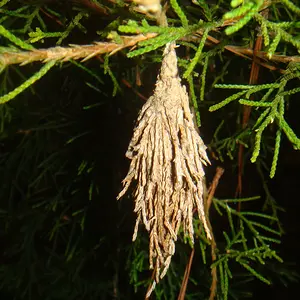
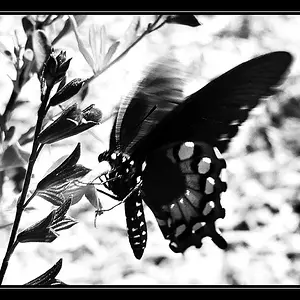
In the auto modes, the camera's light meter tells the camera what exposure settings to use, based on what it's seeing (reading) through the lens. The metering mode you use, can control the area that it reads.
You can tell the camera to expose more or less, from the suggested settings, by using Exposure Compensation (EC). So for example, if you dial in + one stop (three clicks) of EC, the camera will used exposure settings to give you a photo that is one stop above what the meter recommended.
The other alternative would be to use manual mode. In manual mode, the settings don't change to suit the meter reading...but you can still use the meter. Just change the settings until the 'needle' gets back to zero ---0--- on the scale. This would be the same exposure as the auto modes. Then you can just adjust the settings until the needle gets to +1...which would be the same as using +1 EC.
I'd suggest reading your manual, and then reading it again...as all this stuff is in there.
There is a lot more to this topic. For example, there is a reason why the camera's meter is recommending settings that give you dark photos, in that situation. But maybe that is a lesson for another day (after you are more familiar with the camera modes, functions & controls).



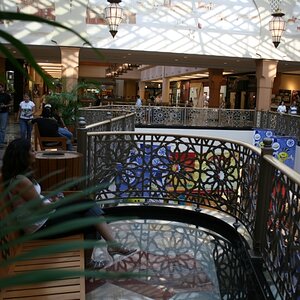
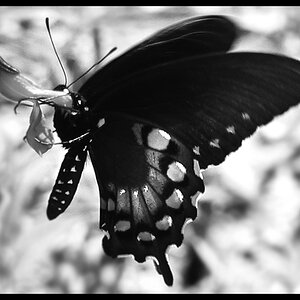
![[No title]](/data/xfmg/thumbnail/38/38724-0b9c26c57726c91c6c504310e4428e55.jpg?1734172598)

![[No title]](/data/xfmg/thumbnail/34/34083-76406a409bc520ead3cc11af09ebd257.jpg?1734164516)
![[No title]](/data/xfmg/thumbnail/32/32004-4455324f0b4b5cc318dd35877147ac47.jpg?1734160793)