What's new

Attempt at Manual X-pro in GIMP (no plug in)

jowensphoto

Been spending a lot of time on here!
Joined
Feb 28, 2011
Messages
2,983
Reaction score
906
Location
Northern Viriginia, US
Can others edit my Photos
Photos NOT OK to edit
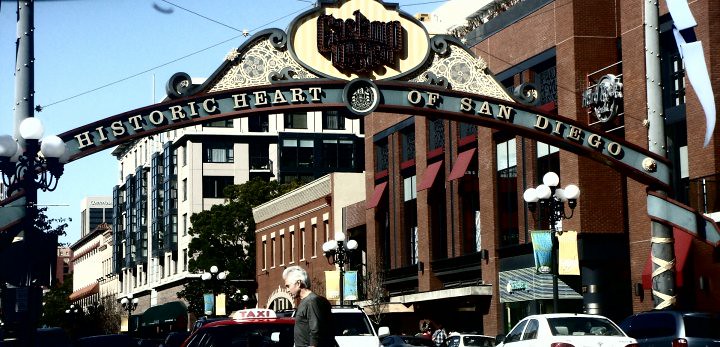
Before xpro:
6630154157_fe1a62bf4c_b.jpg


After xpro:
6630165217_629623335b_b.jpg


From what I can tell there's a subtle difference. Going to try this technique out on some other photos (like the beach). I thought this one was a good one to start on given the colors already in the photo.

What do you think of the technique? I know that photo is a mess, as far as composition goes, but it was merely a snapshot to practice on.
 
Another quick example

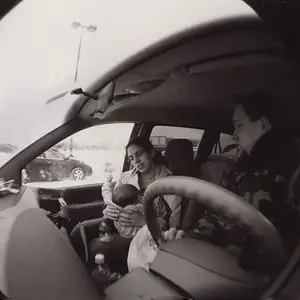
before:
4840870294_5fb0b25b87_b.jpg


after:
6630217203_dd356d4f70_b.jpg


The change in this one is a little more dramatic than the first. Need to tweek my technique a little bit, but I'm stoked that I figured out (basically) how to cross process/create vintage feel.
 
Anyone?

Any suggestions?

If it helps, I can post my work flow tomorrow and maybe get some critique on how I can improve.
 
Perhaps is I know what Manual X-Pro was I might be able to help.
X-Pro = Cross Processed. There was another thread where she was trying to install a plugin to do it (did you give up on that?)...
 
I was curious, so I downloaded that Xpro script...

You second image looks pretty damn close to what that script does.

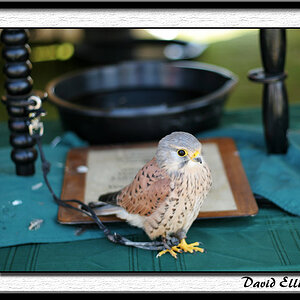
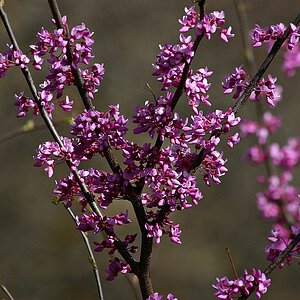
Just for comparison, I downloaded both of your 'before' images and ran that script on it. Here's what it did (not saying it's 'better' or 'right', just posting to give you an idea of what it does):

6632747901_3c1ee59d88_z.jpg


6632748719_4a03c97db0_z.jpg


edit
Actually, it wasn't that python script - it was this one:
http://registry.gimp.org/node/25007#attachments

You don't need Python for that. Just put it in the scripts folder (you can also just put it in whatever folder you want, and tell GIMP to look for scripts in that folder as well as the normal default folders). Then open GIMP and go to Filters > Script-Fu > Refresh Scripts - then it should be in the menu. There are no options though - it just does it's thing and you can't tweak it. I'm trying to figure out exactly how to run that Python script... I have everything I need, I just don't know what I'm supposed to do with it, lol. Never messed with Python scripts in GIMP before...
 
Last edited:
RE: Python... yeah, I gave up on that and decided to figure out a way to do this with out a plugin. I'm new to working with layers, so it was a little intimidating. I feel like I learned a lot more about the actual PP doing it this way. Plug ins are cool, but again, you can't adjust all of them to the settings you like.
http://www.thephotoforum.com/forum/members/22540.html
 

Create an account or login to comment

You must be a member in order to leave a comment

Create account

Create an account on our community. It's easy!

Log in

Already have an account? Log in here.

New Topics

Back
Top Bottom