lixz
TPF Noob!
- Joined
- May 21, 2026
- Messages
- 2
- Reaction score
- 3
- Location
- Carmel-by-the-Sea, California
- Can others edit my Photos
- Photos NOT OK to edit
When I’m shooting on the go, I pick an external SSD based on workflow rather than pure benchmark numbers. Sure, speed helps with RAW imports and editing, but having multiple copies is what really keeps your work safe.
My usual field workflow: leave the card untouched, copy to a portable SSD, check a few files, then make a second copy to a laptop, NAS, or cloud whenever possible. While traveling, I keep the card and SSD in separate bags. For Lightroom, I usually leave the catalog on the internal SSD and store originals on the external SSD—just make sure the paths stay consistent.
For size, 1TB works for light travel, 2TB portable SSD is safer for RAW-heavy shoots, and 4TB is better for long trips or video projects. Personally, I don’t wipe memory cards until I have at least two verified copies.
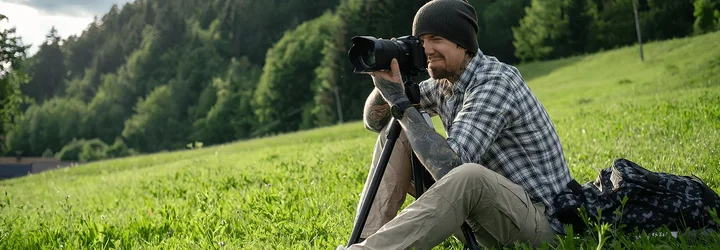
My usual field workflow: leave the card untouched, copy to a portable SSD, check a few files, then make a second copy to a laptop, NAS, or cloud whenever possible. While traveling, I keep the card and SSD in separate bags. For Lightroom, I usually leave the catalog on the internal SSD and store originals on the external SSD—just make sure the paths stay consistent.
For size, 1TB works for light travel, 2TB portable SSD is safer for RAW-heavy shoots, and 4TB is better for long trips or video projects. Personally, I don’t wipe memory cards until I have at least two verified copies.
Last edited: