What's new

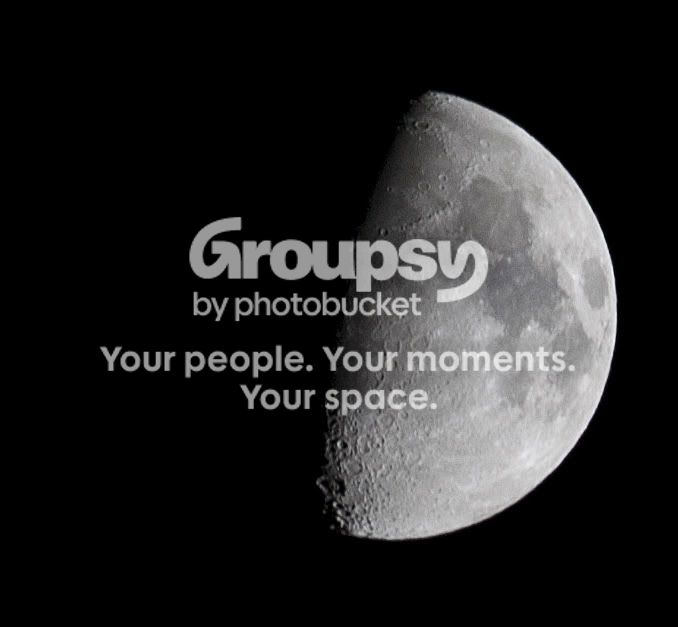
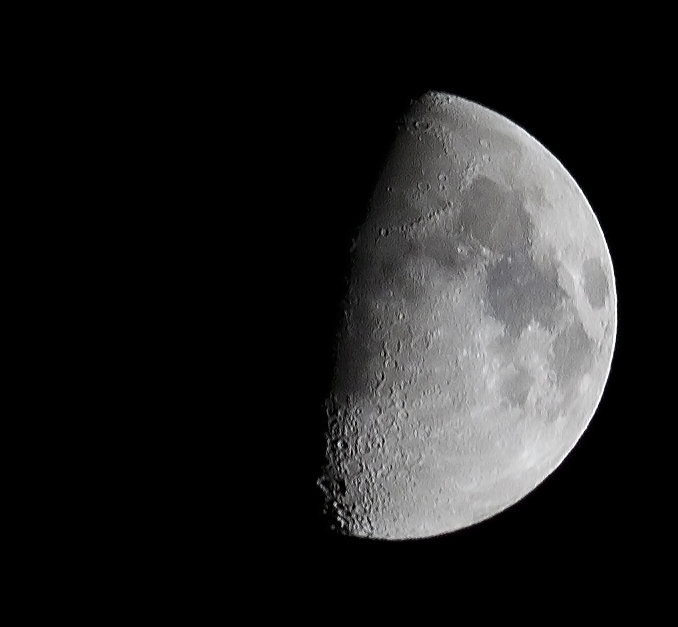
Finally, some decent moon shots ( I think).

Tight Knot

No longer a newbie, moving up!
Joined
Nov 30, 2010
Messages
1,398
Reaction score
159
Location
Boca Raton, FL
Can others edit my Photos
Photos OK to edit
First of all, thanks to everyone who helped me with all that fantastic info. Kundalini, I couldn't have done these shots without that guide that you posted (http://www.thephotoforum.com/forum/beyond-basics/147712-lunar-moon-photography-guide-astrostu.html). My first decent moon shots. WOW!! Is it difficult to focus clearly on the moon. A slight nudge 1 way or the other wrecks the focus.
What do you guys think?
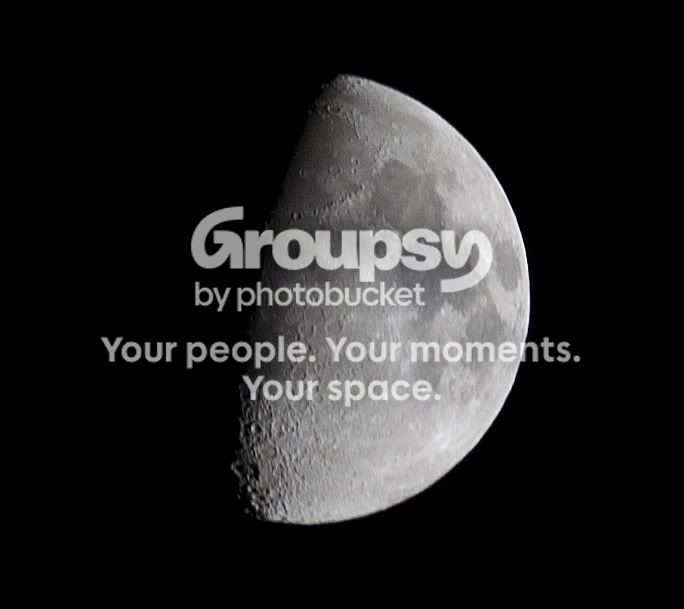
moon-1.jpg


2
Moon2.jpg
 
Very nice, well exposed. What lens?
 
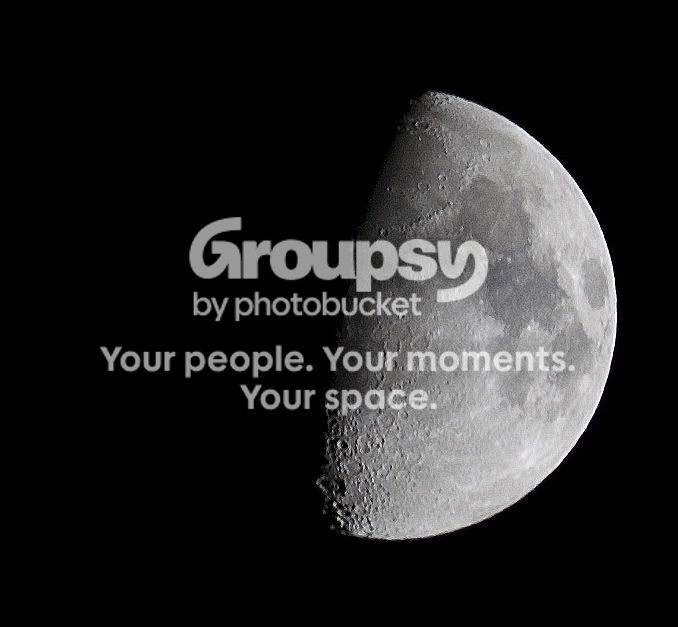
They are a little OOF. But otherwise, I really like them, good job! Great detail. I prefer the second, looks to be slightly more in focus and more off center.
 
Very nice, well exposed. What lens?
Thank you!:thumbup:
I tried with my 50mm f/1.4, and my 100 mm f2.8 and was surprised that neither of them gave me as clear pictures as my kit 55-250mm lens.
 
You did pretty good I think. I find that the 10 second self-timer or a remote is needed (for me anyway). It's good practice for sure.

I think you could use a little sharpening though..


jDO31.jpg
 
They are a little OOF. But otherwise, I really like them, good job! Great detail. I prefer the second, looks to be slightly more in focus and more off center.
Unfortunately I have severe astigmatism, and no matter how much I played with the focusing, I just couldn't see it any clearer to get it any clearer. Plus trying to manually focus at the extreme end of the 55-250mm lens is an extreme challenge (especially in the high winds we were having) as the minutest movement to either right or left drops the focus like a ton of bricks.
I agree that the 2nd looks like it is a little more in focus, but the "more off center" is really just how I cropped it. There was ALLOT of extra black sky just hanging around.
 
You did pretty good I think. I find that the 10 second self-timer or a remote is needed (for me anyway). It's good practice for sure.

I think you could use a little sharpening though..


jDO31.jpg
WOW!!That clears things up allot. Did you sharpen? Or use the unsharp mask?
All my photos were taken with the 10 second timer, and the IS turned off on the lens.
 
I just tried to sharpen in Adobe Photoshop Elements 2.
What do you think?
Moon2-1.jpg
 
I used 'smart sharpen' in photoshop, set to remove motion blur. I wasn't very happy with the results. Both mine and the sharpened one you posted look obviously sharpened.. which is something you should try to avoid. Still, it's better than, I'd say, 90% of the moon photos I've seen.
 
I used 'smart sharpen' in photoshop, set to remove motion blur. I wasn't very happy with the results. Both mine and the sharpened one you posted look obviously sharpened.. which is something you should try to avoid. Still, it's better than, I'd say, 90% of the moon photos I've seen.
I hear you about the sharpening being so clearly recognizable. And thanks for the compliment, it's greatly appreciated.
 

Create an account or login to comment

You must be a member in order to leave a comment

Create account

Create an account on our community. It's easy!

Log in

Already have an account? Log in here.

Back
Top Bottom