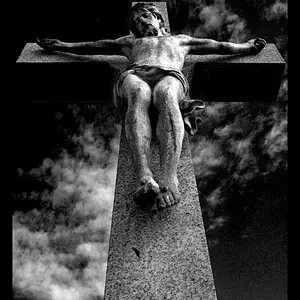
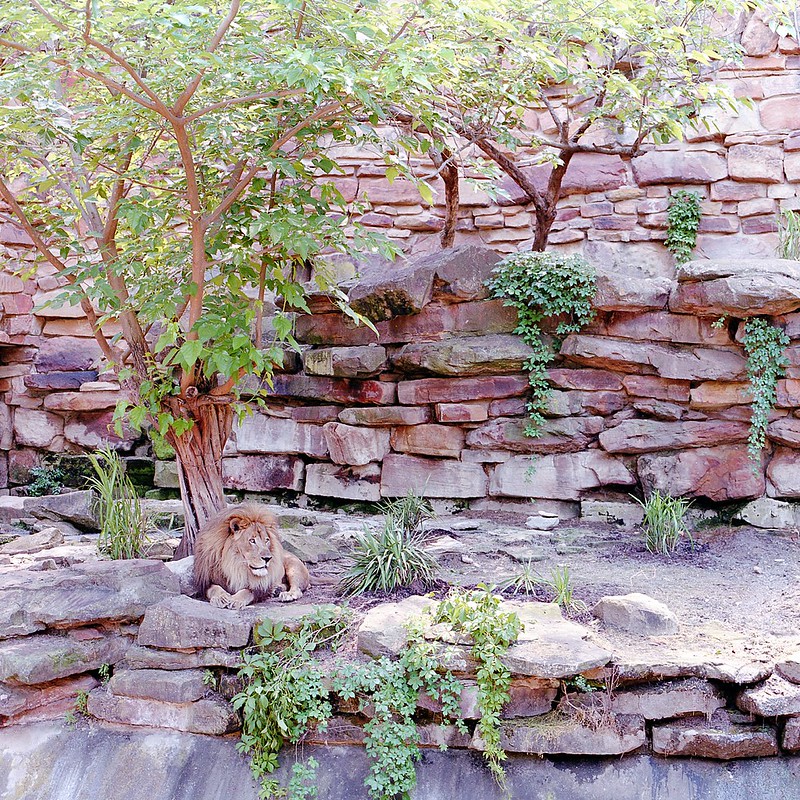
No, single exposure - medium format Fuji Pro 160S (exposed at 100). (220 film, f/8, 80mm - I don't remember what the shutter speed was. I shot this in aperture priority mode.)
Do I need to recalibrate my monitor...? I don't see strong magenta... Anyone else see it?
The rocks are kinda magenta, but I think they're just that color... The colors look pretty accurate to me. The lion doesn't seem to be overly magenta on my monitor.
Not saying it's not overly magenta - but if it is, I need to recalibrate.
I'd give recalibration a try - unless the rocks are messing with my view and hold a very strong tint themselves then something just seems a bit off with this photo.
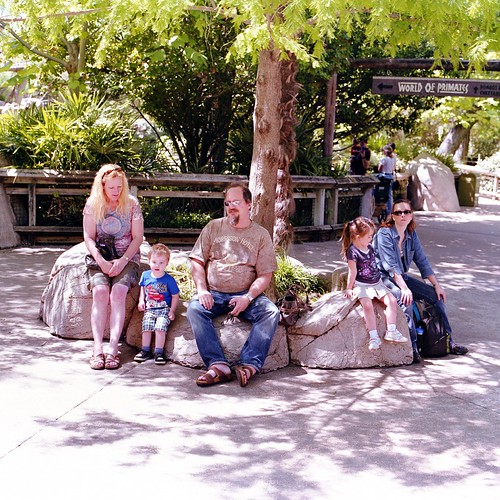
It's gotta be my C-41 kit... Looking at older scans, I don't see it. This shot doesn't look bad to me, but others off the same roll do look a little magenta to me.
Well first of all I'm still a noob, but specifically it looks like there is a nice tonal range, not any shadow or highlight clipping. I guess you just have a nice choice of exposure. I could be wrong though. To prove it I'll ask: what is color negative film? XD I was looking through your flikr and see most of your photos have a similar look, I like it. Are you shooting in film?
Well first of all I'm still a noob , but specifically it looks like there is a nice tonal range, not any shadow or highlight clipping. I guess you just have a nice choice of exposure. I could be wrong though.
I shot this in aperture priority - so the camera chose the shutter speed.
I think what you're seeing is a combination of a few things. For one, it was in open shade - so the light was diffused (notice the lack of any hard edged shadows). Two, the medium I shot it one has more range than most digital sensors, so not as much (shadows/highlights) got clipped. Really, I don't think anything got clipped on that shot.
I'd say the magenta cast in the second shot is maybe a tiny bit stronger than in the lion, but they both still have the magenta cast.
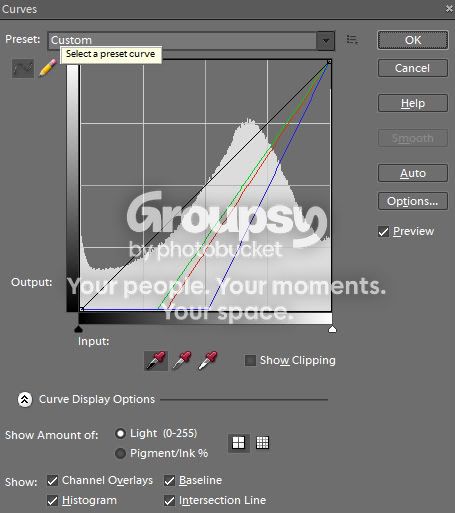
That said I just had a mess around in photoshop - reducing magenta saturation only left an odd effect where many areas looked grey where the magenta had been lost (and photoshop was showing magenta everywhere). Then I messed around in levels/curves and - I'm not sure what I did exactly, but I used the black dipper tool on a spot just above the lions nose (literally I think a tiny greyish looking pixel) and got this:
on the chart. I've not really played with manually adjusting the colour channels myself, but that gave what I felt was a more normal looking colour. I could show you the edited version if you want.




 , but specifically it looks like there is a nice tonal range, not any shadow or highlight clipping. I guess you just have a nice choice of exposure. I could be wrong though.