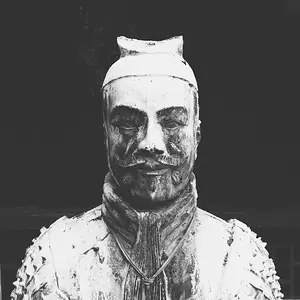
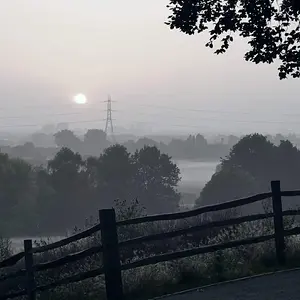
I like this shot.
just... note the line of the walls and the line of the window. Those should be parallel with your framing. In real situation that means that you need to get down just a bit and straighten your camera and then shoot. So slightly lower angle, include a bit of the bed and its great
Thank you all for the feedback and shooting advice. I like the edit -- mine definitely needs some straightening at the very least. It can be hard to be objective when there is an emotional connection, so I definitely appreciate what you have all pointed out.
Parker, I am completely in love with her littleness right now, and I thought that the negative space up top just highlighted that aspect in her. Again, a bit hard for me to be objective
I like the shot with the straightening. I see the point about the negative space but I think that in this photo is a proper example of when to break that "rule".
That is an entirely different picture. For a parent, it might even be better! You wanna see your child! But...
For art, and for a viewer who doesn't know the child, the entire appeal of that image is the symmetry of the diagonal from the child to the fabric and wonderful tones at the top of the window. That distance is what gives the little girl perspective! Making that part of the composition and that way of looking at it is the reason I adjusted the brightness of the window down and the rest of the room up, to give it just the right balance that would more emphasize the connection. Instead of having two separate objects, there is a single object (that diagonal).
Adding more of the bed, removing the vertical nature of the symmetry, or any similar change to the composition will lose what is appealing, and make it just a picture of a girl. That's fine if that's what you want, but then it's a very different image and a lot of things need changing.
You could experiment with your vantage point. Maybe shooting from a lower vantage point could have given you a view where you could have kept the top of the window w/the valance to emphasis the smallness but not made for such a long vertical expanse of window. If you haven't, try noticing how moving yourself changes what you see in your viewfinder and how the perspective changes.
I might try adjusting the contrast; when I do B&W I usually look for some lights and darks and if they're not there in the color original it may or may not work well in black and white (this looks like some change in contrast might keep it from looking too grayish and more black and white).
edit - It almost looks like there's a hint of a bluish/purplish tint, but I get that though when I scan my darkroom prints, the scanner adds a little RGB and I have to remove the color that wasn't in the original... haven't had that with a digital photo but I was wondering if the conversion didn't remove all the color. Just a thought.





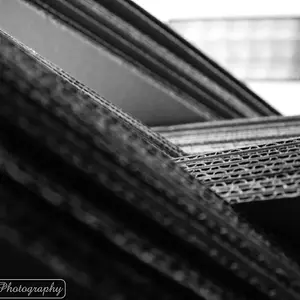


![[No title]](/data/xfmg/thumbnail/35/35265-c9ea3efd2c618a57ea136e63ad106880.jpg?1734166927)



![[No title]](/data/xfmg/thumbnail/35/35268-34a315519597f60516d59124092e9bc2.jpg?1734166930)