What's new

Lake Shore Inn.

ziggy84

TPF Noob!
Joined
Nov 26, 2012
Messages
394
Reaction score
20
Location
California, USA
Can others edit my Photos
Photos OK to edit
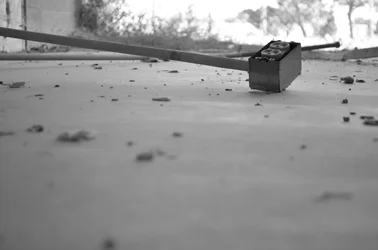
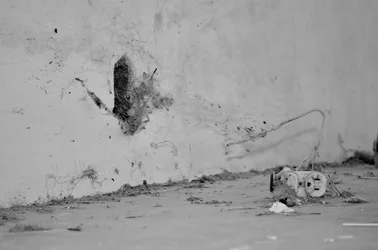
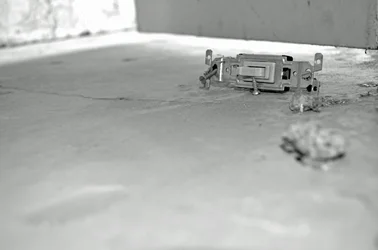
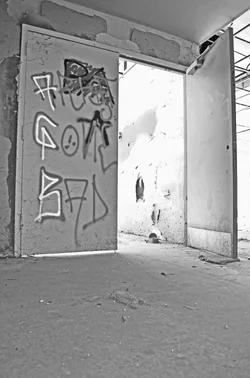
#1 $CSC_0285-2.webp#2 $CSC_0286-2.webp#3$CSC_0284-2.webp#4$DSC_0204-2.webp#5$DSC_0223-2.webp
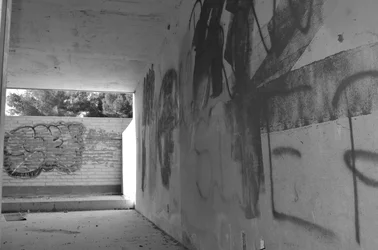
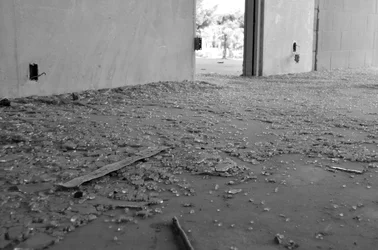
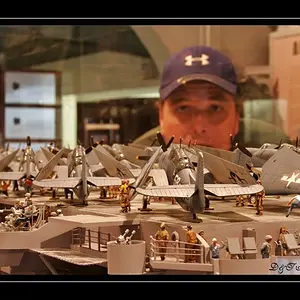
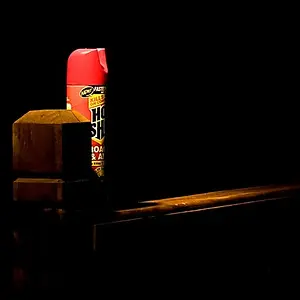
#6$DSC_0225-2.webp#7$DSC_0250-2.webp#8$DSC_0233-2.webp#9$DSC_0255-2.webp

Hope to see some feedback. Thanks for looking
 
Last edited:
Numbering and separating your images is helpful to those you wish to provide critique.

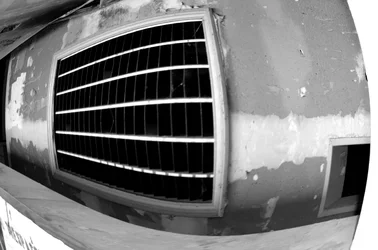
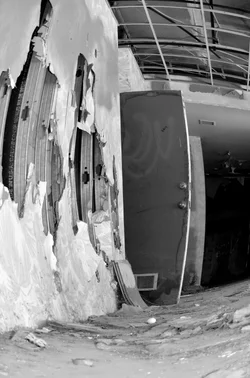
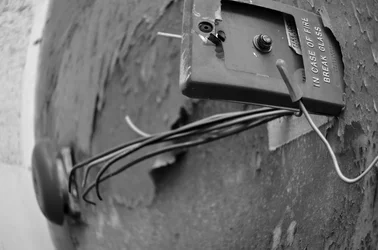
The fisheye images do nothing for me. I think it's the content that doesn't work with that "look".

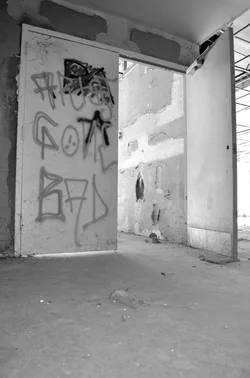
They are all rather gray and flat to me.

Of these I appreciate the sixth image.
 
Numbering and separating your images is helpful to those you wish to provide critique.

The fisheye images do nothing for me. I think it's the content that doesn't work with that "look".

They are all rather gray and flat to me.

Of these I appreciate the sixth image.

^ +1
 
So how do I fix the flat grey problem?
 
Add contrast via contrast sliders, levels, or curves adjustments.
What editor are you using?
 
I don't know what all Elements offers, but I am sure it has a brightness/contrast slider.
 
I'm trying to figure out this Elements 8, but what do you think of this one compared to the original? I tried to burn in the blown out areas, but it's a pain. I tried using layers, but I'm not doing something right.

$DSC_0204-3.webpView attachment 31121
 

Create an account or login to comment

You must be a member in order to leave a comment

Create account

Create an account on our community. It's easy!

Log in

Already have an account? Log in here.

New Topics

Back
Top Bottom