I'd like to see the SOOC images for all of these for comparison. The PP seems unusually odd and excessive.
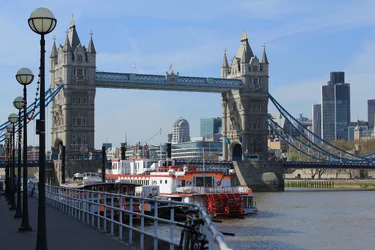
Hello Jamie, here are the pics which are straight out of the camera
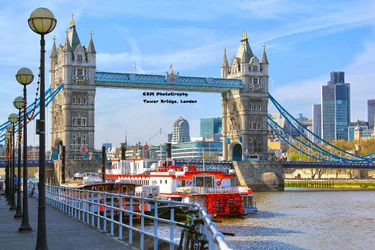
Thanks. The PP is clearer now, and it really hasn't done anything to improve what are already fairly good images; it's made them all less appealing, actually. At the most, I'd touch up the brightness/contrast and adjust the curves slightly.
The light poles in London Bridge steal the show, and the railing and boats make this a very busy shot with a lot of distractions. I assume the bridge is the focal point, but it's getting lost in all that other stuff.
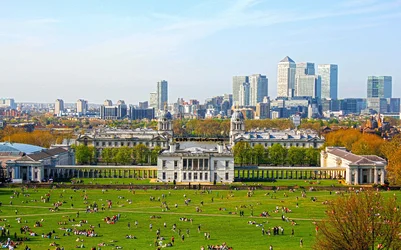
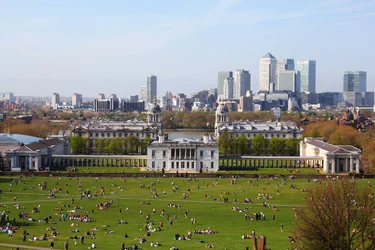
I like the park/palace with all those people on the grass. The perspective and sense of scale is appealing.
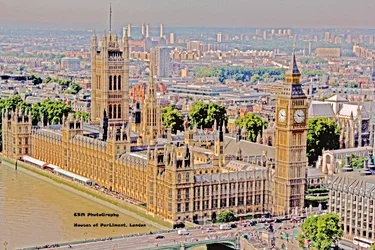
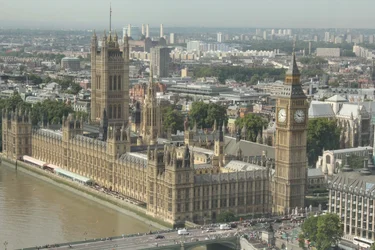
Westminster Abbey suffers from tight cropping on the left and hazy weather. I'd re-shoot on a better day.
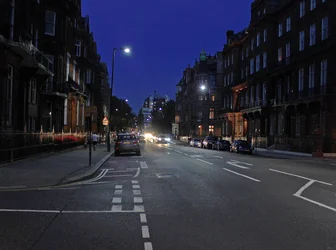
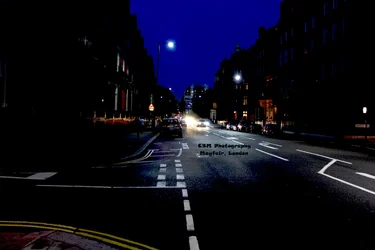
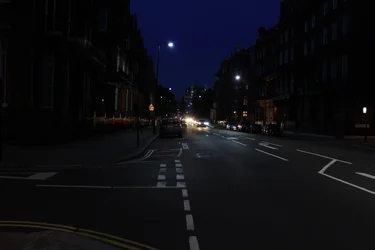
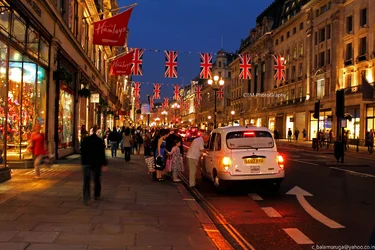
The street scene is just too dark in the dark places. A longer exposure without car headlights (a challenge I'm sure) would be one solution. At 18mm f/3.5, you can't open the lens further (I have the same lens, btw). In this case, I've used some PP to try to salvage what's there: I cropped out the yellow lines and some signage on the right, adjusted the curves, sharpened a tad, and used the Shadows/Highlights more than usual. It's far from good, and I'm sure someone with real Photoshop skills could do much better, but it's a start I suppose.









![[No title]](/data/xfmg/thumbnail/37/37130-15360a524d273bc7dcd0beda3e9299ee.jpg?1734169834)