Adamtrons
TPF Noob!
- Joined
- May 26, 2014
- Messages
- 2
- Reaction score
- 0
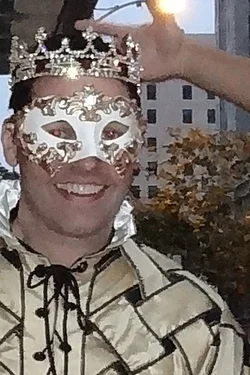
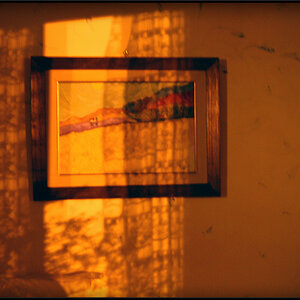
Hello. Im using a Sony Cyber-shot DSC-WX150 18.2 MP camera set to the Superior Auto mode. Ive had very mixed results with about half my photos having an unintended watercolor effect. Some photos will be clear and sharp and others will look like a Winslow Homer painting. I dont understand whats happening and I could use some help. Is it the ISO setting? Maybe I should quit using Superior Auto mode and switch to Program mode, then lock in 100 or 200 ISO? Just wondering if anyone else has experienced this issue. Below are some samples. First the problem sample from normal distance and then zoomed in for detail. Then a good sample normal and zoomed for comparison. Both photos were taken with Superior Auto Mode. Thank you in advance for your help!







![[No title]](/data/xfmg/thumbnail/35/35266-f58b019dadff6920c09071a847f052c3.jpg?1734166927)