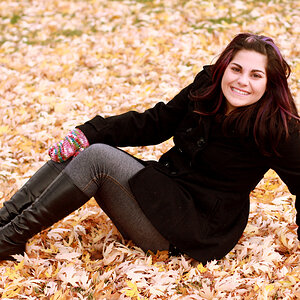
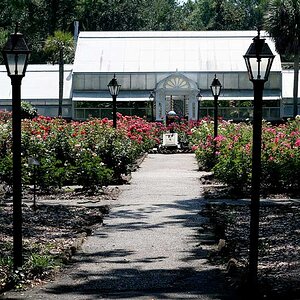
shot this picture with my nikon d90
then imported the raw file to photoshop and tried to make this 16x20 aroudn 214ppi to print at walmart
why do the colors look so different in photoshop and then imgur?
http://i.imgur.com/vzdZUgA.jpg
thanks!!
Your problem has to do with either/or both color space and device profiles. Photoshop is a fully color managed work environment. That means it process both the photo's embedded ICC color space profile as well as the calibration profile for your display. You probably uploaded a full-res photo to Imgur. Imgur has an enforced size limit and probably re-sized your photo. When it does that it destroys the photo by stripping off it's ICC profile leaving the color in the photo undefined. Possibly complicating that problem is your web browser which is displaying the photo that Imgur trashed from Imgur's site. Unlike Photoshop your web browser may not be processing the display profile -- you're using Chrome as a web browser. I'm not real familiar with it's behavior as I do not use it.
So you at least have trouble from Imgur and possibly Chrome as well. To get the best result make sure your photo is already sized to Imgur's maximum limit and make sure that when you save the photo in Photoshop you save it in the sRGB color space. If your display isn't calibrated you'll need to do that as well.
Joe



![[No title]](/data/xfmg/thumbnail/37/37631-1af996afcca522b3c5490538125d9599.jpg?1734170755)
![[No title]](/data/xfmg/thumbnail/37/37628-b854997825aadb4eedaa3247baf8069f.jpg?1734170752)