What's new

Sand Storm

Mike Lamb

Been spending a lot of time on here!
Joined
Jun 7, 2009
Messages
1,641
Reaction score
598
Location
Chicago
Can others edit my Photos
Photos OK to edit
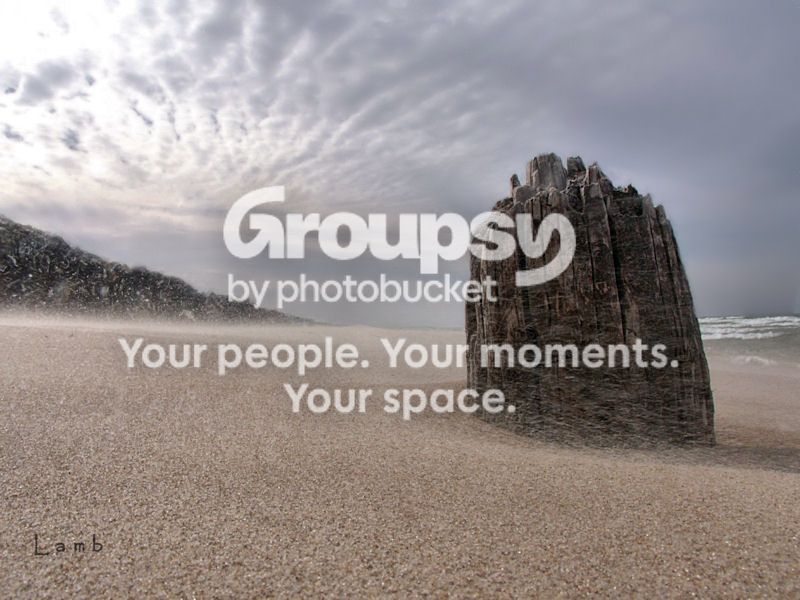
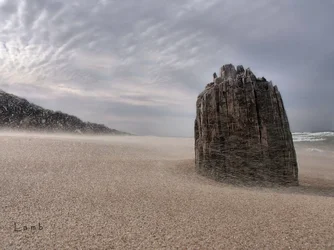
sandcolor1800.jpg
 
You've captured a wall hanger in my book!
 
Just wonder how you got the shot without losing a lens or filter. As nice a shot it is, I'd lose that overly bright upper left corner; for me, it kills the shot.
 
Thanks all.

I'd lose that overly bright upper left corner

I'm not crazy about it either. Any ideas as to how I would go about doing that?
 
Last edited:
awesome shot, i'd try to crop it in from the left a bit as well as the sky
 
One way and pretty easy for a beginner or those with limited PP experience is to copy some of the sky to the right of the blown out area, paste it over the blow out, flip it horizontally, add a layer mask and with a soft brush (color palette to black) slowly begin to brush out the cut edges to blend in with the natural edges of the rest. You may have to resize and rotate to match existing striations (cloud flares) using the "Edit - Transform" menu. You can also lower the opacity of the blend layer and of the brush. I tend to begin with a brush in the 20% range and work up from there as needed. When you are satisfied with the look, flatten the layer.

 
So, how did we get this shot?
 
I agree about the sky issue, but there's a lot to like here. In particular, it's great how you caught the blowing sand, which really conveys a stormy feeling. The sand seems to be blowing towards the viewer, and that makes this even more interesting. I also like that it's not easy to get a sense of scale. Other than the sky, the one thing I'd try to address is the halo-like artifact around the stump (?).

Very cool image.
 
Just wonder how you got the shot without losing a lens or filter.

Isn't that why we all put a cheap UV filter on the front of every lens? ;)

On a serious note, it really is a great shot, and you are braver than I taking the camera out in blowing sand like that.
 
I generally don't shoot with a UV filter, expensive or cheap unless the outside conditions insist. As to taking a camera out in blowing sand...not a chance in Hades unless well covered-bagged with a cardboard cover over the lens hood, filtered, etc. I can see this shot from behind a piece of new plexiglass, lens dead on the plastic to avoid any lens aberrations. The sand we have here is loaded with exceptionally fine silica and salt.
 
Thanks all.

I'd lose that overly bright upper left corner

I'm not crazy about it either. Any ideas as to how I would go about doing that?

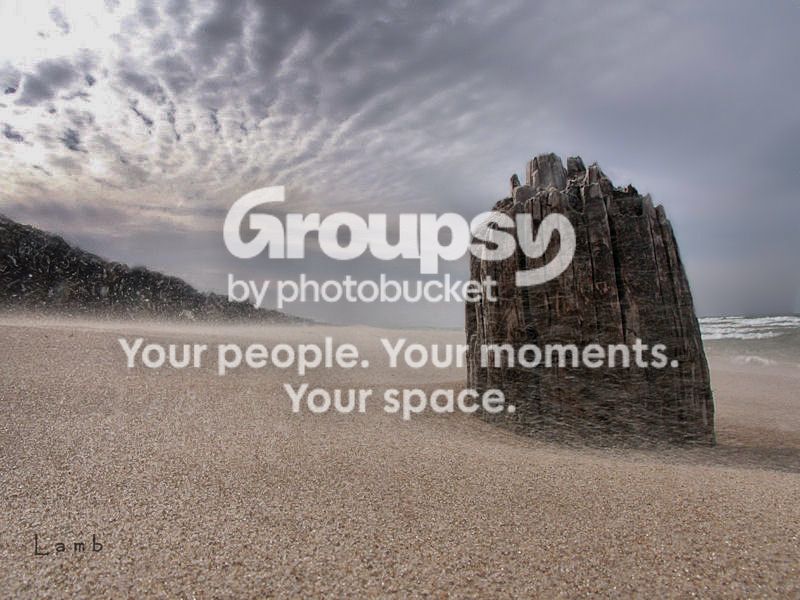
Here's my quickie edit in Lightroom 3.6

I applied a graduated filter at a 45 degree angle.

sandcolor1800_zps50cbe12b.jpg
 
$sandcolor1800.webp

Easy in CS6 ...just use the content aware tool....my quick edit
 
Yeah...forgot about that tool...much easier.
 
One way and pretty easy for a beginner or those with limited PP experience is to copy some of the sky to the right of the blown out area, paste it over the blow out, flip it horizontally, add a layer mask and with a soft brush (color palette to black) slowly begin to brush out the cut edges to blend in with the natural edges of the rest. You may have to resize and rotate to match existing striations (cloud flares) using the "Edit - Transform" menu. You can also lower the opacity of the blend layer and of the brush. I tend to begin with a brush in the 20% range and work up from there as needed. When you are satisfied with the look, flatten the layer.

That is a creative way to correct the sky. Much better than cloning in certain situations.
 

Create an account or login to comment

You must be a member in order to leave a comment

Create account

Create an account on our community. It's easy!

Log in

Already have an account? Log in here.

Back
Top Bottom