

Ernicus
TPF Noob!
- Joined
- May 18, 2012
- Messages
- 2,689
- Reaction score
- 337
- Location
- Old Town, ME
- Can others edit my Photos
- Photos OK to edit
- Banned
- #1
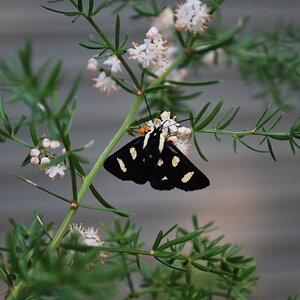
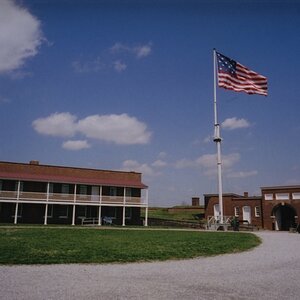
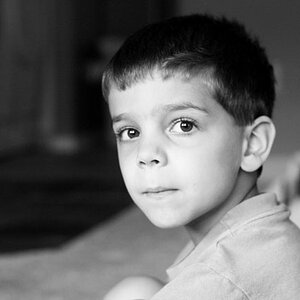
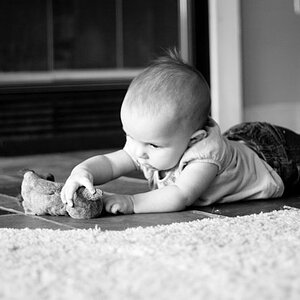
Went out and found a old shack or something and walked around it shooting various things. Working on comp mostly, and a few blurs, as well as manual focusing. I did learn that it seems to be easier to get the blur you want when manual focusing.
I used the B&W settings in the camera instead of post processing. I didn't really do much, occasional level adjust here and there, otherwise left pretty much as is so I can get good feedback on my actual picture taking vs editing. There are quite a few to look at so I resized them all for easier uploading etc.
Kinda wondering if anything worked, plus my eagerness to get out of the house and shoot something kinda got me out too early, was still quite bright out, but sunset is almost here, yay...
I think the blur in the ones where the wheat piece is in focus kinda gives me a headache...too much blur?
Thanks ahead of time.
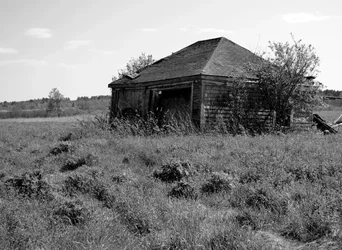
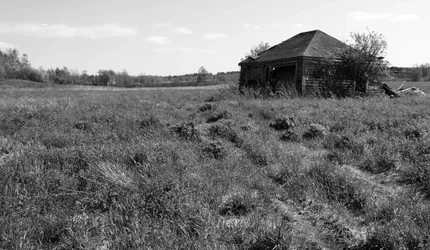
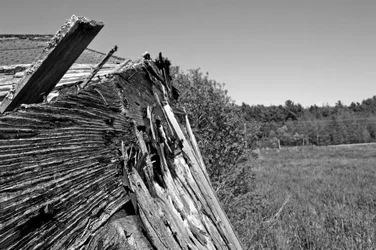
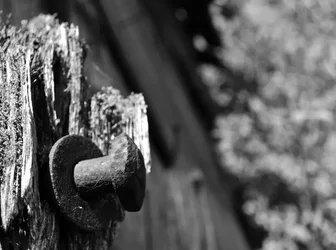
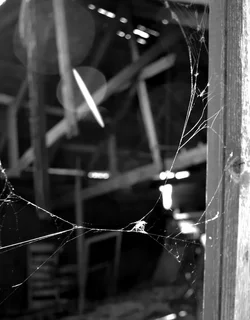
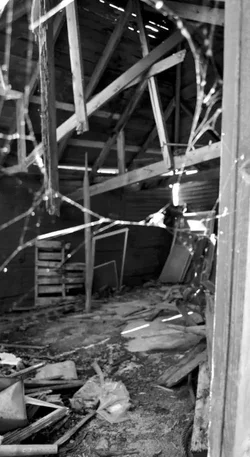
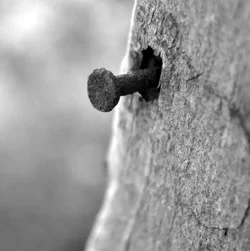
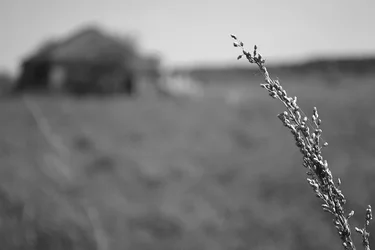
I used the B&W settings in the camera instead of post processing. I didn't really do much, occasional level adjust here and there, otherwise left pretty much as is so I can get good feedback on my actual picture taking vs editing. There are quite a few to look at so I resized them all for easier uploading etc.
Kinda wondering if anything worked, plus my eagerness to get out of the house and shoot something kinda got me out too early, was still quite bright out, but sunset is almost here, yay...
I think the blur in the ones where the wheat piece is in focus kinda gives me a headache...too much blur?
Thanks ahead of time.



![[No title]](/data/xfmg/thumbnail/35/35262-02f8eba4a2a92dbae0b55547bba80b4f.jpg?1734166920)
![[No title]](/data/xfmg/thumbnail/33/33023-51777cffdd160249e68e593d19942418.jpg?1734163011)