What's new

An old look...

BoblyBill

TPF Noob!
Joined
Oct 30, 2006
Messages
2,860
Reaction score
41
Location
in the eye of a tornado
Can others edit my Photos
Photos OK to edit
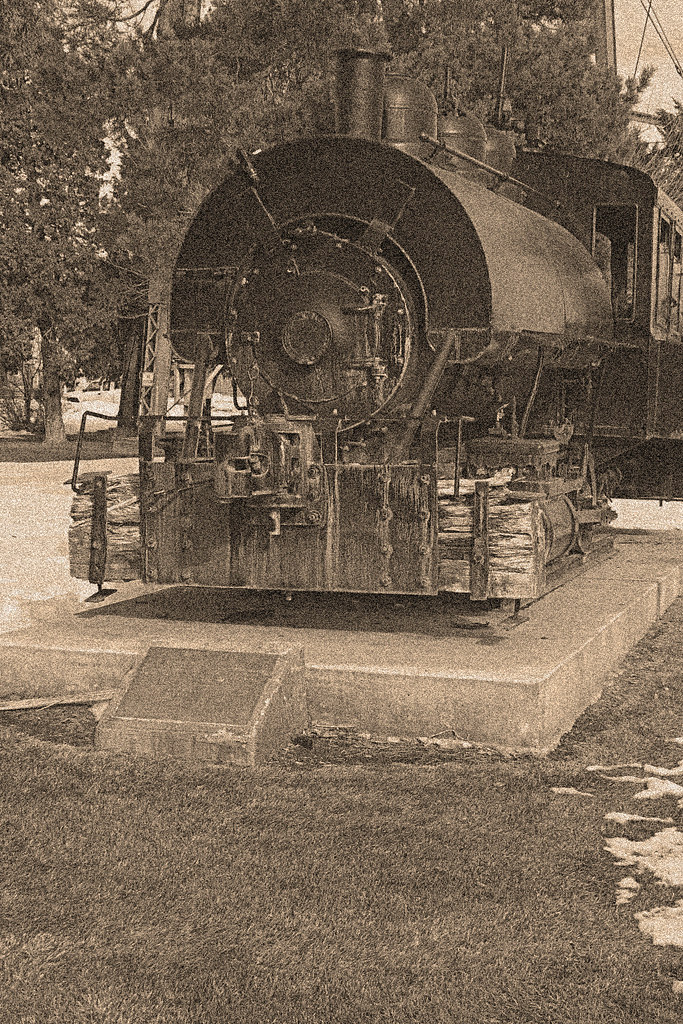
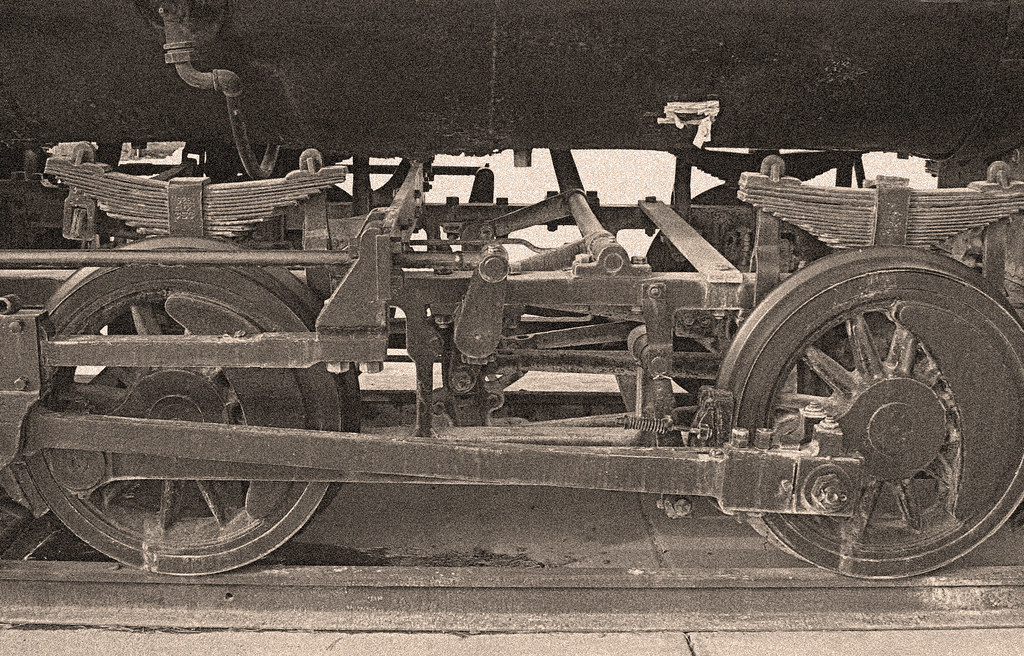
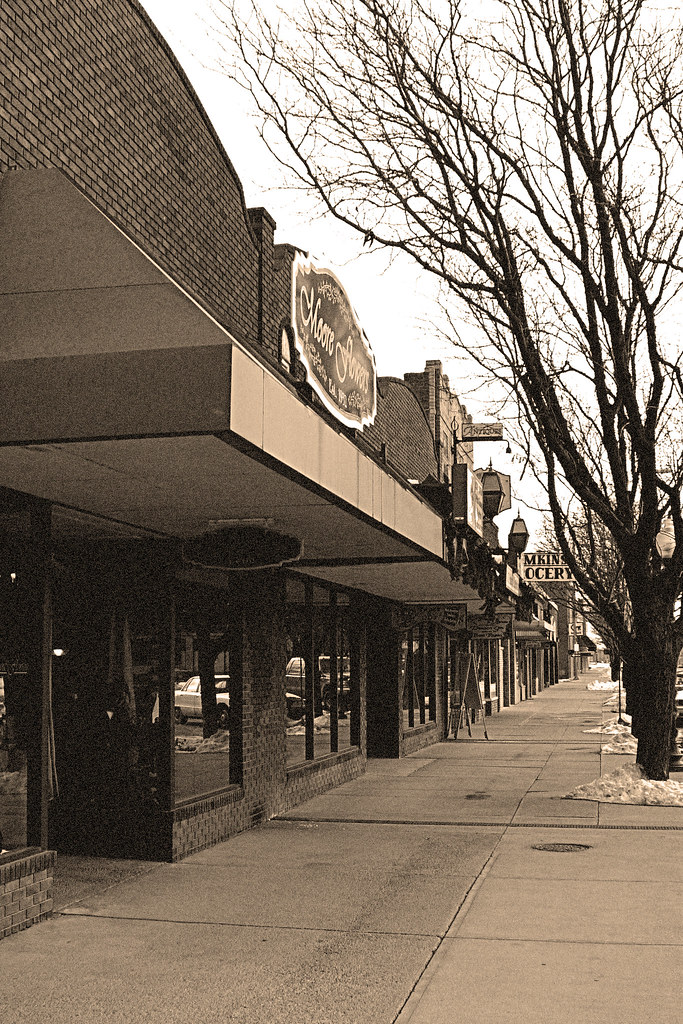
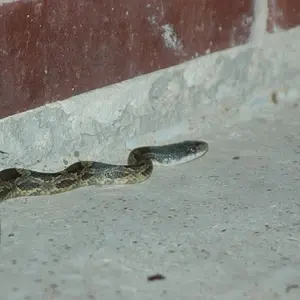
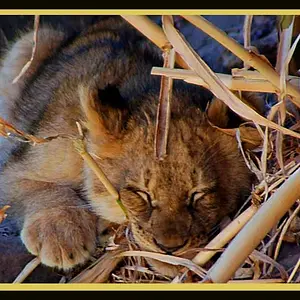
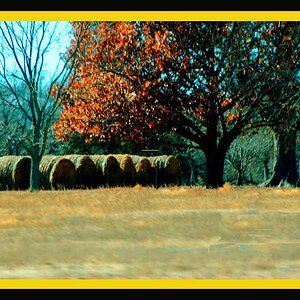
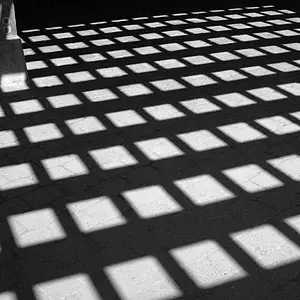
I enjoyed taking these over my lunch break yesterday... I edited them to make them look older... How did I do?

1.
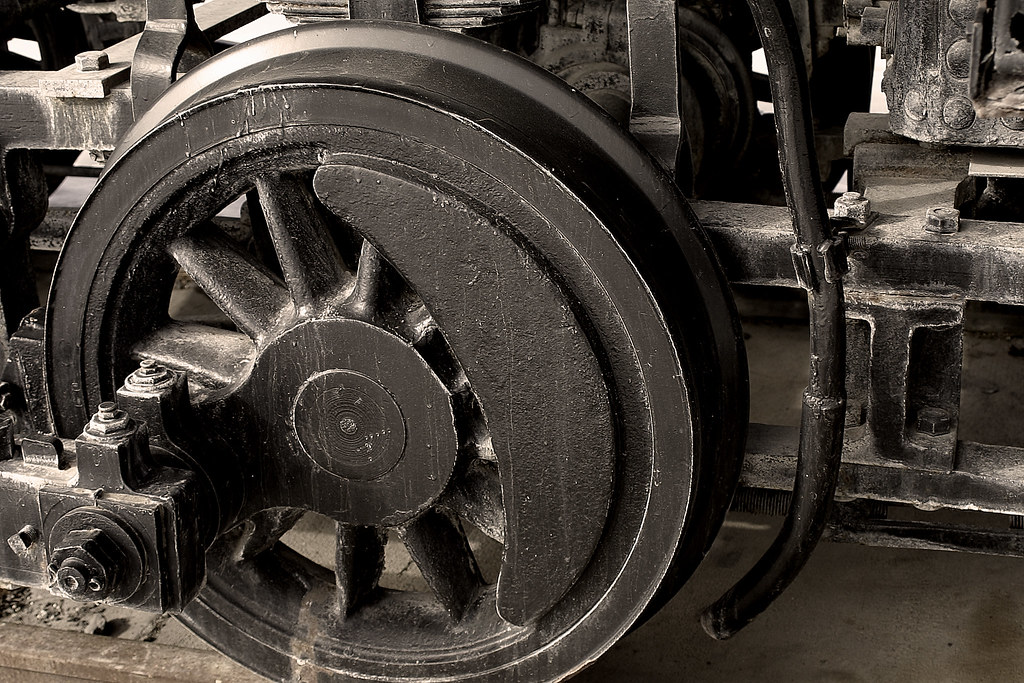
355365543_4c6e353a6c_b.jpg


2.
355355458_09a6c044f1_b.jpg


3.
355341165_b423a9cdc6_b.jpg


4.
355348213_fcac4be83c_b.jpg


What do you all think... I know they aren't the coolest subjects but they are a little bit different in the way they were edited...
 
I think you may have added a bit too much noise. For an old look, try using some grunge/scratch type brushes. Look up some palettes or find out how to make your own.

I think the look is cool, but some scratches will make it look more like an old, weathered picture (a quick search for "photoshop old photo tutorial" on google got some good results).
 
I like 2 and 3 you could fool me they were taken in 1923 :)
 
I think you may have added a bit too much noise. For an old look, try using some grunge/scratch type brushes. Look up some palettes or find out how to make your own.

I think the look is cool, but some scratches will make it look more like an old, weathered picture (a quick search for "photoshop old photo tutorial" on google got some good results).


Thanks I'll take a look... I wonder if Photoshop Elements 5.0 has some stuff that I can download.

Ab$olut said:
I like 2 and 3 you could fool me they were taken in 1923 :)

Thanks... that's the idea I was going for...
 
The photos are too sharp to begin with to look really that old, I think, and the added (very sharp ;)!) noise does not bring about the feeling of "old". But the subject as such, and the sepia toning you gave these, is good. I like it a lot.

I also like the view down the street, but the reflection of the one car in the window gives it all away ;) ;) ;).
 
The photos are too sharp to begin with to look really that old, I think, and the added (very sharp ;)!) noise does not bring about the feeling of "old". But the subject as such, and the sepia toning you gave these, is good. I like it a lot.

I also like the view down the street, but the reflection of the one car in the window gives it all away ;) ;) ;).

I didn't even notice that car!

But I'm sure you can fix the sharpness problem by applying a (very slight) gaussian blur in Photoshop.
 
The photos are too sharp to begin with to look really that old, I think, and the added (very sharp ;)!) noise does not bring about the feeling of "old". But the subject as such, and the sepia toning you gave these, is good. I like it a lot.

I also like the view down the street, but the reflection of the one car in the window gives it all away ;) ;) ;).

I know the car gives it away... but I was to lazy to do all that cloning... I tried to find an angle that would exclude all of that... I didn't have my polarizer with me or I would have seen if I could get most of the reflection out. I agree the noise if very sharp... I can't seem to get it any bigger are more random. I'll see if I can do that tonight.

///Matt said:
I think 1 looks awesome.

Thank you Matt... that one is my favorate of the series even though it is probably the one that looks the least old.

Peacemaker636 said:
I didn't even notice that car!

But I'm sure you can fix the sharpness problem by applying a (very slight) gaussian blur in Photoshop.

LaPhoto has a great eye... You would have to be really good to put one over LaPhoto...
 

Create an account or login to comment

You must be a member in order to leave a comment

Create account

Create an account on our community. It's easy!

Log in

Already have an account? Log in here.

New Topics

Back
Top Bottom