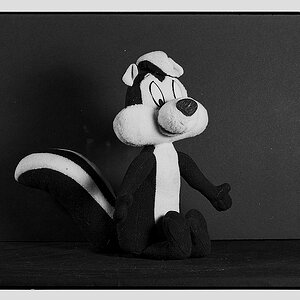
Here's my 2 minutes... perhaps the quality would have been better had I used the original image, and not dragged the thumbnail onto the Photoshop icon...
TBH, it's a bit of a mess, and the detail isn't all that good, the white and black levels are blown out but, hey what do i know...at least it doesn't look HDR...
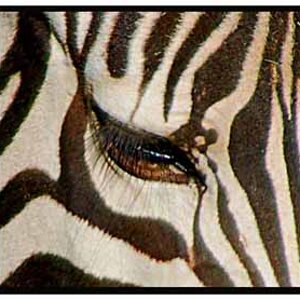
Yeah, perhaps I'm a bit used to RAW processing. I tried to bring up the highlights a bit, and sharpen the details in the face, increased local contrast and went for a more Black-and-White than grayscale. In doing so, it looks like a lot of detail was lost in the face. Then again, the original .jpg looked soft to me, so perhaps this was the result of trying to bring detail out of no detail to begin with.




![[No title]](/data/xfmg/thumbnail/36/36643-92fe0dd9e247722bfefe299cd8a549f5.jpg?1734169157)
![[No title]](/data/xfmg/thumbnail/32/32705-430f9656769ce9d03c57fbe11537d5f5.jpg?1734162282)