Hi,
I use PSE (Photoshop Elements) 8 - cheap, and more power than I can handle at the moment..

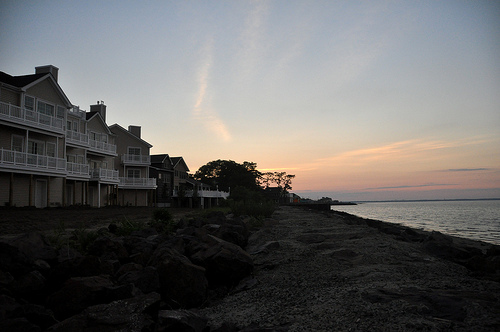
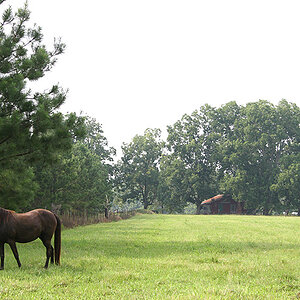
I loaded your picture, cropped it, then under "Enhance" I clicked on "Adjust lighting" then "Shadows/Highlights". Moving the Lighten Shadows" slider to the right lightens up all the dark areas (within the limits of the image, of course!). I also ran up the "midtone contrast" a little, though I notice I overdid it a bit because there is a little "glow" over the trees the sun is hiding behind..
If you don't have Elements, you will want it or something like it eventually - I understand that there are other good, inexpensive editors, tho I think that Elements is the 900-pound gorilla of that world, at least for Windows. I suspect there are similar controls in all of them.
Whatever you have or get, consider buying a book for it as well, as NONE of them seem to come with a decent manual. I bought one of the "Missing Manual" series for Elements, and it lived next to the throne for a while so I would read it every chance I got..

Then pick some photos and play with them - as long as you don't forget to NOT overwrite your original, you can't hurt anything. :mrgreen:
Hartley