mikedadude
TPF Noob!
- Joined
- Nov 22, 2009
- Messages
- 32
- Reaction score
- 0
- Location
- UK
- Can others edit my Photos
- Photos OK to edit
Hey,
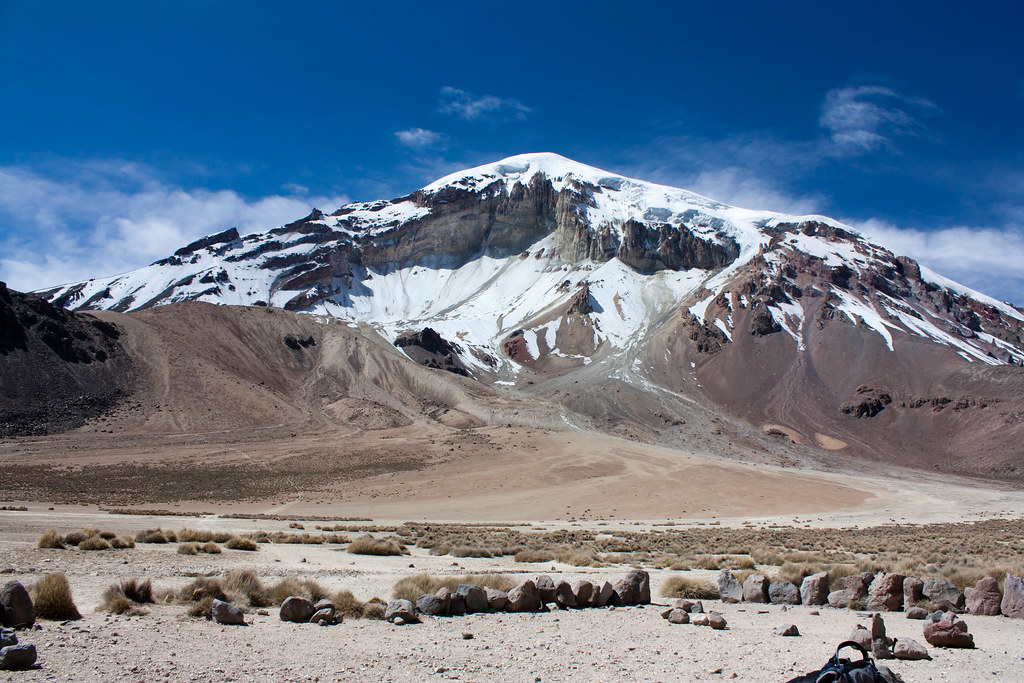
I've played around with this a little in lightroom.. I just used the auto b&w function to make it b&w. Original was shot in RAW. I personally like it... the only negative I can find is the bag at the bottom is perhaps a bit distracting but that's easily cropped out. Also, do you think its suitable to be put on a canvas or something of that sort? Thanks in advance!
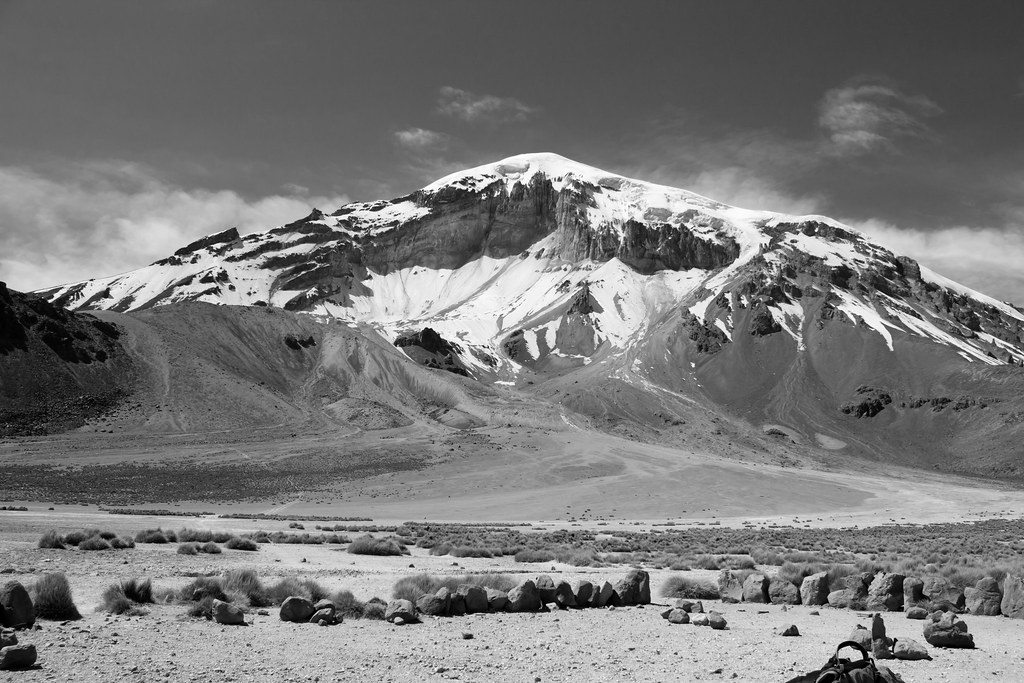
I've played around with this a little in lightroom.. I just used the auto b&w function to make it b&w. Original was shot in RAW. I personally like it... the only negative I can find is the bag at the bottom is perhaps a bit distracting but that's easily cropped out. Also, do you think its suitable to be put on a canvas or something of that sort? Thanks in advance!





![[No title]](/data/xfmg/thumbnail/34/34147-1d3c1583c083bc674df087f4aa2ec7cb.jpg?1734164731)
![[No title]](/data/xfmg/thumbnail/34/34144-52e7a5d3e3908ae808afeabfe86fffdc.jpg?1734164722)