What's new

C&C Please

cfeldman10

TPF Noob!
Joined
Jan 19, 2010
Messages
39
Reaction score
2
Location
Canada
Can others edit my Photos
Photos NOT OK to edit
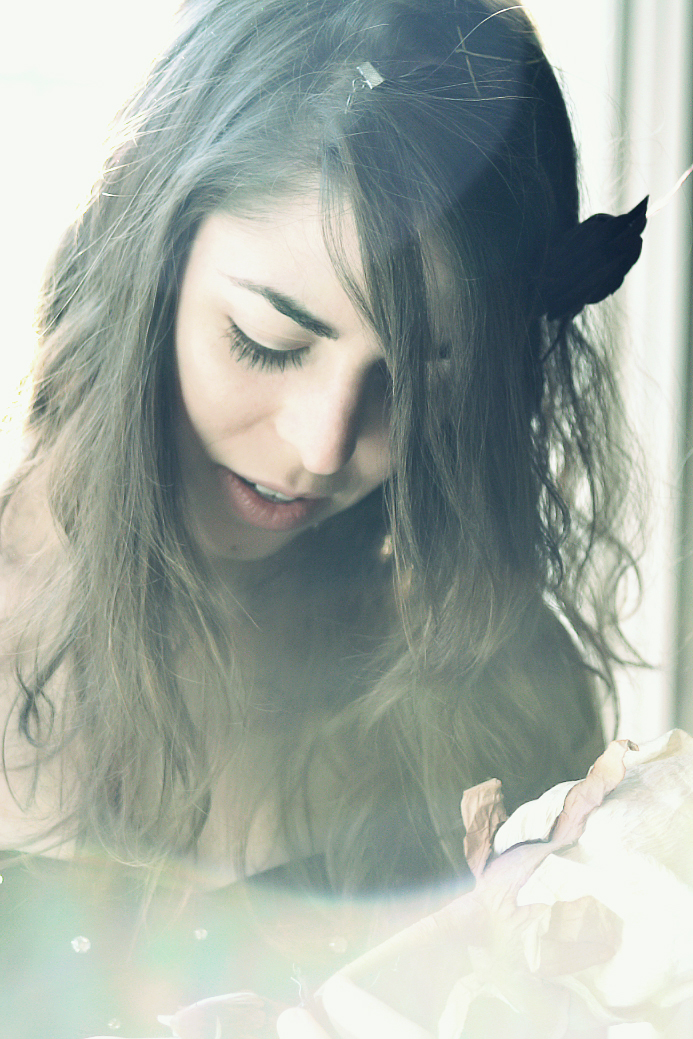
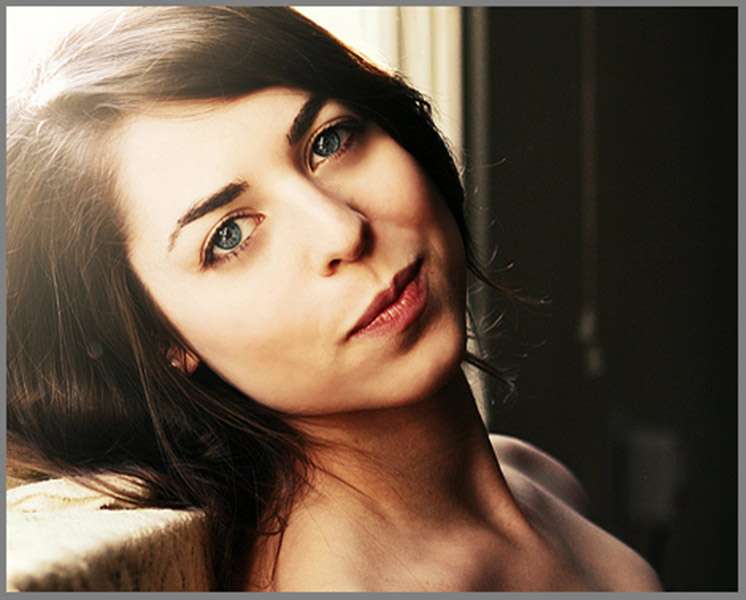
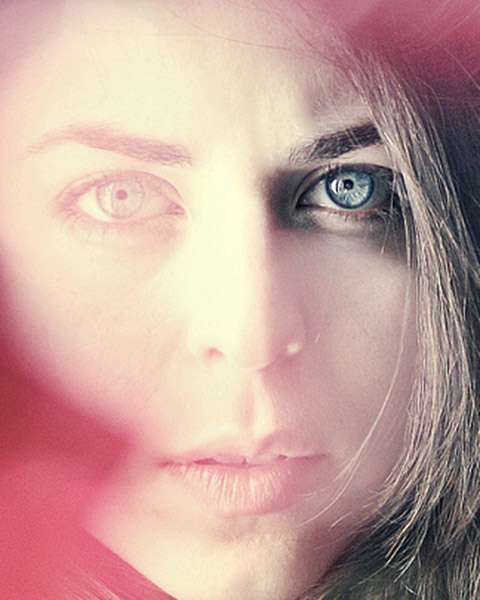
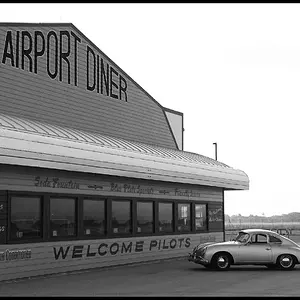
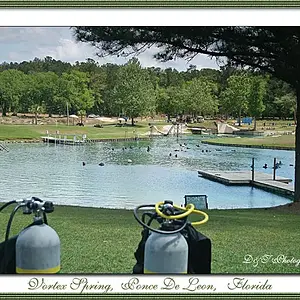
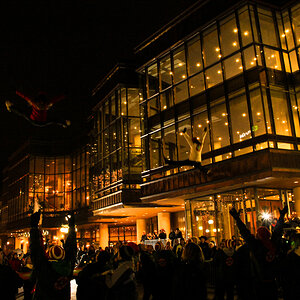
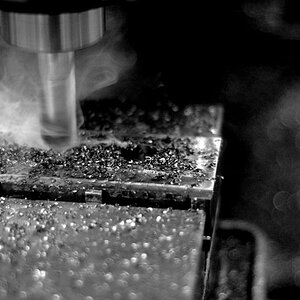
Hello! I've been spending more time shooting lately and also re-visiting older photos (experimenting with new colour choices in post). Wanted to get some comments and critiques about a some photos:
ps. this is my first time posting outside of the beginners forum. Not sure where I belong exactly

5802498051_35111f5bfe_z.jpg


5794831174_ef9b599411_z.jpg


5794050031_722b2207a1_z.jpg


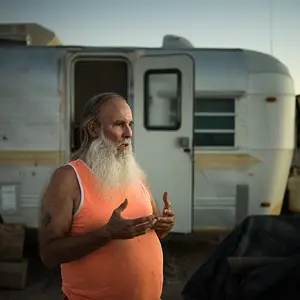
ray_by_annefeldman-d3i8wjc.jpg
 
Wrong forum section.

Graphics Programs and Photo Gallery

A place to show off your post processing skills, with explanations on how you achieved the results, including specialty images such as HDR. Share information and techniques using Adobe's Photoshop and other popular graphics software.
 
Number 3 and 4 are quite interesting and, imo, would be quite a bit stronger if they were more closely cropped.
In both of these, you are showing so much of the 'technique'y part that it loses its mystery.
In both these cases, less is more.

ll5794050031722b2207a1z.jpg


ll5794831174ef9b599411z.jpg


Number 1 and 4 don't seem like more than mistakes (sorry), there isn't enough there to make it a technique or a style
 
^ agree with above, i think #3, 4 are the more interesting of the four.
 
Thanks for the comments. 1 was a part of a series I shot for my film photography class (the assignment was to shoot a self portrait). I thought that shot was the only one that could work alone and not in the series, but I guess it's not great.

What do you mean by "the technique-y part" ???
 
These look like photoshop gimmics and amateurish, sorry
 
These look like photoshop gimmics and amateurish, sorry

You can say amateur, fine, I'm still learning. But photoshop gimmicks?
The first photo is FILM and was not touched one bit in photoshop! The rest of them - yeah I changed some colours in photoshop, but the light hasn't been changed. With the exception of the first photo, they were shot on one really really bright day. I'd really love to show you the originals.
 
I like 2 and three as well, and am partial to Travelers crops, especially on 3.

I do like 4. It has an airy dreamy look to it.

I wouldn't mind seeing the originals, myself. Just for comparison.

The first just has no impact for me, no story, no emotion....

Try not to be defensive with comments like the "gimmicky" one, because you didnt provide enough information for us to know what was goin on, especially when you ar telling us you were doing post work. I mean, I really wish I WAS a mind reader. :sexywink:
 
Oh I have to make a correction. The first photo is slightly altered...the blue tones were totally accidental and were added to the image by my scanner while scanning the pictures. I liked it so I didn't take it out.

Just for fun, I uploaded one of the originals:

2s7xa3c.jpg


Also, here's some from the series of the first photo. I don't know if this works better or not... but would love to hear thought

5810135842_9723f5deef_z.jpg

5802989125_5762d4a1d0_z.jpg

5802498051_35111f5bfe_z.jpg
 
Honestly, if my lens acted up as bad as that when a bright light was in the frame, I would do my best to make sure that I didn't have any bright lights in the frame...not shoot an entire series. I'm glad you told us it was a self portrait, you look like a beautiful woman...it's just difficult to tell with all the detail and contrast destroyed by lens flare. In my opinion, lens flare for the sake of lens flare is not artistic, it's just poor photography, and yes, a bit gimmicky.
 
Thank you for the feedback. I understand that in my original post the last photo had lens flare, but I'm just confused as to where you see lens flare in the black and white series.
 
I'm confused as to which pictures you don't see lens flare in? You're not talking about the images in post #9 are you?
 
I'm confused as to which pictures you don't see lens flare in? You're not talking about the images in post #9 are you?

haha well I obviously see it in the first image, but the rest of them certainly don't look like lens flares to me... in those pictures im shooting into a mirror. The edge of my mirror is slightly curved, so that's why the double image is there. The white spots are light sources in the background... a really harsh desk lamp, a bedside lamp, and the hanging from the ceiling. There's also a mirror behind me so some of that light is reflected.
 
Ok, from your OP, in the second image you posted, do you see that big dot that covers the top 1/3 of the picture? That is lens flare. In the third, that might not technically be lens flare, but the overexposure from the bright light at the top left of the frame bleeds into the rest of the picture and causes a loss of contrast. In the fourth picture, again, the big dot on the top third of the frame.

From post #9, the first you had already posted, and the big dot at the top center is again evident. For the 2nd, 3rd, and 4th, if you don't want to call it lens flare, then I guess it would be way over exposed. Perhaps, your images are just too artistic for me. If you enjoy them that is all that matters.
 
no I definitely agree with you that they're over exposed, I just really liked the overall look of them. In terms of the photo with the window with the light leaking and diminishing detail, that's actually my doing. In PS I had brightened up that part of the frame. Again, I liked the look of it, however the detail also depends on the monitor you're using. on my mac there is still detail in the highlights, but on my second monitor it looks just white. But thanks for taking the time to give me feedback. greatly appreciated :)
 

Create an account or login to comment

You must be a member in order to leave a comment

Create account

Create an account on our community. It's easy!

Log in

Already have an account? Log in here.

Back
Top Bottom