What's new

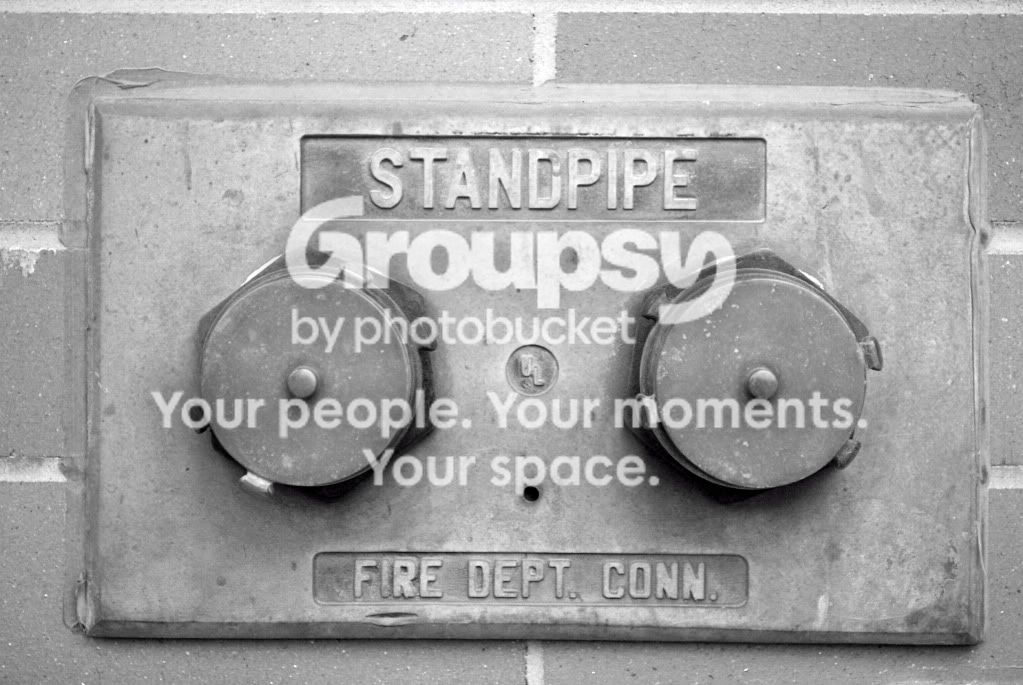
Converted to monochrome in Elements 6

coreduo

TPF Noob!
Joined
May 4, 2009
Messages
329
Reaction score
0
infrared1-1.jpg
 
reminds me of an ex-girlfriend....

are you just posting this for us to see? do you want people to C&C? anything?

p!nK
 
  • Thread Starter 🔹
  • Banned
  • #3
if i were thinking the way you do with reminding your ex-...it's funny. .. Ok, C& C too
 
  • Thread Starter 🔹
  • Banned
  • #4
Whatever don't post it. If I got you wrong, sorry. But there is a law on 'lasciviousness...I deeply apologize if I were wrong...green minds are common among boys...
 
Its crooked and rather boring. For a monochrome there isn't really enough depth to it. In terms of the gradation of the grayscale (not sure if this is the right term ) it is rather flat. Needs different lighting I think. What software did you use for the conversion?
 
  • Thread Starter 🔹
  • Banned
  • #6
Photoshop Elements 6. Mind editing it for me to fix the crookedness.
 
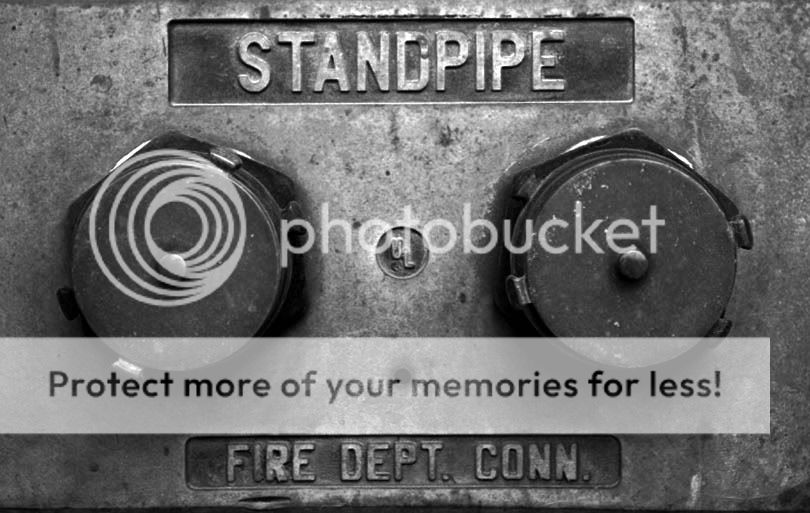
Here is a quick edit. Still might be a little off, but I was in a hurry. I also adjusted the B&W slightly.


Edit.jpg
 
I notice the brickwork was straight but it looks like the fire department installed the facia crooked.

So to me the brickwork should be straight and the standpipe facia left as it is, since by being crooked it lends a storyline to the image.

Coreduo, you're getting better! :thumbup: Keep at it.

 

Create an account or login to comment

You must be a member in order to leave a comment

Create account

Create an account on our community. It's easy!

Log in

Already have an account? Log in here.

New Topics

Back
Top Bottom