Hi,
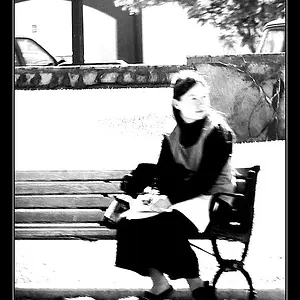
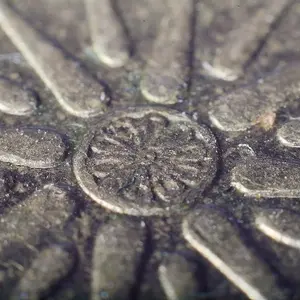
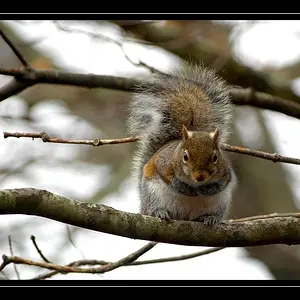
I've created a designer toy, a Forever Alone figure, and is attempting to take the promo shots myself using the Nikon L120. Any advice or tips on achieving the looks in the photo below in photoshop?
http://i52.tinypic.com/jgirnq.jpg
http://i54.tinypic.com/4icmd.jpg
http://i51.tinypic.com/2emg7pu.jpg
In addition, for one of the promo shots, I'm trying to replicate this scene: http://i54.tinypic.com/25tu3ye.png
I have the figure head and a miniature office chair. What's the cheapest way I can do the bright screen, hand and mouse?
I've created a designer toy, a Forever Alone figure, and is attempting to take the promo shots myself using the Nikon L120. Any advice or tips on achieving the looks in the photo below in photoshop?
http://i52.tinypic.com/jgirnq.jpg
http://i54.tinypic.com/4icmd.jpg
http://i51.tinypic.com/2emg7pu.jpg
In addition, for one of the promo shots, I'm trying to replicate this scene: http://i54.tinypic.com/25tu3ye.png
I have the figure head and a miniature office chair. What's the cheapest way I can do the bright screen, hand and mouse?


![[No title]](/data/xfmg/thumbnail/37/37128-189b79232a3c6bf0c2c530e4eea0b8cd.jpg?1734169834)
![[No title]](/data/xfmg/thumbnail/41/41821-2e92de82ffc4cd2d520a8fa10fb8b6a5.jpg?1734176138)