Thanks all!
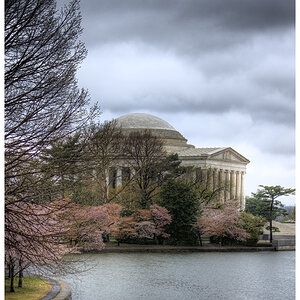
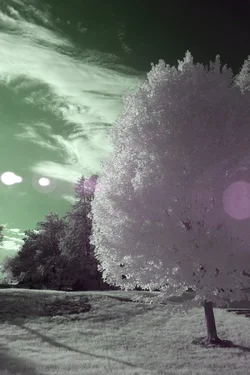
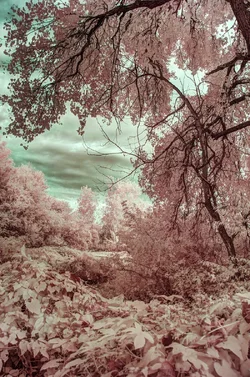
Great shots! I like all except the third. How did you process the sky in one and four? Channel mixer?
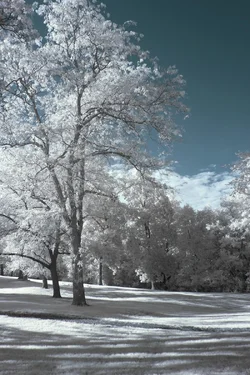
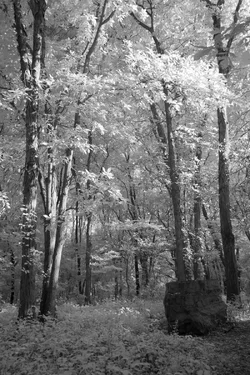
I have a filter that lets in a little bit of visible light as well as infrared. Just enough to give me a little color to hook into in post processing. Then:
1) white balance until the color in the image is split across red/cyan boundaries distinctly
2) saturate a bit usually
3) Do whatever you want now with channels or colors. There are lots of ways to do the same thing. Just ctrl-U menu and slide the hue slider to do the same thing as channel swapping but much faster (and many more in between options). Or slightly more powerful but much more tedious channel mixing (and usually people don't take advantage of the extra power anyway). Or if you want to choose two colors that are not phase-locked to each other the same way, just choose one of the colors (like cyan only) in the saturation drop down at the top, and then change only the hue for that.
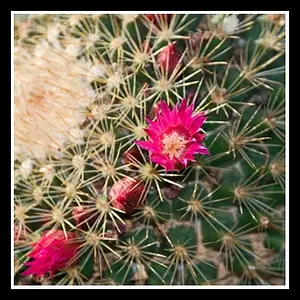
For #1, I just chose reds alone using that dropdown menu, and lowered saturation to zero to make the leaves white instead of slightly pinkish/orange, etc. which is also an option.





![[No title]](/data/xfmg/thumbnail/35/35969-b6f009f356cac5fdbffb0729bddb9e25.jpg?1734167857)