Desi
No longer a newbie, moving up!
- Joined
- Sep 28, 2011
- Messages
- 832
- Reaction score
- 378
- Location
- Los Angeles
- Can others edit my Photos
- Photos OK to edit
I hope you don't mind, I downloaded these and tried a few edits on my computer. Most of this you can do with simple editing software. I use light-room, but you could do this with iPhoto as well. Do you have any editing software?
The fuzziness may be from shooting in macro mode.
1. I agree, the flower does flow nicely. Overall, it seems a but dark and lifeless. I increased the exposure and added some contrast. I think you could have backed out a bit more to show the tips of the petals. Your horizon is a bit tilted (look at the chimney, it leans) but that's not much of an issue. The background is a bit distracting. I like the green and blue but not so much the brick. Think as if you were painting it and try to place objects in your background that you actually want there.
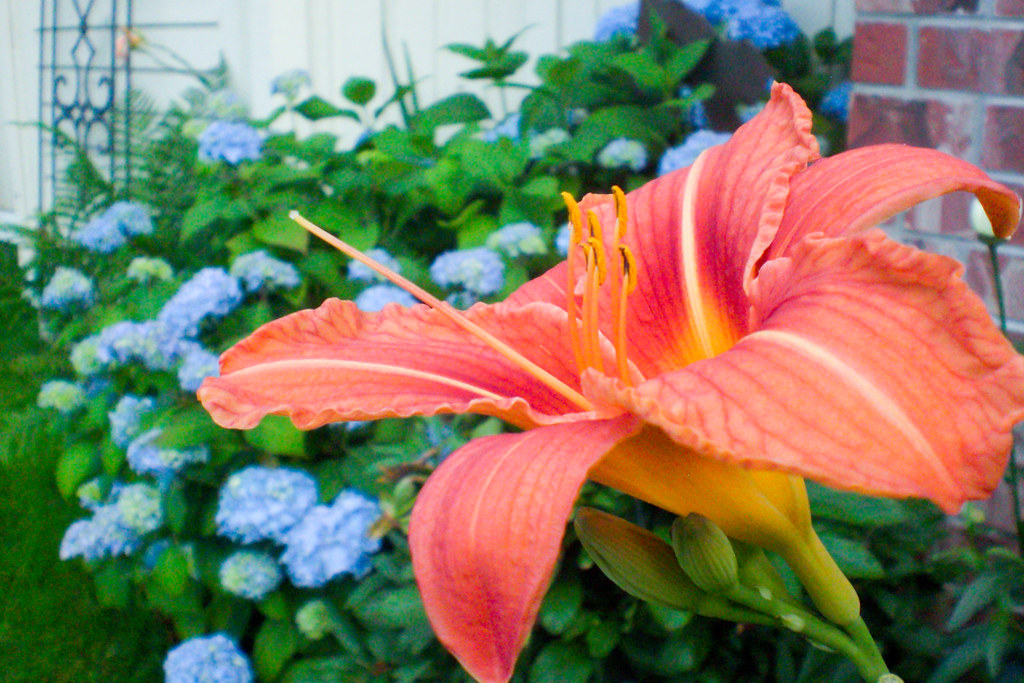
TPFeditforSunset3 by Javier Descalzi, on Flickr
I tried a close-up. I put the stamen in the upper-left third. Notice the way the stem point in that direction to give it added.emphasis.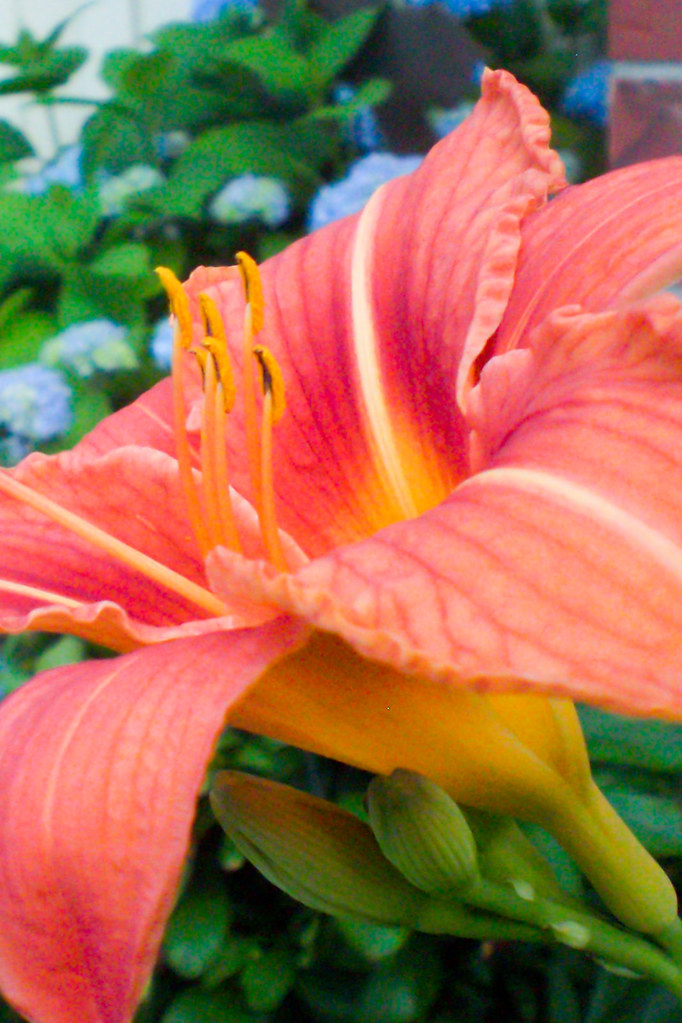
TPFeditforSunset2 by Javier Descalzi, on Flickr
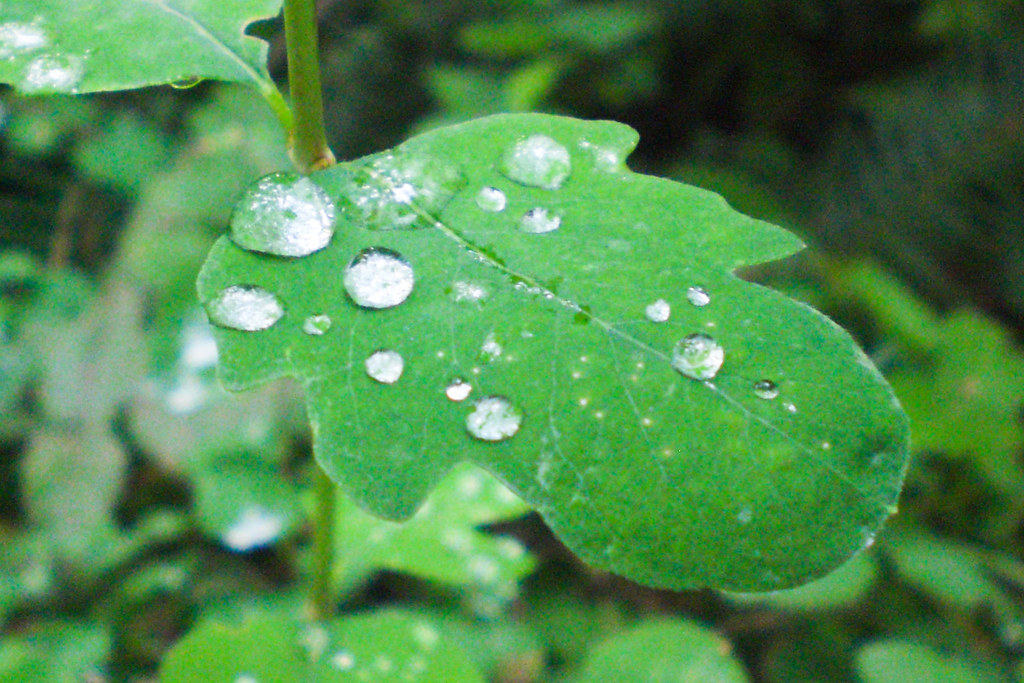
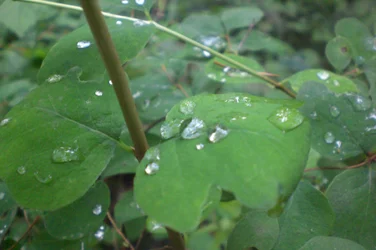
2. I like what you were going for. The background is a bit busy and of similar tone/color to the subject. Love the droplets. Here's my crop. Mostly just added contrast to brighten the subject and darken the background.
TPFeditforSunset4 by Javier Descalzi, on Flickr
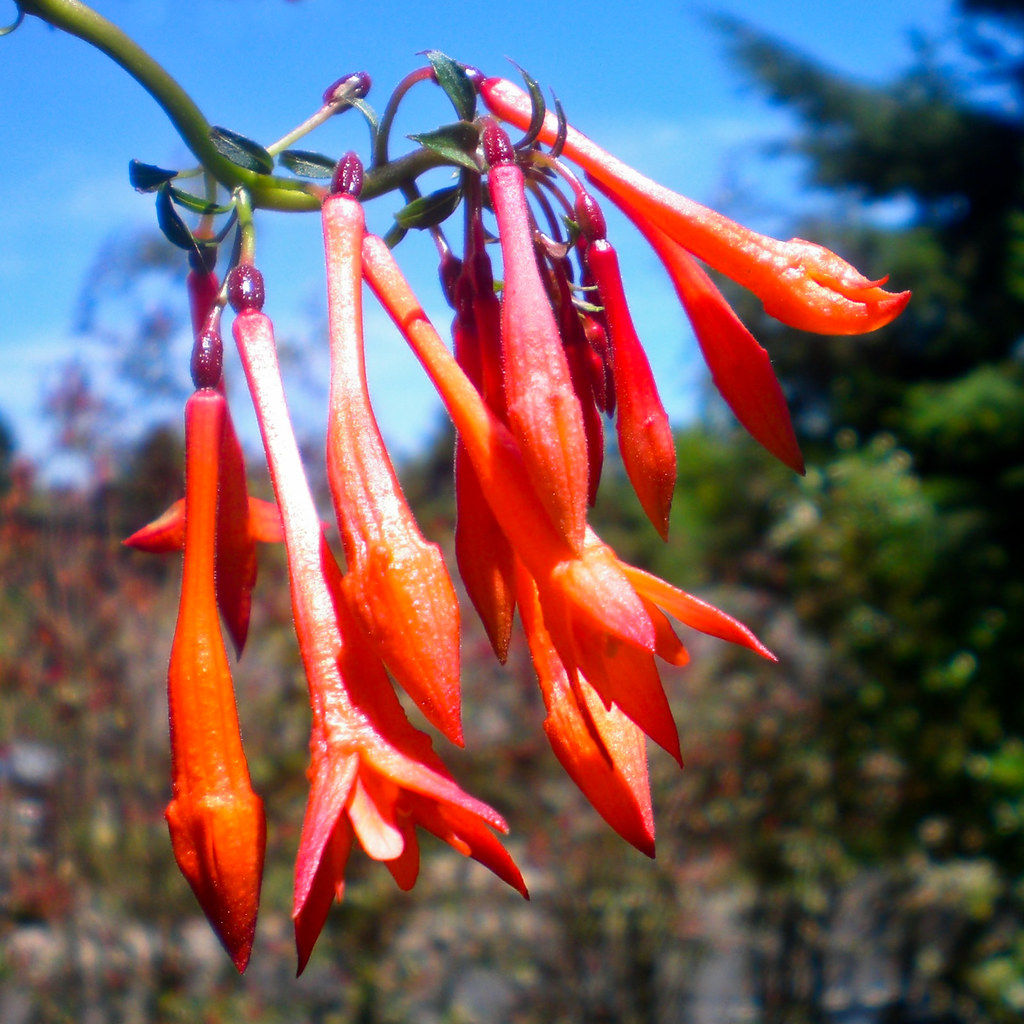
3. An edit on your prior post. Just a crop.
TPFeditforSunset1 by Javier Descalzi, on Flickr
Your pictures #4 and 5. I prefer the second. In the first, you have a split scene where the path is almost as important as the plant. It leads your eye away but not to the subject. It is a "leading line" which can be used to point to your subject. In the second image, you showed more of the subject and the path became less a distraction.
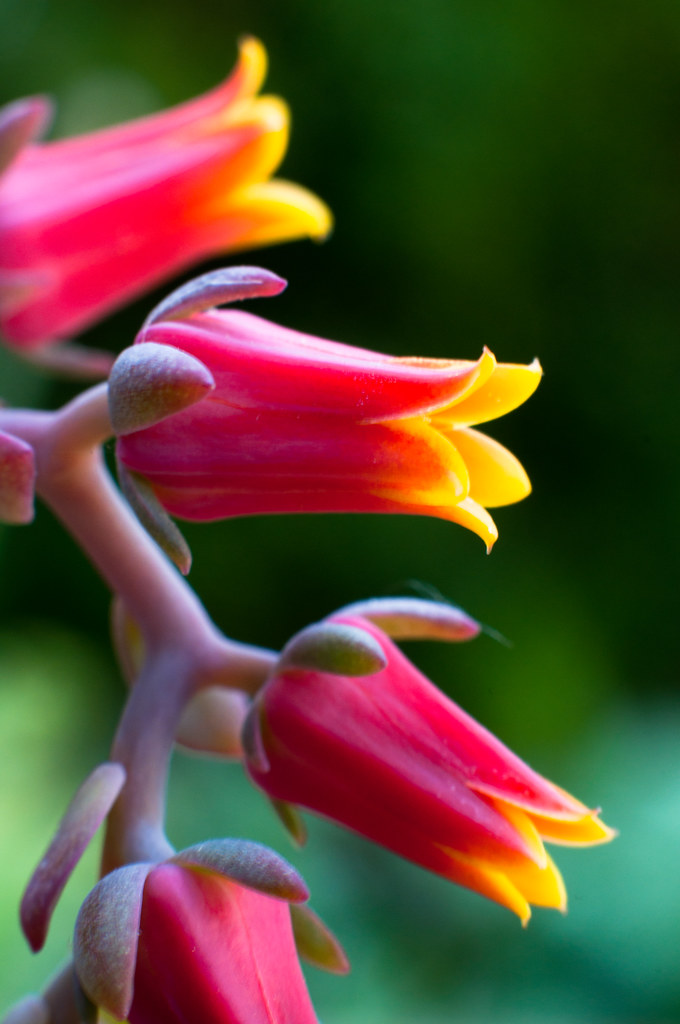
And, since we are having a conversation, here's a recent shot of mine. As I said, I am just learning as well. I hardly ever get out to take pictures of flowers, so I've been enjoying playing with yours.
DSC_0305 by Javier Descalzi, on Flickr
The fuzziness may be from shooting in macro mode.
1. I agree, the flower does flow nicely. Overall, it seems a but dark and lifeless. I increased the exposure and added some contrast. I think you could have backed out a bit more to show the tips of the petals. Your horizon is a bit tilted (look at the chimney, it leans) but that's not much of an issue. The background is a bit distracting. I like the green and blue but not so much the brick. Think as if you were painting it and try to place objects in your background that you actually want there.
TPFeditforSunset3 by Javier Descalzi, on Flickr
I tried a close-up. I put the stamen in the upper-left third. Notice the way the stem point in that direction to give it added.emphasis.
TPFeditforSunset2 by Javier Descalzi, on Flickr
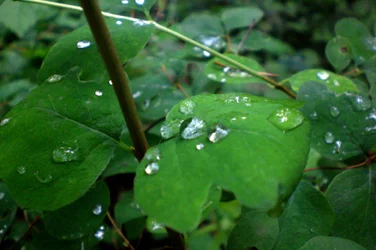
2. I like what you were going for. The background is a bit busy and of similar tone/color to the subject. Love the droplets. Here's my crop. Mostly just added contrast to brighten the subject and darken the background.
TPFeditforSunset4 by Javier Descalzi, on Flickr
3. An edit on your prior post. Just a crop.
TPFeditforSunset1 by Javier Descalzi, on Flickr
Your pictures #4 and 5. I prefer the second. In the first, you have a split scene where the path is almost as important as the plant. It leads your eye away but not to the subject. It is a "leading line" which can be used to point to your subject. In the second image, you showed more of the subject and the path became less a distraction.
And, since we are having a conversation, here's a recent shot of mine. As I said, I am just learning as well. I hardly ever get out to take pictures of flowers, so I've been enjoying playing with yours.
DSC_0305 by Javier Descalzi, on Flickr



![[No title]](/data/xfmg/thumbnail/34/34070-2a43e701f983f62ada1c66a54d00be4e.jpg?1734164507)