Thanks WesternGuy and Radical.
WesternGuy,
Here are some of the details of the photos.
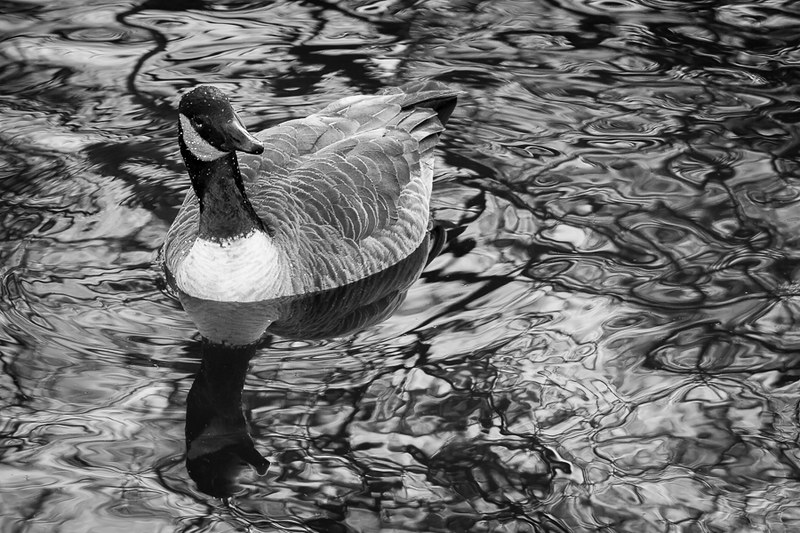
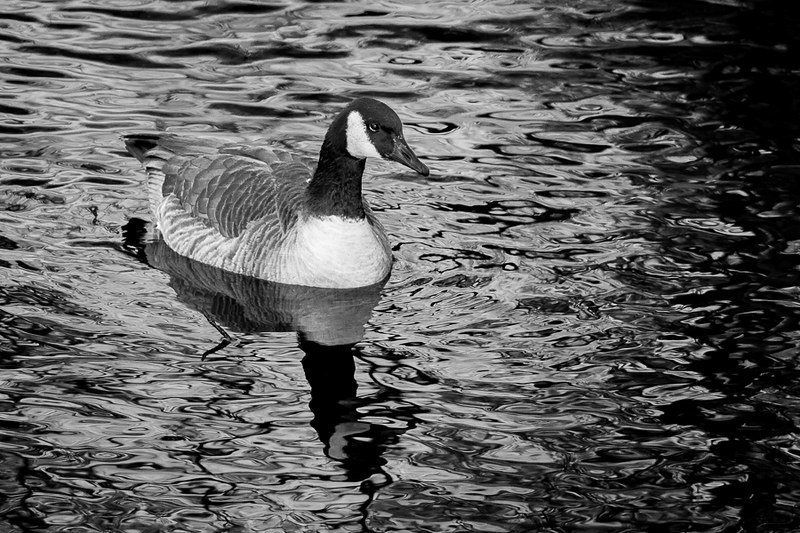
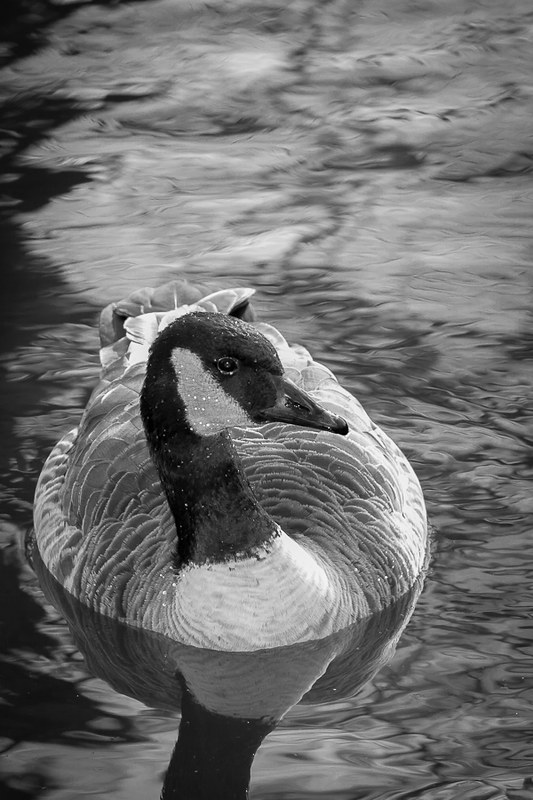
All taken on a cloudy day (kind of cold). 7D with 70-200mm f/4 @f/5.6, ISO320. #1 & 2 are shot in 1/250 (@ max flash sync speed) while the #1 is 1/200. Flash fired on all photos. (Tried to add a little catch light in their eyes and bring some details on the shadow)
POST on all of them were done with LR4.
- Crop
- Exposure adjustment (most of the shots were shot slightly overexposed)
- Hit the BW to convert it to black and white
- Adjust highlight/white level so bring more texture(details) back in the white part of the goose
- Adjust shadow/black level to bring more texture (detail) back in the black part of the goose.
- Under the BW section in LR, adjust the individual color channel to bring more contrast in some area (especially water in #1). The overall adjustment in the color channels were just based on my personal preference. I adjusted them and found the look I prefer. In BW, I often like more contrast look.
- Sharpening and noise reduction.
- A little artificial vignetting.
At the end, export them to jpegs (with size adjustment).




![[No title]](/data/xfmg/thumbnail/42/42486-757c2978c4ecfb0e9dbfca10a0e2d240.jpg?1734177008)

![[No title]](/data/xfmg/thumbnail/42/42459-a7a996b715ff4999d07738140fdd0fe3.jpg?1734176996)