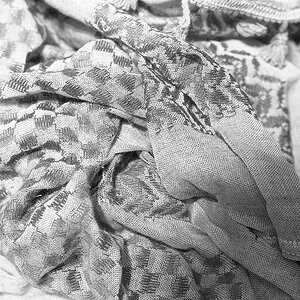
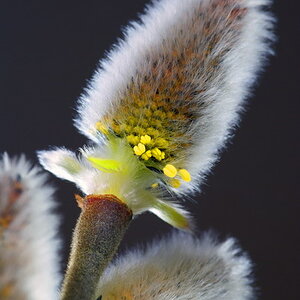
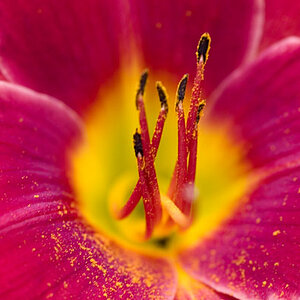
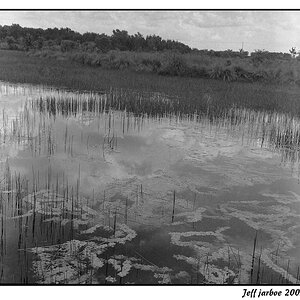
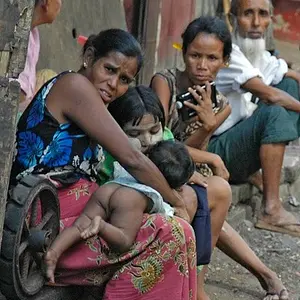
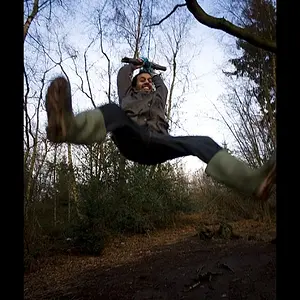
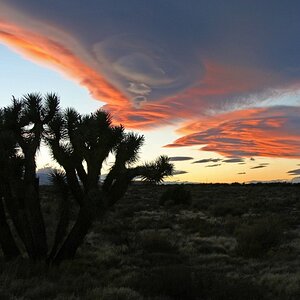
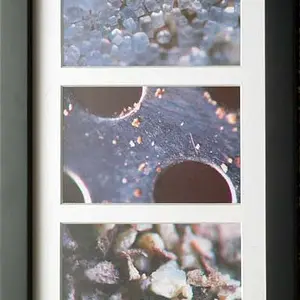
See all that flat space off on the left? That's where "black" is supposed to go, but it's not there. It's up about 20% of the way into the histogram. The middle one even has a handy spike of Crap piled up against the top of the graph, showing that the whole thing has been shoved to the right, with pixels falling off the end. The other two aren't as clear, I will admit, but if you look at the third photo you can see a small section of blown out white stuff (the paper wrapped, it is?) but the histogram as well as some sampling of the image shows no decent blacks at all to go with the blown out whites. (out of context, THAT would sound incredibly sketchy, eh?)
The first one, well, it might as well be a grey card, really. It "feels" the same as the others, but there aren't any smoking guns.
The histogram isn't the whole story -- if you have a small amount of white whites, or whatever, it won't really show up on the histogram very much, but the fact that they're present at all tells you that the lens and camera can produce that value. If the histogram suggests there's nothing in a range of values, you still should poke around and see if you can turn up a few pixels of that value to confirm. I can find whites, I can't find blacks.
Make sense?
I'd say that the lens was producing low contrast, except for that middle one, where the contrast range looks potentially ok-ish. The contrast range might be compressed, but not wildly so.