Your histogram is divided into 5 equal parts, see?
| | | | | |
| | | | | |
|dark/black | dark grey | middle grey | bright grey | bright/white |
| | | | | |
| | | | | |
*prays to the lords that it won't fail*
If the peak is in middle grey, that means the camera has "registered" the most values from the middle grey part. If the peak is in bright/white, the camera has registered a very bright scene. When highlights are blown, the graph exceeds bright/white and shoots upwards. That's when you lose detail in the highlights. The same goes for black.
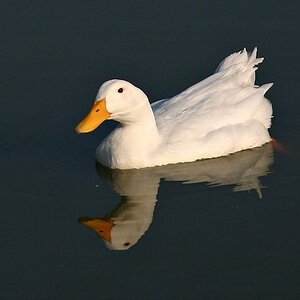
An image with a very narrow peak will be low contrast. Contrasty images have both dark and bright areas.
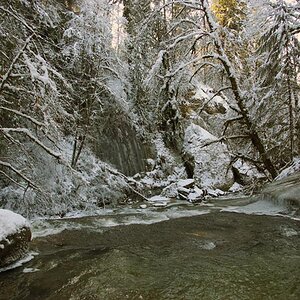
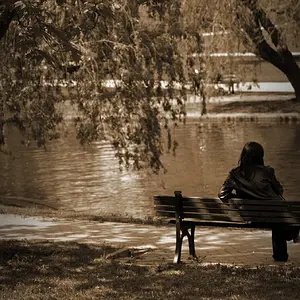
What I use the histogram for, is to check whether I've blown anything (although I use the blown highlights thing as well) and to see if I've got enough signal on the sensor in any given part of the histogram that I want. If I'm shooting silhouettes, then I want much of the graph in the dark area. If I'm shooting snow, I want much of the graph to cover the white/bright part.
That's a very quick and dirty explanation, at least

edit: my three-minute visualisation of a histogram epicly failed!