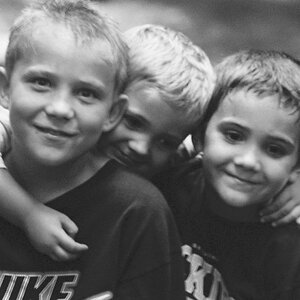
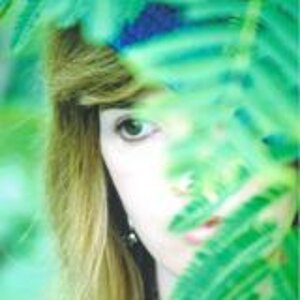
Really once you have a filter it's a lot of experimentation to figure out how to properly expose the shot (once the filter is on the cam you can no longer see through the viewfinder).
You also either need to shoot in RAW or if shooting in Jpeg you'll need to put the filter on and set the custom white balance to a shot of live grass. If you shoot RAW you can skip that and do it in post processing.
Once you have your shot with correct WB you'll load it into Photoshop and go into the Channel Mixer. Find the Red Channel and set the red to 0% and blue to 100%, then find the Blue Channel and set the red to 100% and blue to 0%.
That'll get your IR shot. From there you can continue to mess with the colors to your own tastes.
It's definitely not a hard process to figure out but there are a few steps to it.