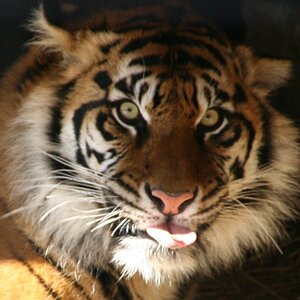
Lightroom has an Iris Enhance tool that works well for dark eyeballs/irises/pupils: just juse it at low percentages, and do multiple clicks, until you get the hang of it. Lightroom also has a VERY, super-easy-to-use Teeth Whitening feature...try it around 40%, not on full blast. I've also used it on the sclera of eyeballs... This works amazingly well once you get the hang of it! You can go from just slightly whitened, to Entertainment Tonight bleached-white teeth, or anywhere in between.
One of the keys in Lightroom when making adjustments to small areas, like say the teeth, or under the eyball, is to zoom in to 3x or 4x life-size, and in that way you can use the adjustment brushes much more easily. Working on a magnified eyeball, or magnified teeth, is much, much easier and more accurate than working on a small image.



 eye correction
 eye correction green filter