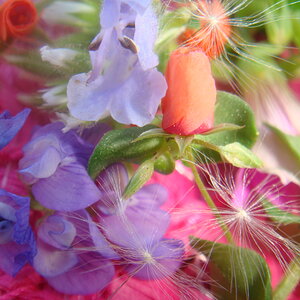
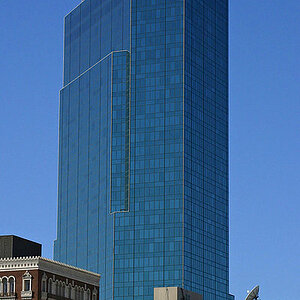
I understand that you are asking what post-processing to use to achieve those deeps blacks and the worm feeling. I don't know what you are using to edit your photos, I use lightroom, but should be similar in the one you are using.
Try this:
Set your blacks leve to -10 or sometinhg similar, move the slider to the negatives until you are happy with the balcks depth.
Go to your contrast curve, and move the contrast a little to the right in the blacks (number 1 in the screenshot below). That will give you the washed out look.




![[No title]](/data/xfmg/thumbnail/39/39501-c3f6a664311b0a3868b613f963809fb1.jpg?1734173626)

![[No title]](/data/xfmg/thumbnail/37/37603-739c5d9b541a083a12f2f30e45ca2b7b.jpg?1734170731)
![[No title]](/data/xfmg/thumbnail/39/39499-b11b4321c0f029e3a5523ccab621b71c.jpg?1734173619)
![[No title]](/data/xfmg/thumbnail/37/37604-7ad625e983f92f880eb65a264eeef5e4.jpg?1734170732)