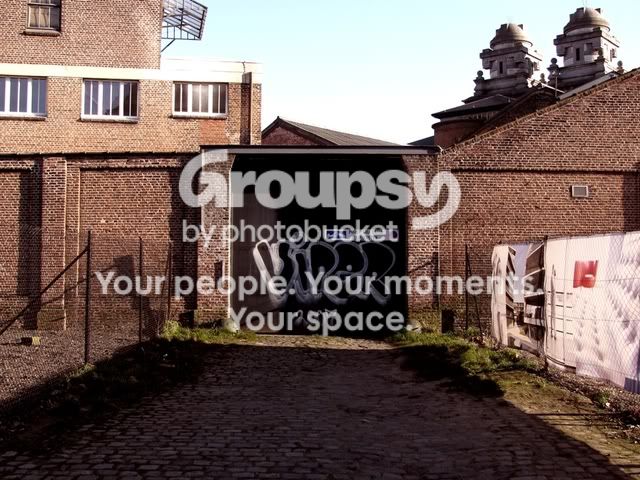
I would select an area to the left, bigger than you actually need, copy it into a new layer.
Move it over the area and use a layer mask and a low opacity brush to blend it in.
This will avoid the obvious areas sometimes left by the clone tool, and you should be able to remove the hole thing in one go







![[No title]](/data/xfmg/thumbnail/37/37608-63b0d340b0972479217b548a4026df96.jpg?1734170735)
![[No title]](/data/xfmg/thumbnail/37/37610-09a3b763265223288ccc8f30a63a666b.jpg?1734170736)