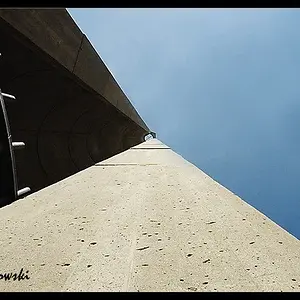
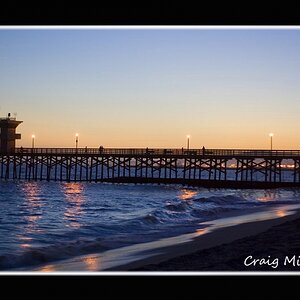
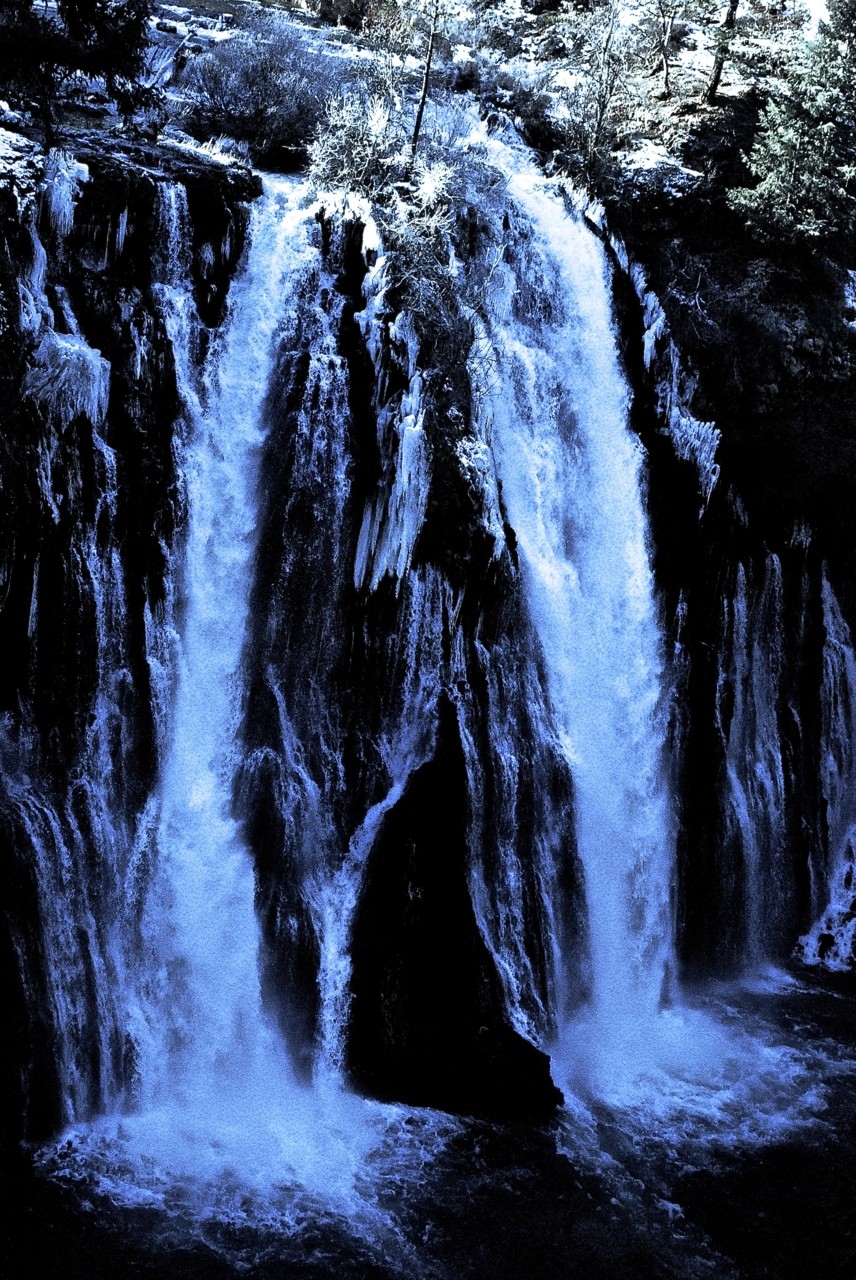
WesternGuy, what you just explained is exactly what I'm trying to do. I went about a different way using Coral Paintshop Pro. I got the color image how I wanted then toned down all colors except blue which I tuned up. It didn't turn out exactly how I wanted, if you look close enough you can still see some color other than blue in most places.
I'll be getting a new computer with Photoshop soon, so I'll be able to try it with your technique. Sounds like that will produce much better results.
That was the first print I made after playing with sharpening so I think I just need to get a feeling of how to sharpen for a print vs the web. It would be nice to find an article on how to do this, since I personally like sharpened images for certain content.




![[No title]](/data/xfmg/thumbnail/31/31748-63241c520f250328a5ec32959b8f53d0.jpg?1734160467)
![[No title]](/data/xfmg/thumbnail/39/39447-6e7679723d775935851f055bae9712ba.jpg?1734173538)