leixialong
TPF Noob!
- Joined
- Jun 21, 2011
- Messages
- 55
- Reaction score
- 2
- Location
- Japan
- Can others edit my Photos
- Photos OK to edit
Hello guys.
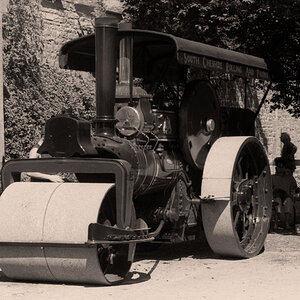
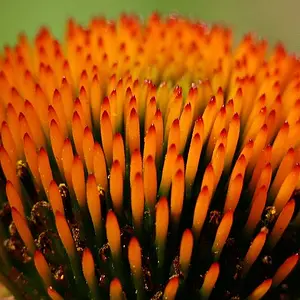
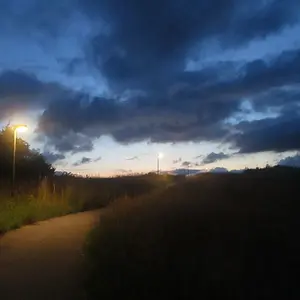
I would like for you guys to tell me your thoughts on these three photos I recently took while on a short break from my life in Tokyo when I took a trip out to Shiga-Ken (Its the countryside). I took a few photos and wanted to achieve a moody washed out kinda feel to the whole set. Some of these photos turned out some didnt. I used Photomatix and photoshop to achieve a faux HDR image on these photos as I dont have a ND filter its the only way as far as I know to get a well balanced exposure in these conditions you will see. In photomatix I turned the images to B&W then re introduced colour to my taste and played with black/white points and other sliders till I found what worked for me.
I shot with a Canon 400D and the Kit 18-55mm on a tripod.
Thankyou guys I look forward with an equal amount of joy and fear to your feedback.
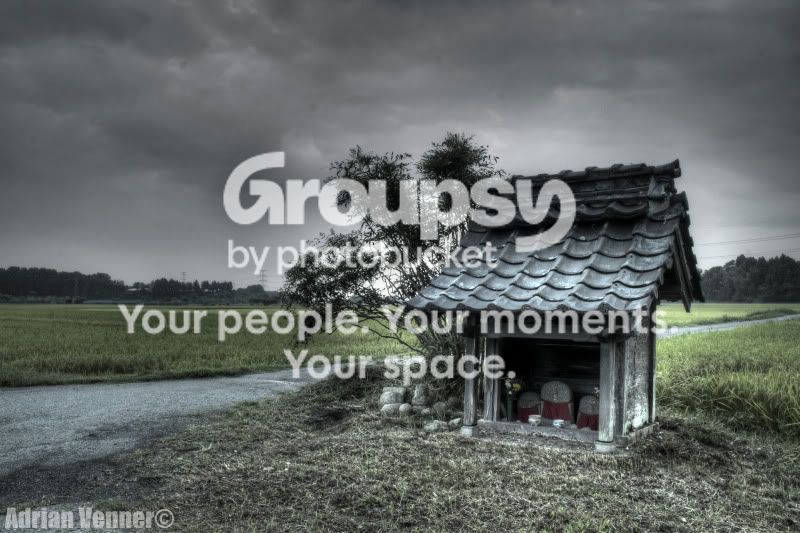
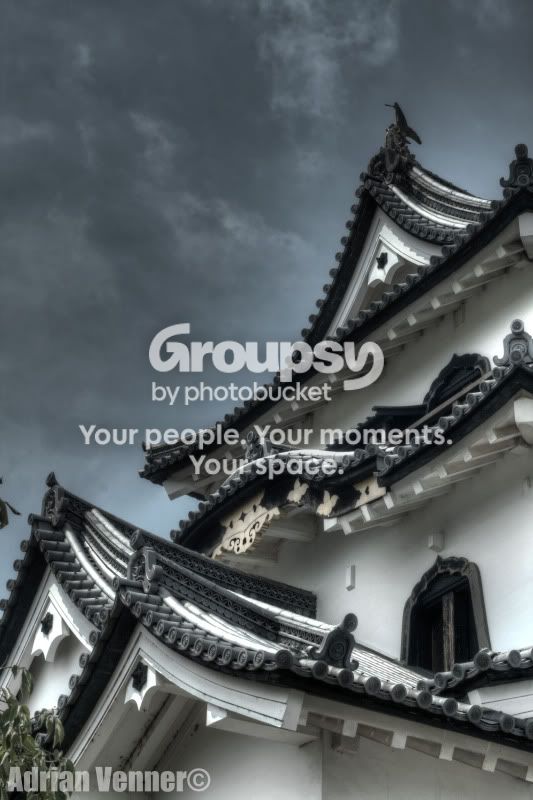
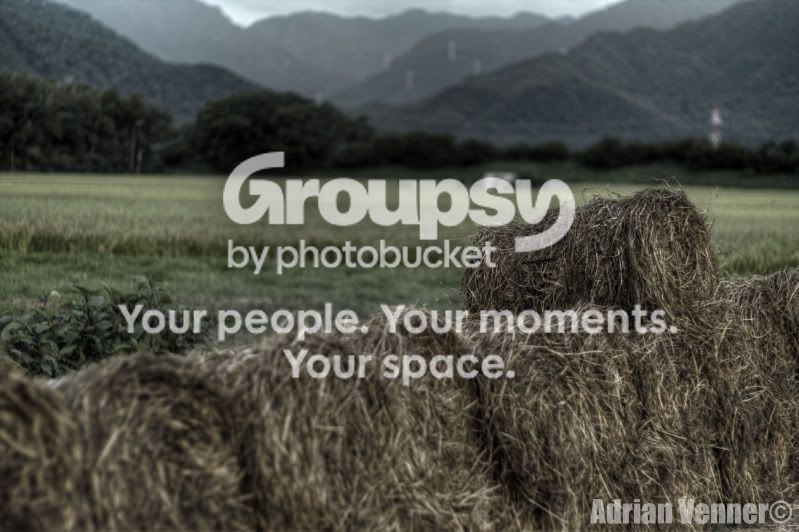
I would like for you guys to tell me your thoughts on these three photos I recently took while on a short break from my life in Tokyo when I took a trip out to Shiga-Ken (Its the countryside). I took a few photos and wanted to achieve a moody washed out kinda feel to the whole set. Some of these photos turned out some didnt. I used Photomatix and photoshop to achieve a faux HDR image on these photos as I dont have a ND filter
its the only way as far as I know to get a well balanced exposure in these conditions you will see. In photomatix I turned the images to B&W then re introduced colour to my taste and played with black/white points and other sliders till I found what worked for me. I shot with a Canon 400D and the Kit 18-55mm on a tripod.
Thankyou guys I look forward with an equal amount of joy and fear to your feedback.
Last edited:




![[No title]](/data/xfmg/thumbnail/34/34147-1d3c1583c083bc674df087f4aa2ec7cb.jpg?1734164731)