What's new

Just a couple of photos I took the other day.

CaralynsPhoto22

TPF Noob!
Joined
Sep 2, 2011
Messages
17
Reaction score
0
Location
Huntington Beach
Can others edit my Photos
Photos OK to edit
[IMG1]1
IMG_2348.jpg
2
IMG_2366.jpg
3
IMG_0392.jpg
[/IMG]
 
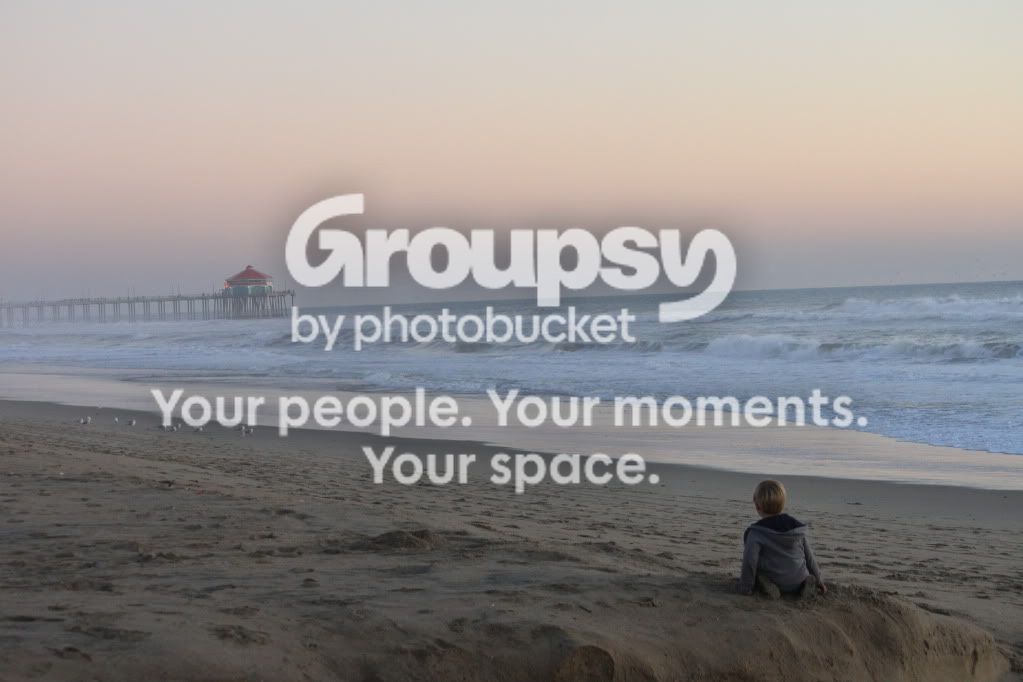
The last is a good composition. You should straighten the horizon and perhaps increase the contrast overall and lighten the foreground a bit. The dog is cute, but the first two images are nothing special. The second could be improved by getting rid of the bright spot above and to the right of the dog, and perhaps cropping the left side a little and darkening the bright areas on that side behind the dog.
 
The dog photos you will never get a sharp shot shooting at 1/15 and 1/30 unless you are using studio flash
 
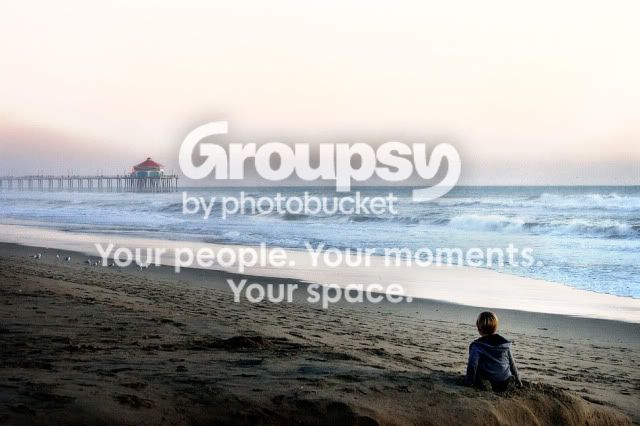
The photo on the beach is just wonderful. IT could use some processing help. I got maybe a little carried away but I think your subject warrants it:

beach.jpg


Straightened the horizon.
Did a Levels adjustment.
Raised the contrast lots.
Lightened the foreground some.
Adjusted the color for the sand and surf.
Cheated big time and raised the sky saturation lots.
Did some noise filtering and light sharpening.

Really nice photo -- congrats on the shot.

Joe
 
Liking the last shot with the boy in it.
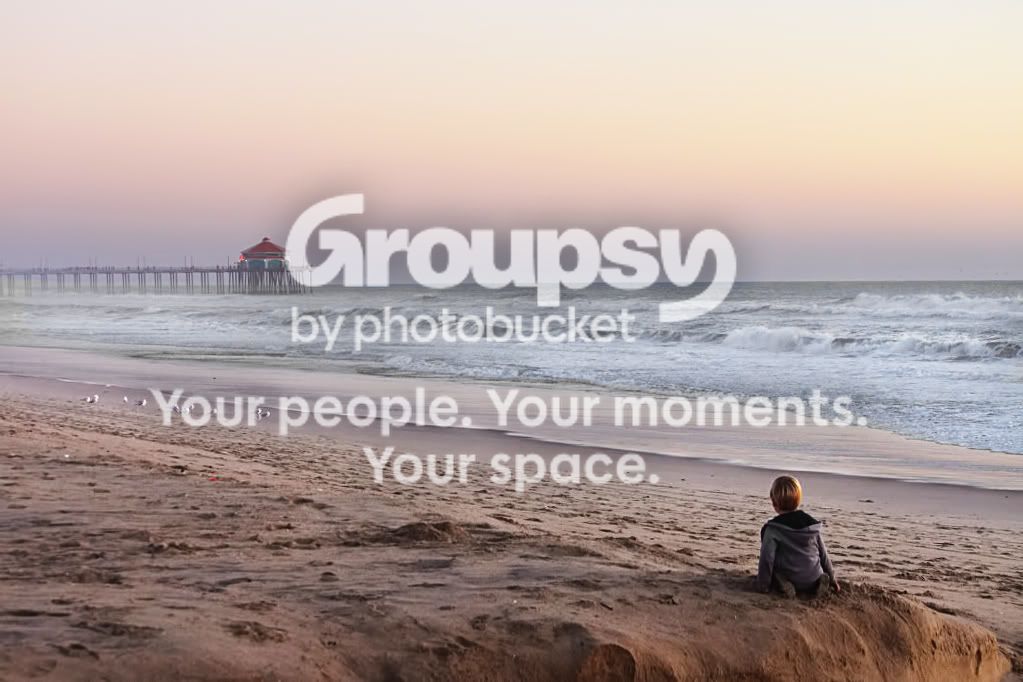
Ran a filter from NIK Software to give it a different look. This may look good in Paint Shop.
-
IMG_0392a.jpg

-
Shoot well and thanks for sharing, Joe
 
clanthar said:
The photo on the beach is just wonderful. IT could use some processing help. I got maybe a little carried away but I think your subject warrants it:

Straightened the horizon.
Did a Levels adjustment.
Raised the contrast lots.
Lightened the foreground some.
Adjusted the color for the sand and surf.
Cheated big time and raised the sky saturation lots.
Did some noise filtering and light sharpening.

Really nice photo -- congrats on the shot.

Joe

What program did you use to edit this? I liked this photo before, but with what you did, it looks amazing!! I don't know much about photo editing or software, so I'd really like some advice on what to get! Thanks!!

 
You can do those adjustments in pretty much every serious editing software. Gimp is free. Photoshop isn't (or at least no legally). There are "light versions" or photoshop: adobe photoshop elements or adobe photoshop lightroom. There are 30 days trials for all three, I think. Learning to use photoshop is essential, imo. You can really make good photographs "pop" with a few adjustments. Just remember to get the pictures as good as possible straight out of camera, then adjust them.

I've straightened it, lightened the sand, adjusted curves for some contrast, warmed it up a bit (as it looks to be a sunset), reduced blue cast in waves and water and done a slight sharpening.

IMG_0392edit.jpg
 
clanthar said:
The photo on the beach is just wonderful. IT could use some processing help. I got maybe a little carried away but I think your subject warrants it:

Straightened the horizon.
Did a Levels adjustment.
Raised the contrast lots.
Lightened the foreground some.
Adjusted the color for the sand and surf.
Cheated big time and raised the sky saturation lots.
Did some noise filtering and light sharpening.

Really nice photo -- congrats on the shot.

Joe

What program did you use to edit this? I liked this photo before, but with what you did, it looks amazing!! I don't know much about photo editing or software, so I'd really like some advice on what to get! Thanks!!

I used Photoshop, but as Compaq noted these are basic editing functions that many programs can accomplish. Gimp (GIMP.ORG) is free and Gimp can easily handle this job. I recommend starting slowly and free software is a nice slow start. Gimp isn't as polished as some of the commercial stuff, but it won't steer you wrong.

Joe
 

Create an account or login to comment

You must be a member in order to leave a comment

Create account

Create an account on our community. It's easy!

Log in

Already have an account? Log in here.

New Topics

Back
Top Bottom