StephanieBlysPhoto
TPF Noob!
- Joined
- Jan 12, 2013
- Messages
- 4
- Reaction score
- 1
- Location
- Clearwater, Fl
- Can others edit my Photos
- Photos NOT OK to edit
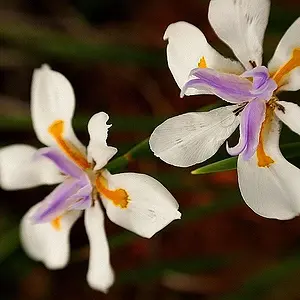
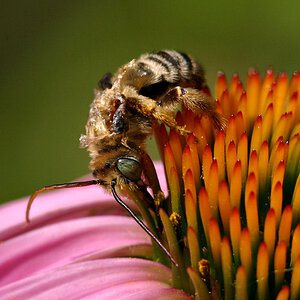
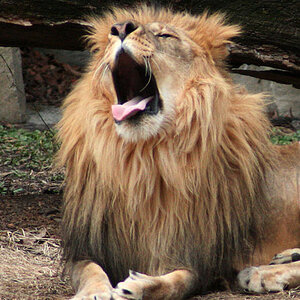
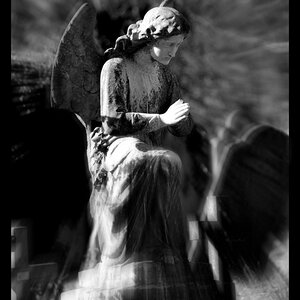
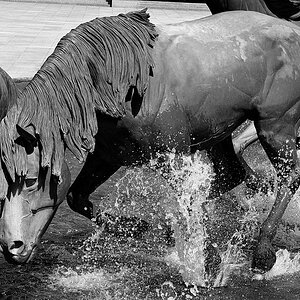
I'm hoping I'm doing this in the right place. I've been doing photography for about 6 months now. For some reason when I upload my pictures to Facebook they look very pixelated!? I will look at others pages and their pictures will be crisp and clear! I don't get it? I don't use a high ISO, nothing over 400. So I don't it. I resize them in Photoshop and I size them down to 450. Can someone give me some insight? Thank you.



![[No title]](/data/xfmg/thumbnail/42/42270-4394b4f41a4b5d16152d8471f79ec2e4.jpg?1734176668)

![[No title]](/data/xfmg/thumbnail/35/35264-5ade32b7036391926536661aeb7491c3.jpg?1734166921)
![[No title]](/data/xfmg/thumbnail/35/35262-02f8eba4a2a92dbae0b55547bba80b4f.jpg?1734166920)
![[No title]](/data/xfmg/thumbnail/31/31980-e5048a424621c7b3cd0d306d63c09d67.jpg?1734160756)