There is a way, if you're using photoshop, to select a single area and edit only that. By using the Marquee tool, you can either box in or use the elliptical to edit a round area. Once you use the marquee to highlight the area you'd like to edit, you can change the exposure level to that area, the highlights, the colors..etc...
This process, however, does take time and can be incredibly irritating depending on what you are trying to do.
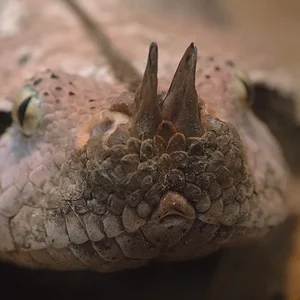
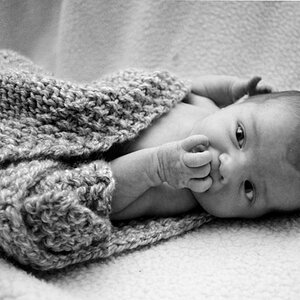
I agree, great picture. The only thing that bugs me is the eye that's lighter than the other. I tried myself to edit it, but it just keeps coming out looking really odd. I haven't worked with photoshop enough to handle editing really detailed areas.







![[No title]](/data/xfmg/thumbnail/36/36662-242aa39f5cb3a23494857864779f669b.jpg?1734169171)
![[No title]](/data/xfmg/thumbnail/36/36659-4b8fd1b317df0e73ccfe5775494a6f5a.jpg?1734169171)


![[No title]](/data/xfmg/thumbnail/36/36658-525087f40e1bdbfe8b995ce4296ef4a6.jpg?1734169171)