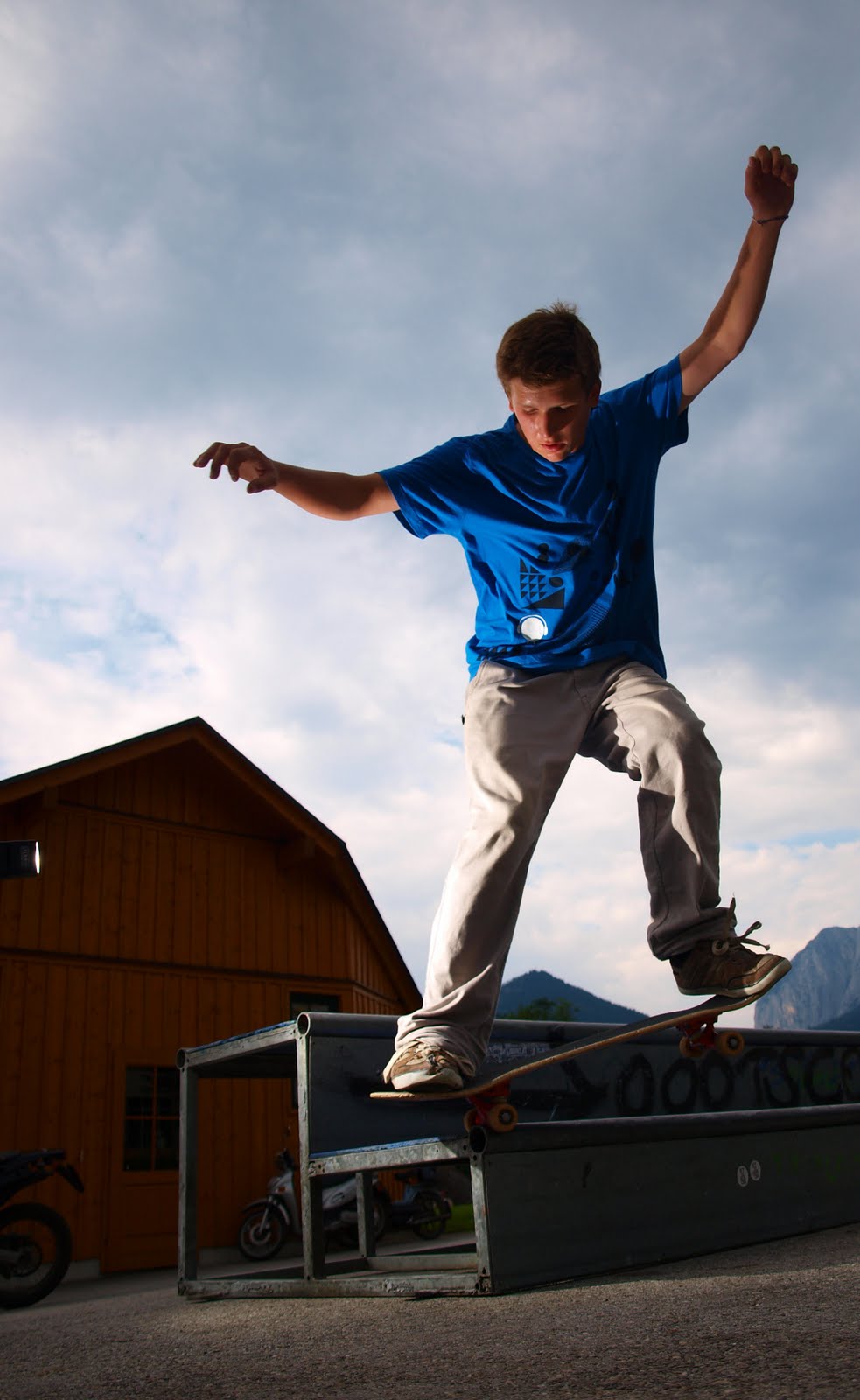
I was finding it hard to "improve" your image
so just put a little bit of a manipulation onto it
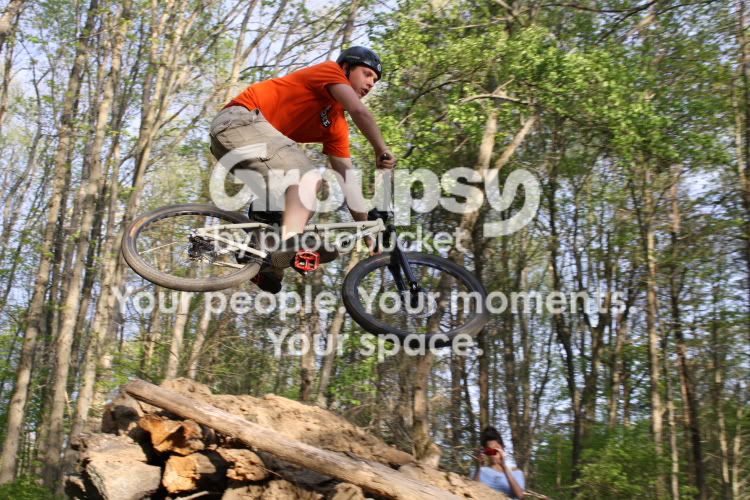
The only thing off was that the image wasnt straight (only slightly off.)
What I did -
Straightened image
I then used adobe cs5 Content aware fill to fill in the missing areas (after rotating canvas) and touched up the fill to make it seamless
Created fire using pen tool, blending modes (inner glow = orange outer glow = red)
smudging the line to create a fire effect, duplicate layer, smudge the new layer to create more fire, repeat about 5 times.
Created a new layer and filled with a neutral grey (#777777) and set to softligh then used the burn tool over the leg to give a little definition between the leg and the sky
Create a "lomo" effect by using gradient maps to "wash out" the colour and reduced the contrast
and finished the lomo effect by adding a vignette
added the text just to give a feeling of depth.









![[No title]](/data/xfmg/thumbnail/35/35212-039632ef3763350189fc49390cb7eadf.jpg?1734166871)

![[No title]](/data/xfmg/thumbnail/35/35213-19b5e1596f756d523bfde9446f21ca8a.jpg?1734166873)
![[No title]](/data/xfmg/thumbnail/39/39191-629bf2c0bb5afb4619be296cd91b9517.jpg?1734173067)