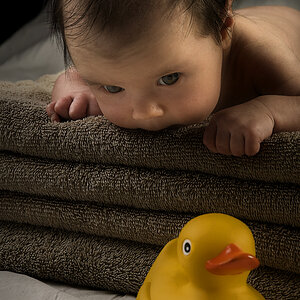
Thanks!Great series :thumbup: (she's cute!)
Out of interest, how much photoshop work did you do on them (if any?)
you can achieve the same thing with small flashes off camera.
Hah, I'm flattered.i was wondering if that could be achieved using a speedlight. your photos have inspired me to buy one.......thanks and keep posting your pics![]()
Thanks!
I did mostly:
Healing brush for blemishes.
Sharpening.
High Pass.
Contrast.
Additional High Pass for the eyes.
Good job Bill! I didn't see the difference at first, because it's so well done! Can you tell me what tools you used? I know healing brush and clone stamp can achieve the same thing, but my skill in that area is a bit rusty.I like the images... - she is actually really cute.... here's a basic retouch of what I would have done... in the post processing (just my own taste) - this was a quick retouch...
also, there's a link to the layered .psd, just turn off and on the "retouch" layer to see before/after....
nice images....
link to layered .psd: http://www.fastwearz.com/retouch-girl.psd
Good job Bill! I didn't see the difference at first, because it's so well done! Can you tell me what tools you used? I know healing brush and clone stamp can achieve the same thing, but my skill in that area is a bit rusty.
Thanks I will be sure to try that next time, I hate opening Photoshop if not for new pictures, because it runs so slow on my macbook.thanks, you bet....
everything was done with dodge/burn (eyes) and slight facial shadowing
clone tool heavily, and light healing brush... and curves...
but most importantly, each step done in a duplicate layer, and nothing is ever at 100% - each thing I do, I overdo slightly, such as a dodge/burn, then I turn that layer's opacity down until I like the way it looks... then merge down, create new layer and move on.... so forth
the differences are a lot more noticeable in showing the before & after turning the layer on/off in photoshop.... the whole idea (usually) is to make images not look retouched... or at least not look over-retouched... in my opinion, overdoing it is worse than doing nothing...