What's new

Practicing HDR's

Mainiac

TPF Noob!
Joined
Jul 23, 2006
Messages
547
Reaction score
0
Location
Inside a straight-jacket
Can others edit my Photos
Photos OK to edit
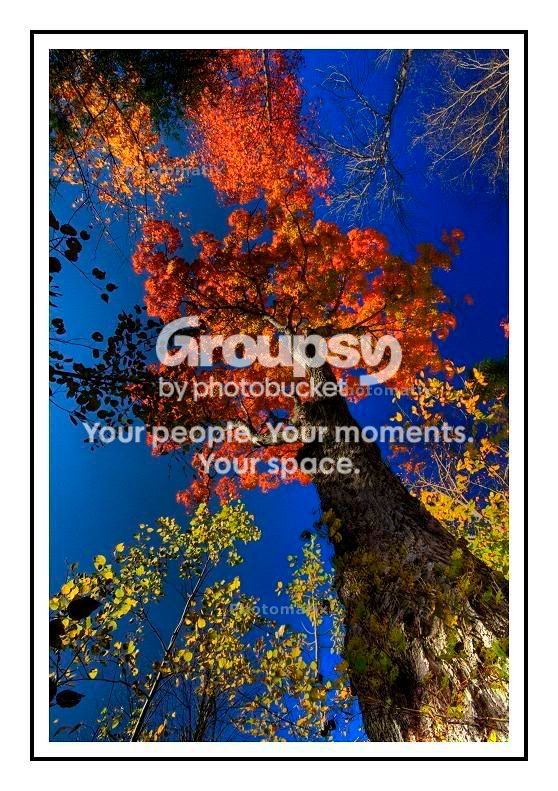
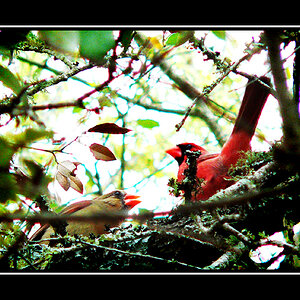
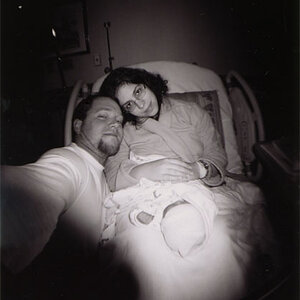
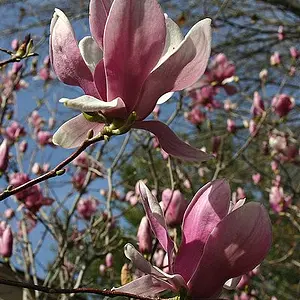
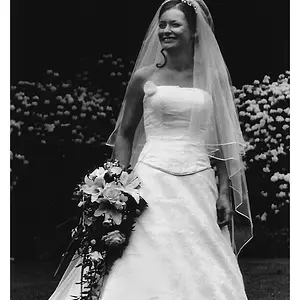
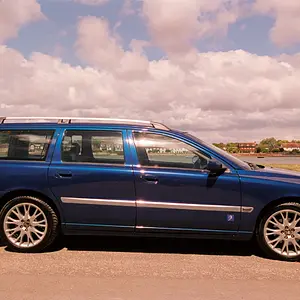
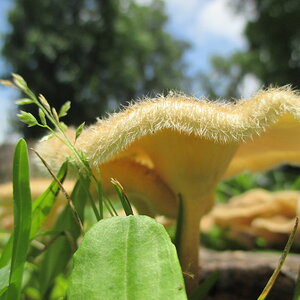
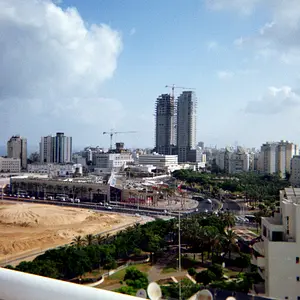
Recently i've been trying my hand at HDR's. I download the trial version of Photomatix. (hence the watermarks) And these are some of my more decent shots. I would love to get any feedback, good or bad, on these photos.

1.

HDR1.jpg


2.

HDR2.jpg

3.
HDR4.jpg

4.
HDR5.jpg

5.
HDR3.jpg
 
Very nice. I like that it looks more natural!! It makes the colors pop. I love it.
 
I think they all look great.. looks like its time to cough up the dough to buy the program.. :) Great job.
 
#4 and #5 are my favorite. I'm a little sad to see the compression in some of them but still great pictures.
 
thats a good looking experiment :)
I really like the first one, groovy colors and stuff.
 
yeah, looks like a lot of fun..
1 is very busy, kinda hard to judge, I dont think they lend themselves to display very well all compressed like that.
I like 4 & 5 most, the colours are nicer, 2 & 3 are a bit ott for me.
You might want to check your lining up, the last one is great but it seems at least at the tree trunk bottom, to be out of alignment, or it could just be artifacts...dunno.
Its tough to crunch these detailed pics down and keep them smooth.
 
I've used PhotoMatix too but always seem to get grainer shots. Could you share your post-processing you do or sequence of events to do these with PhotoMatix?

Thanks,
Roy
 
Thanks everyone!:thumbup:


#4 and #5 are my favorite. I'm a little sad to see the compression in some of them but still great pictures.
I hear ya, lately when I resize my photos I get compression artifacts.

yeah, looks like a lot of fun..
1 is very busy, kinda hard to judge, I dont think they lend themselves to display very well all compressed like that.
I like 4 & 5 most, the colours are nicer, 2 & 3 are a bit ott for me.
You might want to check your lining up, the last one is great but it seems at least at the tree trunk bottom, to be out of alignment, or it could just be artifacts...dunno.
Its tough to crunch these detailed pics down and keep them smooth.
Thanks for your honesty. I appreciate it.:thumbup: I see what you mean on #5 I believe the ghosting came from the leaves of a small tree at the base.


I've used PhotoMatix too but always seem to get grainer shots. Could you share your post-processing you do or sequence of events to do these with PhotoMatix?
I'm not sure if I can help you any, but I know that the times I had problem with grain was the result of having my ISO too high when I took the pictures.
 

Create an account or login to comment

You must be a member in order to leave a comment

Create account

Create an account on our community. It's easy!

Log in

Already have an account? Log in here.

Back
Top Bottom