What's new

Question on saving a photo?

Nautifish

TPF Noob!
Joined
Sep 15, 2010
Messages
178
Reaction score
0
Location
Ontario Canada
Can others edit my Photos
Photos OK to edit
Good afternoon everyone. Hope all had a fab and safe hallows eve weekend.

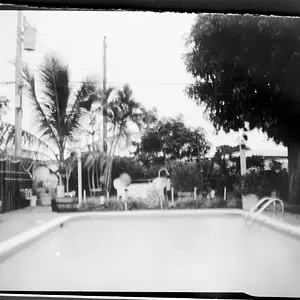
Now too my Question.....As you know from previous posts when i have added photo's for c&c they're seems to allway's be an issue with the Noise and compression of my photo's.

I have started to take my photo's in Raw format only now and when i save a photo i save it too JPG. When i open the original file in raw it is crystal clear once i save it in JPG This is when the quality of the photo changes.

Am i doing something wrong here?

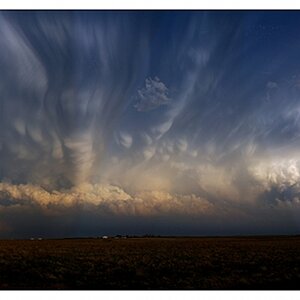
149716_10150314648345564_877980563_15794712_5924332_n.jpg
 
You will have to give us more details than that.

What settings are you saving the JPEG with? Are you changing the size/resolution at all?
 
Me bad sorry Mike!

I am using photoshop CS5 When i open the file i go too resize image and click on Auto. That chooses the best file size i assume? I then save it to JPEG Format. I have tryed too post a raw file here but i cant seem to download one anywhere and am not sure why.:er:
 
The JPEG file format was developed to provide compression levels beyond redundancy compression so that photos and graphics could be more efficiently delivered over restricted band-width connections (i.e. the Internet). JPEG compression is destructive. JPEG achieves its high compression rates by discarding content -- it throws pieces of your photo away.

Therefore all JPEG files are damaged.

The damage JPEG does is on a sliding scale from slight to trashed. The JPEGs typically saved by cameras contain slight damage and as such can still be used for a variety of photo applications. In Photoshop you get a sliding scale from 0 to 12 with 0 = trashed and 12 = slight damage. 7 to 8 is appropriate for web publishing but may render a photo otherwise not worth printing.

You can't publish RAW or many other photo formats (PSD, TIFF, etc.) to the Internet as the browsers typically won't display them. The Internet wants JPEG because of the band width issue. If all the JPEGs on the web right now were uncompressed the Internet would instantly choke and die.

So, when you're sharing photos over the web or publishing photos to a website you need to save them as JPEGs. Pay attention to the JPEG compression level. For non-internet applications avoid JPEG when at all possible; no need to damage a photo if you don't have to. If you're starting in RAW you can avoid JPEG for printing and you should. Always keep undamaged versions of your originals and then create a JPEG version when you need one.

Joe
 

Create an account or login to comment

You must be a member in order to leave a comment

Create account

Create an account on our community. It's easy!

Log in

Already have an account? Log in here.

Back
Top Bottom