What's new

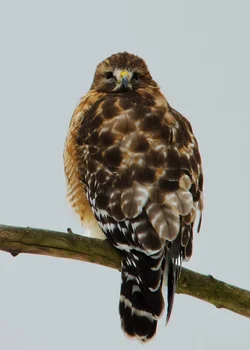
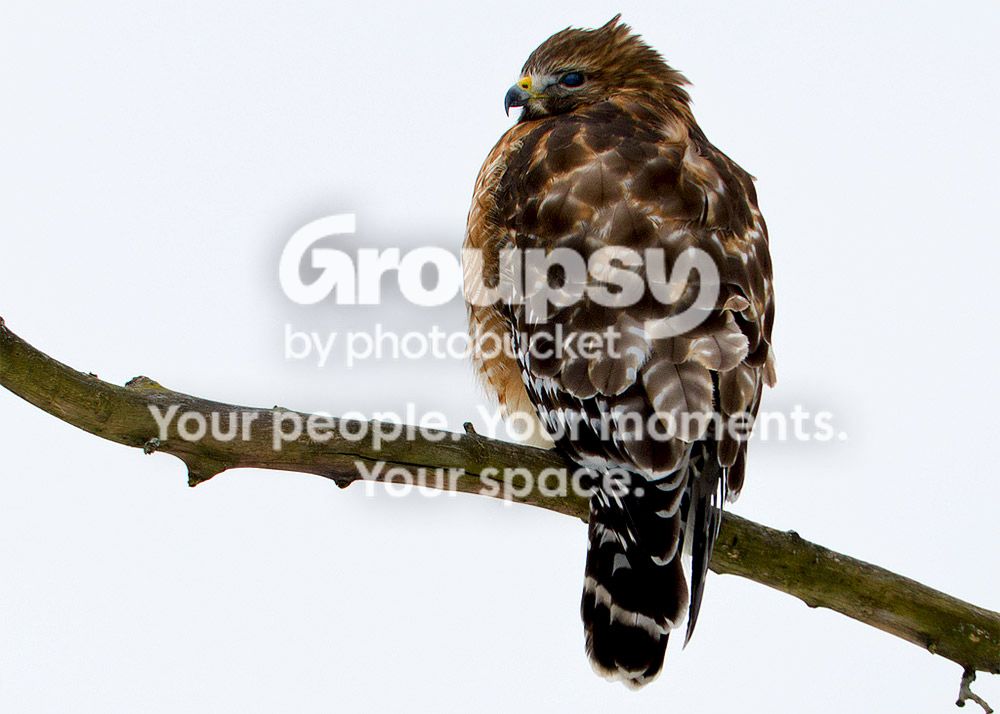
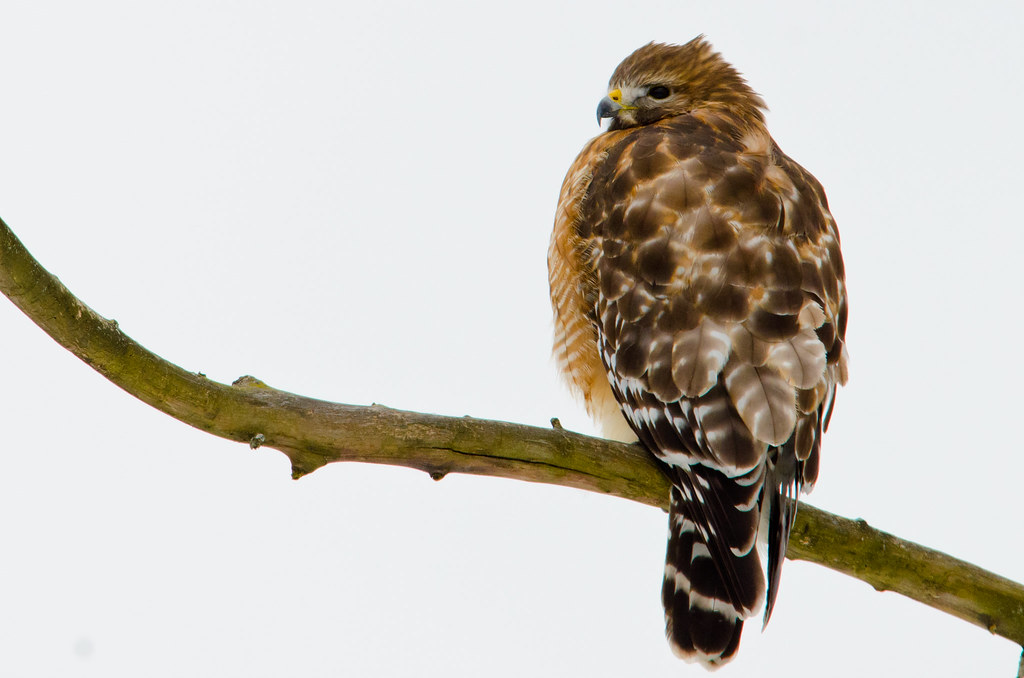
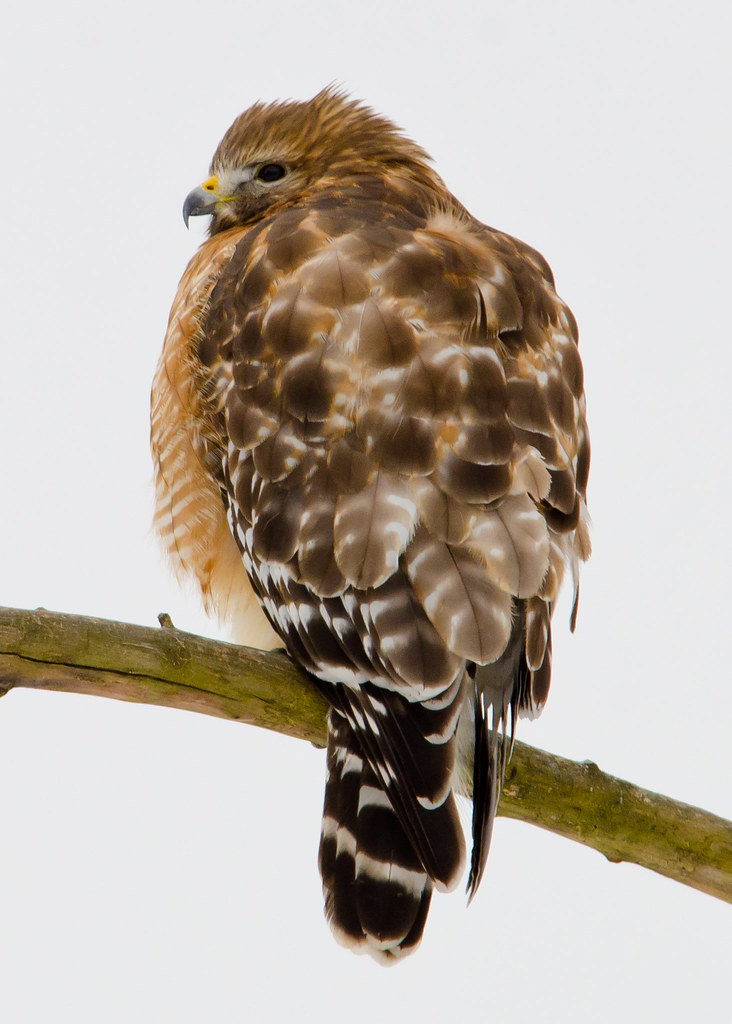
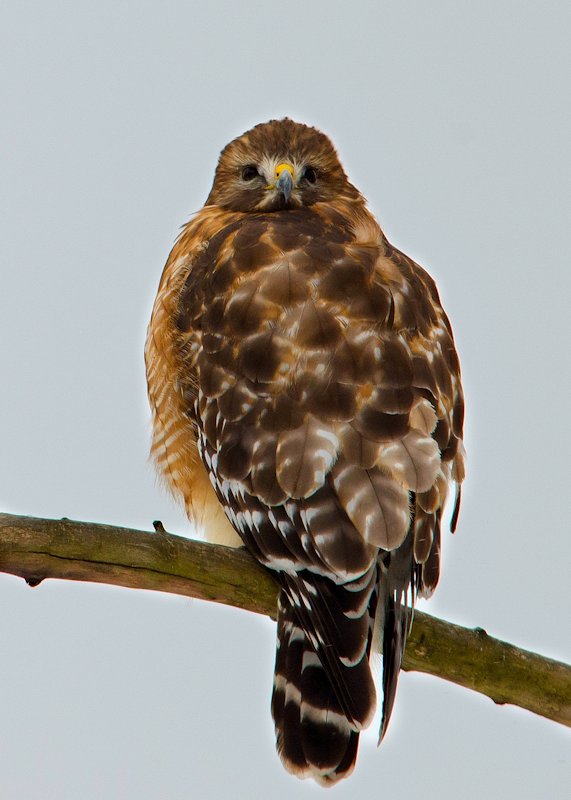
Red-Shouldered Hawk on a gloomy day.

shefjr

No longer a newbie, moving up!
Joined
Jan 18, 2012
Messages
1,595
Reaction score
418
Can others edit my Photos
Photos NOT OK to edit
Yes winter is here in buffalo. That means overcast till spring which also means low light situations only. :/
These are all cropped in quite a bit she was fairly far from me. I believe it is a she because there were two of them together and the other one was smaller. The male was not in a position where I could get any good photos of him so I didn't even bother.
Also I know these are dark but, I didn't like how they looked when I brought up the exposure in PP.
As always, comment if you like otherwise, I hope you at lease enjoy. :thumbup:

1.
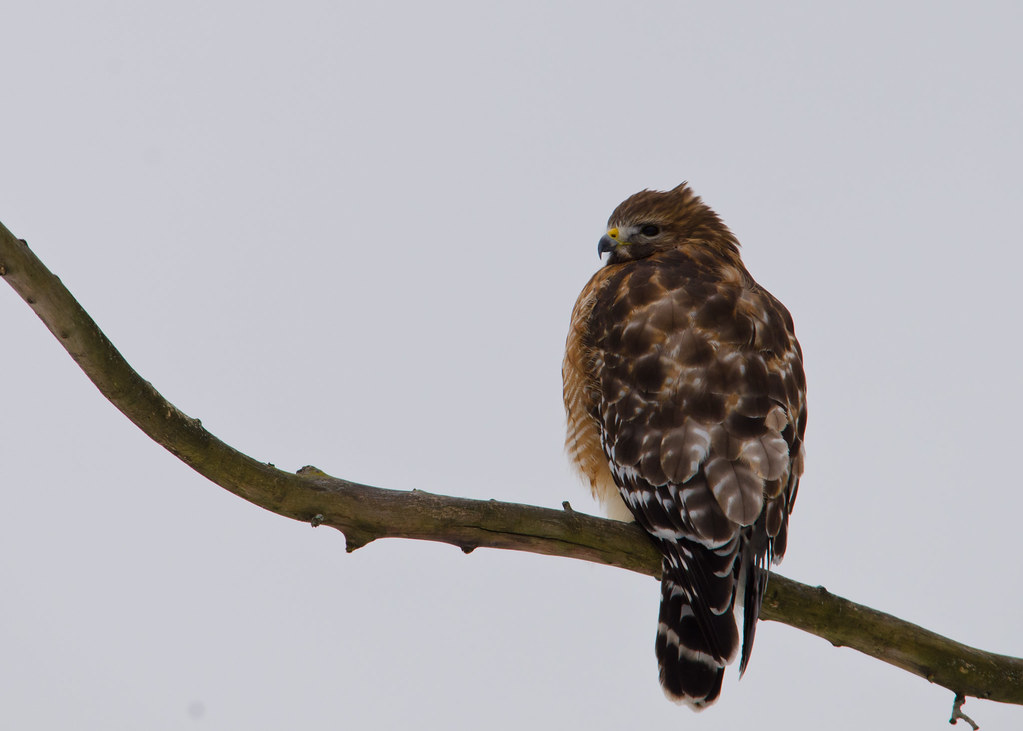
Red-Shouldered Hawk 1 by Shefjr, on Flickr

2.
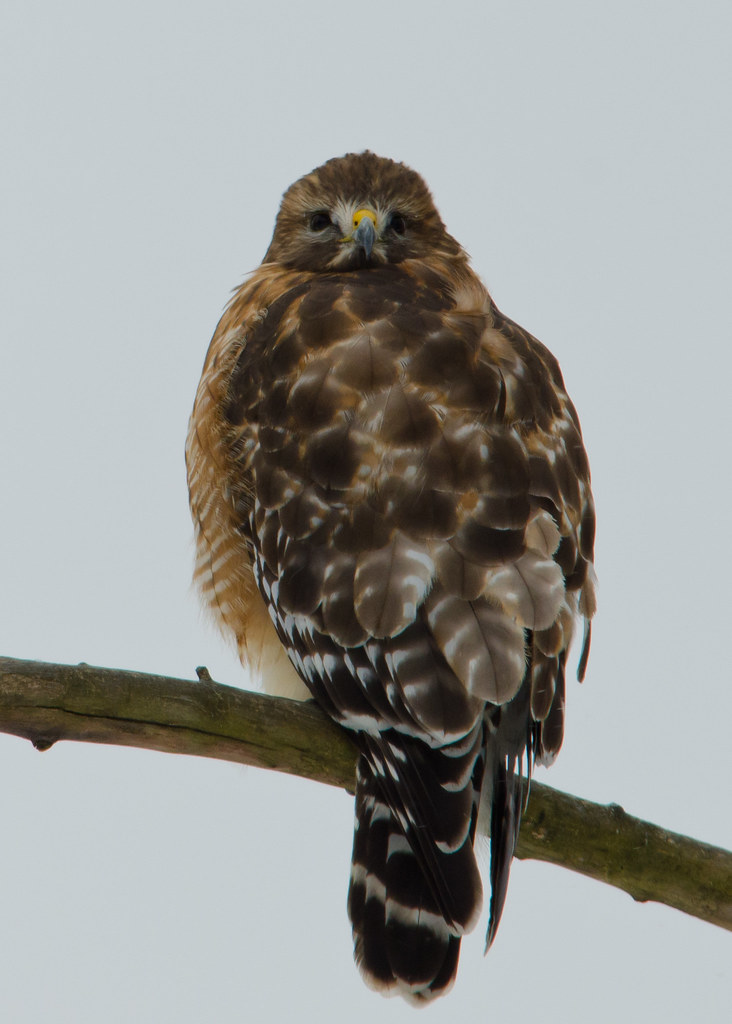
Red-Shouldered Hawk 2 by Shefjr, on Flickr

3. I believe that in this photo I was able to capture her blinking. So the white over her eyes is what I believe is called the nictitating membrane.
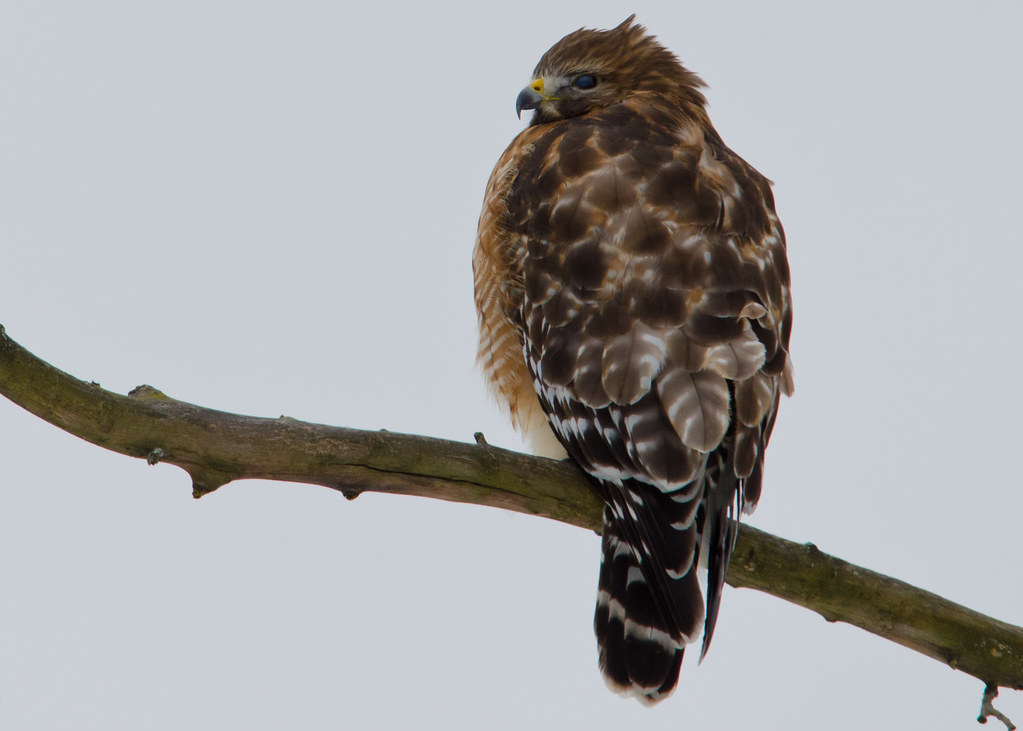
Red-Shouldered Hawk 3 by Shefjr, on Flickr
 
Last edited:
A little less gloomy..very-very quick levels/curves adjustment.

$8413260611_e98c9e7115_o.webp
 
That edit did make the color pop a bit more. I am always afraid to go too far with my editing. I usually only slightly adjust the noise and exposure from the original. I purchased CS6 and LR4 but, for a MAC that I haven't yet purchased. My only editing software is PSE10.
 
Check your histogram levels .... the histogram is mostly flat and your white is not even part of it. Work on getting more info out
 
nice! you've got a little CA going on. and I think a little curves would help them out like ceeboy did, nothing that can't be helped in post.. but all in all they're great shots, good pose, I like 'em!
 
I went back and looked over the few good shots I got and did start to adjust the sliders a little more. I'm gonna reedit them and throw them up for a second time later today in this thread. I'll see what I can do. :/
@mully, even adjusting my histogram you are right it is mostly flat but I was under the impression the spike was the hawk.?
@Aloicious, I only have PE10 so I'm not sure if I'll be able to remove the CA. Also I noticed the more I adjust the sliders to unflatten the image the more CA I seem to get.?
^^^ statements to you both and if you have explanations,comments,thoughts,etc I would like to hear them. Thanks guys!
 
I'm not familiar with PE10 so I don't know how it functions. it may be making the CA slightly more noticable. here's a quick edit with a little CA manual removal and slight curves/exposure adjust in CS6
bird_zpsbd1cba58.jpg
 
That looks great!
i guess it's stupid of me to think but, I was staying true to the actual sky color which was a melancholy grey sky. The edited sky you did is much brighter. I guess the lesson I learn here though is that everything is edited and if it improves a photo why not? <rhetorical question>
 
yeah, I lightened the whites up a good bit which brought up the sky levels, there's not a right or wrong way, you could edit the curves or levels on it to maintain the sky too if that's what you wanted to do.
 
they're both a bit better than the originals, I like #2. you got a good clean exposure increase in the feathers (probably working off the .nef file?) nice job!
 
they're both a bit better than the originals, I like #2. you got a good clean exposure increase in the feathers (probably working off the .nef file?) nice job!

Thank you! I mostly like them because they aren't as flat. I feel like there is more CA around her head though and I don't know how to fix that.
I work only in raw format now. I just made the move a couple weeks ago. Before that I was doing both raw and jpeg which, was way too much to wade through.
 
yeah, I only do raw too, even on events/conventions that I cover taking thousands of images...in camera jpeg has it's place, but I a little extra work on the raw is worth it IMO...so in PE10 are you using adobe camera raw to process the raw files? if so, go to the lens correction tab, and under 'color' you can remove CA there...
 
That looks great!
i guess it's stupid of me to think but, I was staying true to the actual sky color which was a melancholy grey sky. The edited sky you did is much brighter. I guess the lesson I learn here though is that everything is edited and if it improves a photo why not? <rhetorical question>
Generally when shooting birds you have a choice of background or subject for proper exposure. This is because many times we find ourselves shooting up at a plain sky or something. It's part of the game. You kind of split the difference which caused a slight underexposure on the bird. Not bad, just a little bit. Not a bad choice either since you didn't overexpose the sky and kept it a moderate gray.

In this case either or both are actually relatively easy to fix. I adjusted the shot for the bird, really just moved the white point, and then very quickly and sloppily selected the background and darkened it to put the sky back to darker gray. There is some haloing in places because I wasn't real careful separating the background. It could have been done much better but I was just trying to demonstrate what can be done with just a little work.

Beautiful bird, and a great job of catching her.

2013-01-28-01.jpg
 

Create an account or login to comment

You must be a member in order to leave a comment

Create account

Create an account on our community. It's easy!

Log in

Already have an account? Log in here.

Back
Top Bottom