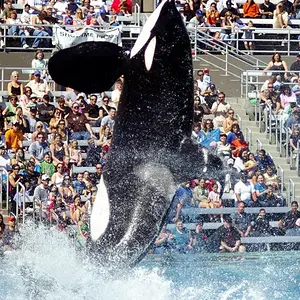
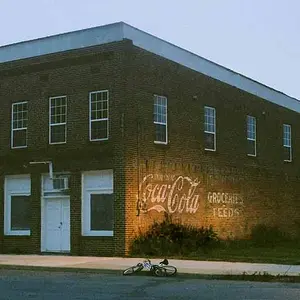
Thanks. I just took two self shots and placed them in PS. Made a duplicate layer of one, moved the other picture to the first one and then moved them around until they were lined up. Each time you move one picture to another, PS automatically creates a new layer for it. I just erased and cloned until I had an even background and then flattened the image when I liked it.



![[No title]](/data/xfmg/thumbnail/35/35264-5ade32b7036391926536661aeb7491c3.jpg?1734166921)
![[No title]](/data/xfmg/thumbnail/42/42456-a5a32b76e115de404d99d09173cd71f2.jpg?1734176994)