You are. He was saying that there is a thread for self portraits and I guess he feels like you should've added yours there instead of making your own thread. I could personally care less, but this might get more replies in the "people and pets" forum. Oh, take a look at my sig.
Thanks weaving. That is what I have been doing, and for some reason only the URL shows up. When I write the message, the picture shows up though. Rather Confusing.
I made your pics visible within the thread. Make sure you never also copy the ?v=0 behind the .jpg. Always end your highlighting for copying after the .jpg. With that funny ?v=0 behind it, the photos won't show!
And these are cool.
You never said you have a twin brother ... that you are identical triplets, actually
I like these multiple-me photos, and I have no idea how it is being done. None at all.
And I do like the silhouette self-portrait very, very much!
Ah-hah. Thanks for the help. Tripod, self timer, running into the woods. Then just take the pictures and cut out the person. If it is the same background, you can just paste in a cropped image.
flickr does support remote image hosting... if you go to "view all sizes," it has some code at the bottom of the page for posting the images on other sites. you would use the one with just the url of the image, and then click in the 'insert image' button when posting, and paste in the url, or you could also just put the image url inside
Make sure, however, NOT to also copy the ?v=0 behind the .jpg-extension. Leave that out or again you will only get the links showing.... like I was pointing out yesterday.
If you right click on your image and go to properties you have to exclude the ?v=0 that Corinna is talking about. If you go to All Sizes that is absent.
Anyways, back to the topic The silhouette in #1 is grand.
anyways yeah... i like #1 also. Was that done with a self timer? How long is your selftimer? thats a long way to run to get to that position before it goes off. Mine is only 10 seconds

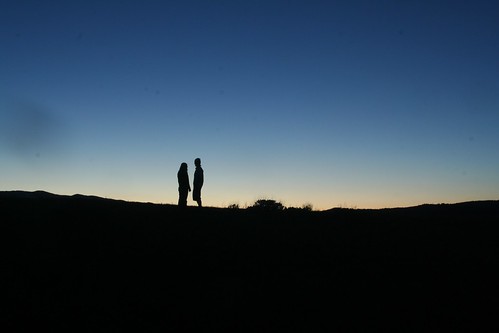


 The silhouette in #1 is grand.


![[No title]](/data/xfmg/thumbnail/34/34685-17f2466cddc9890af6ca67c65e2e7d5c.jpg?1734165691)

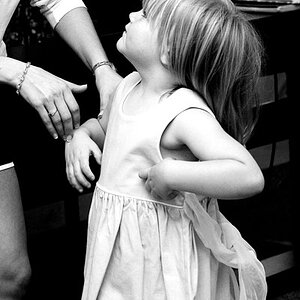
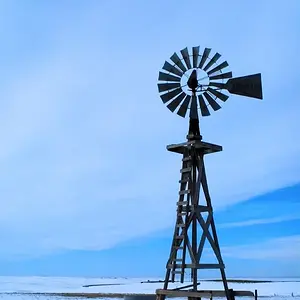
![[No title]](/data/xfmg/thumbnail/38/38720-f0f83c1b09a42065eefec8923841d54d.jpg?1734172597)
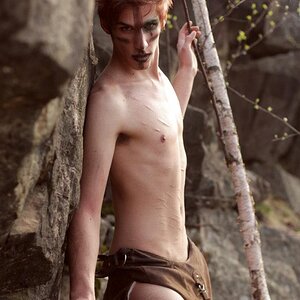
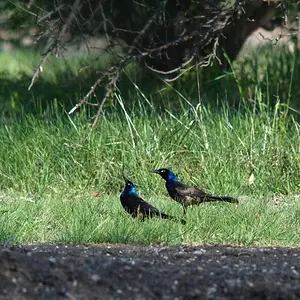
![[No title]](/data/xfmg/thumbnail/34/34688-a1ead83a3067b449d62078d1170e00f6.jpg?1734165694)