What's new

Shoot the moon C&C Please.

Bad Andy

TPF Noob!
Joined
Jun 26, 2009
Messages
186
Reaction score
1
Location
San Pedro, CA
Can others edit my Photos
Photos OK to edit
This is my first decent shot of the moon. (Turns out getting better glass helped). Tell me what I did wrong, and what I can do better. Thank you for your help.
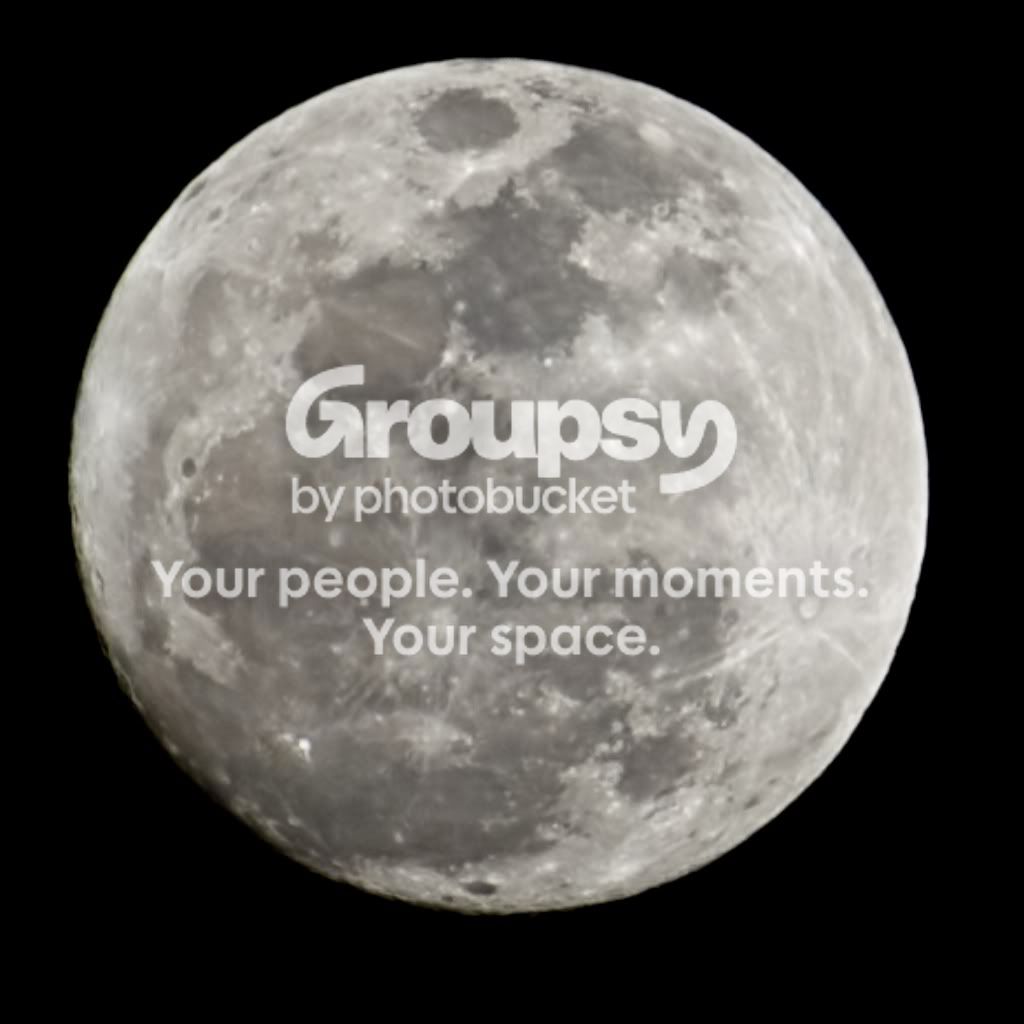
Moon.jpg


f/8.0, 1/200th second, ISO 200. 70-200 with teleconverter. Cropped, and reduced noise with Topaz.

-Andy
 
Last edited:
Wait until the moon is highest in the sky... you'll get better resolution since you're not shooting through so much atmosphere. Also, that will 'rotate' the moon so "North" on the moon is towards the top. Just by the image, I can tell you took this soon after moonrise, so "North" is to the left.
 
We are expecting rain later tonight, so I wanted to shoot while the sky was clear. I got lucky as it opened up between some clouds. But great advice to try in the future, when I try next time.

-Andy
 
There's always a next time.... that train runs on a fairly regular schedule.
emot105.gif


You might also want to try stacking multiple images.
 
Try using the moon to accent a shot, rather than the shot be the moon.
 
Try using the moon to accent a shot, rather than the shot be the moon.


One trick to doing this is....... stake your spot out.

Go out the night before at moonrise and check out possible sites. Find interesting foreground subjects, and figure out where it's best to shoot it from. You'll have the moon right there to help you find the 'right spot', it just won't be full quite yet. Plus, it won't be totally dark yet either. Come back the next evening, find your spot, set up and wait for the money shot.

Check online for lunar ephimerides (timetables) so you can plan when to head out.
 
What do you mean by "stacking" images? Is that the same as HDR? Over Expose, Expose, and Under Expose? Or is it something different?
 
It's similar to HDR, but all the exposures are identical.

It basically takes the detail from each image, merges them into one, and creates a single image based on the detail included in all the images.

Single-frame image:

D7K_0690.jpg


Same shot, but 17 stacked images:

Stack.jpg
 
Last edited:

Create an account or login to comment

You must be a member in order to leave a comment

Create account

Create an account on our community. It's easy!

Log in

Already have an account? Log in here.

Back
Top Bottom