What's new

Short hike

Gaterose

TPF Noob!
Joined
Mar 3, 2013
Messages
9
Reaction score
0
Location
Tuscaloosa
Can others edit my Photos
Photos OK to edit
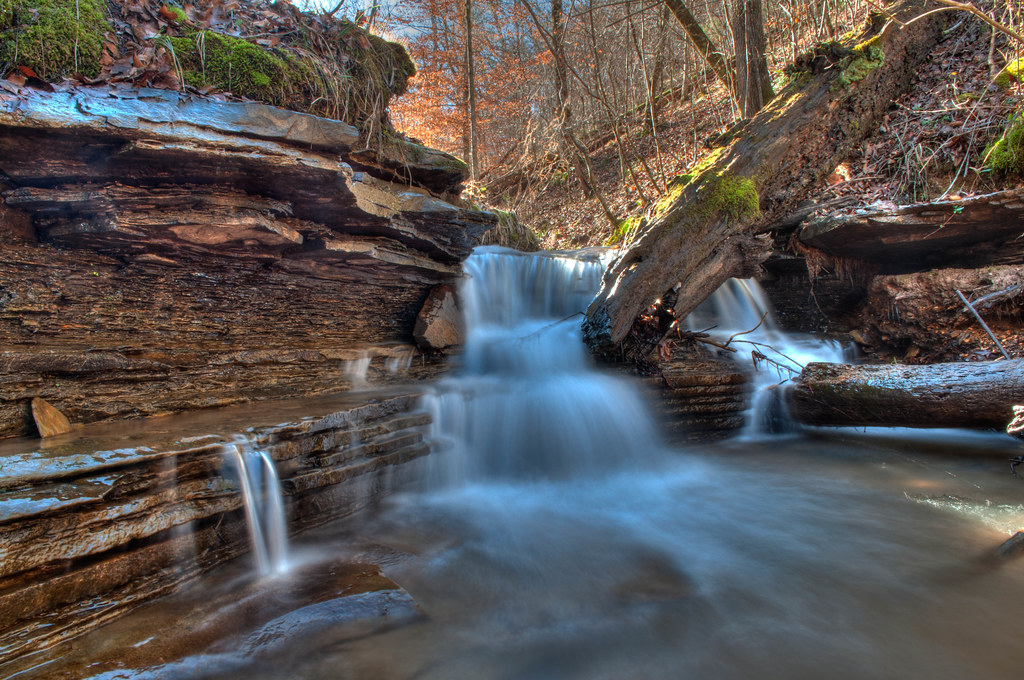
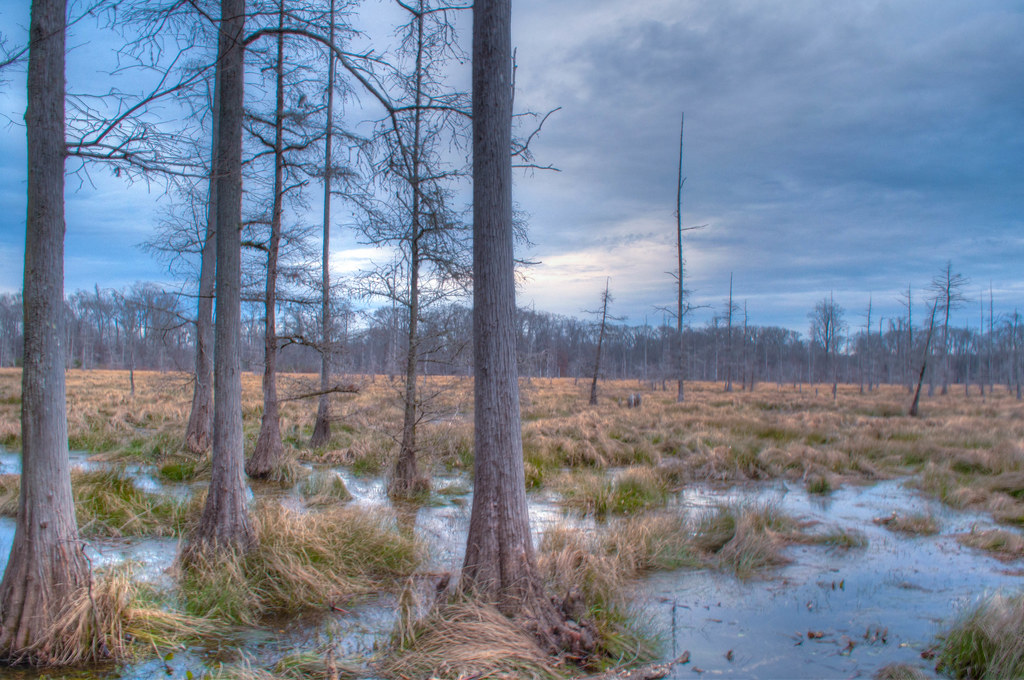
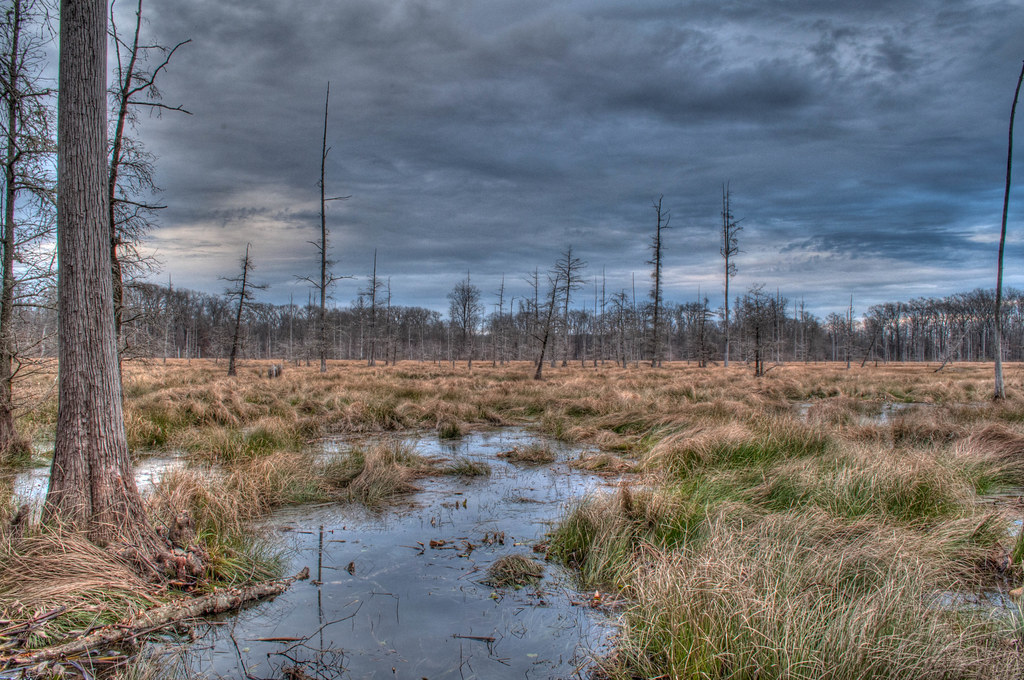
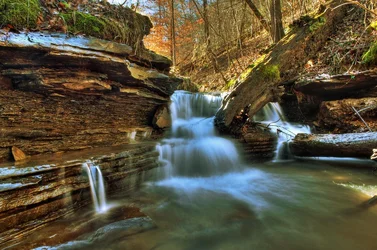
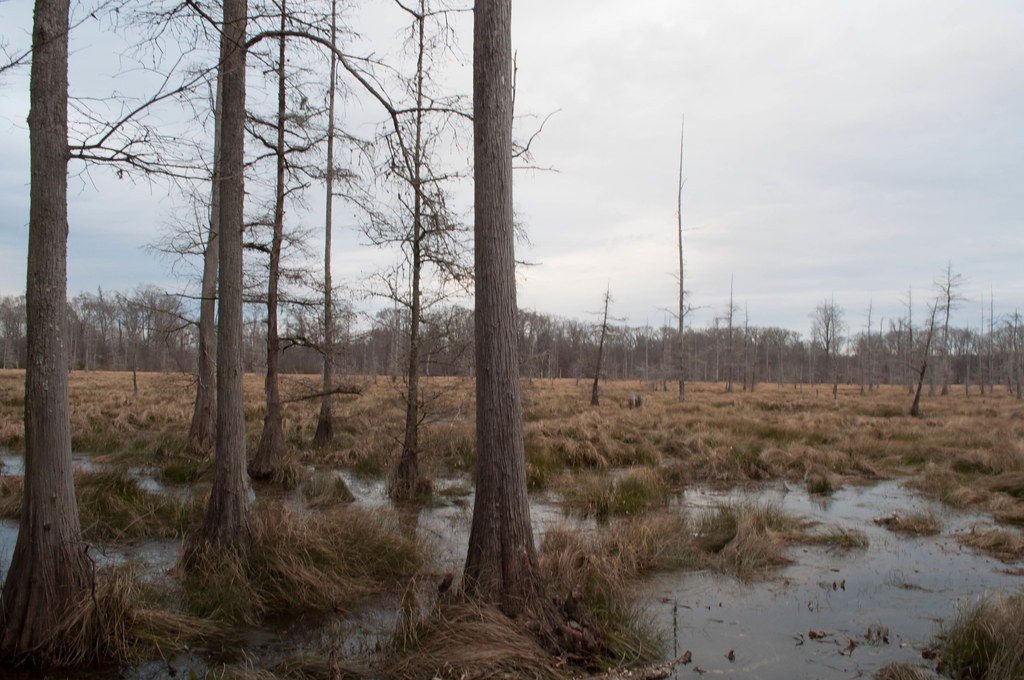
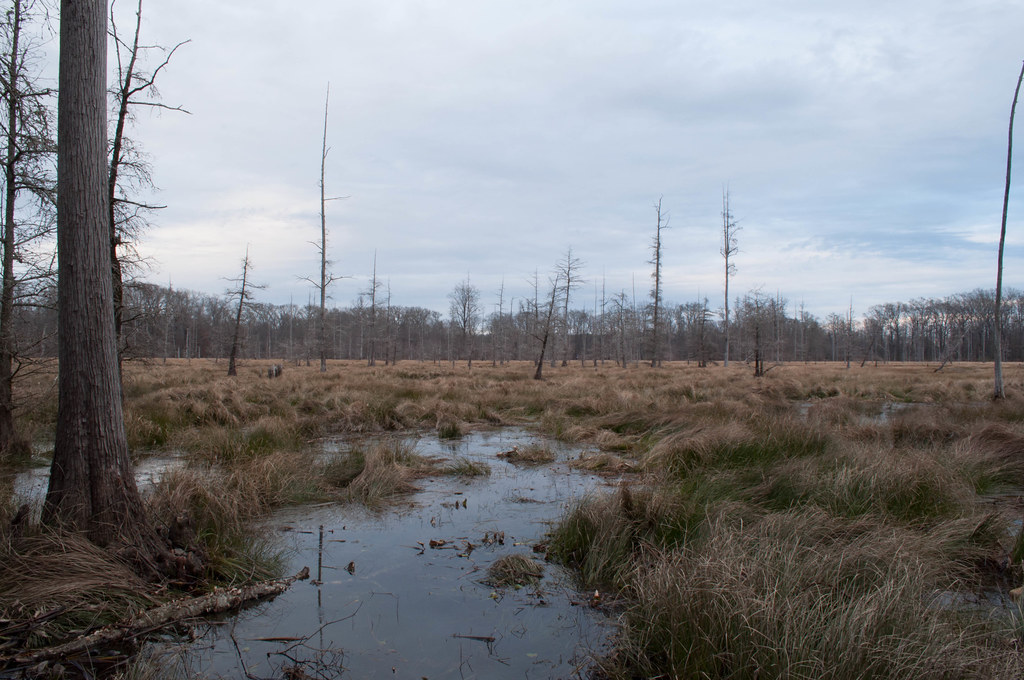
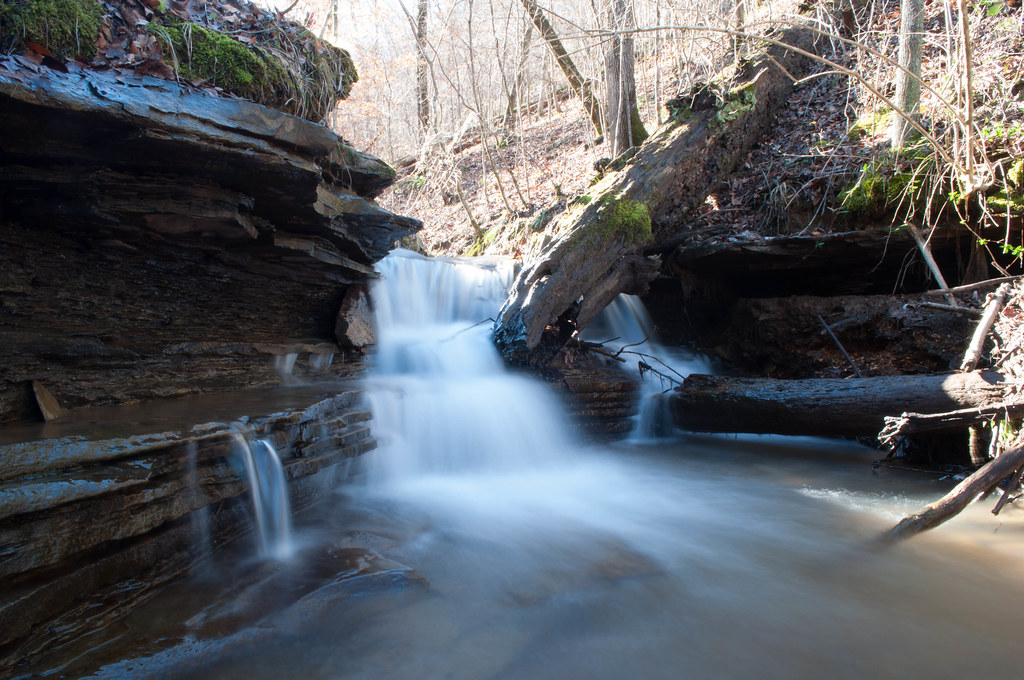
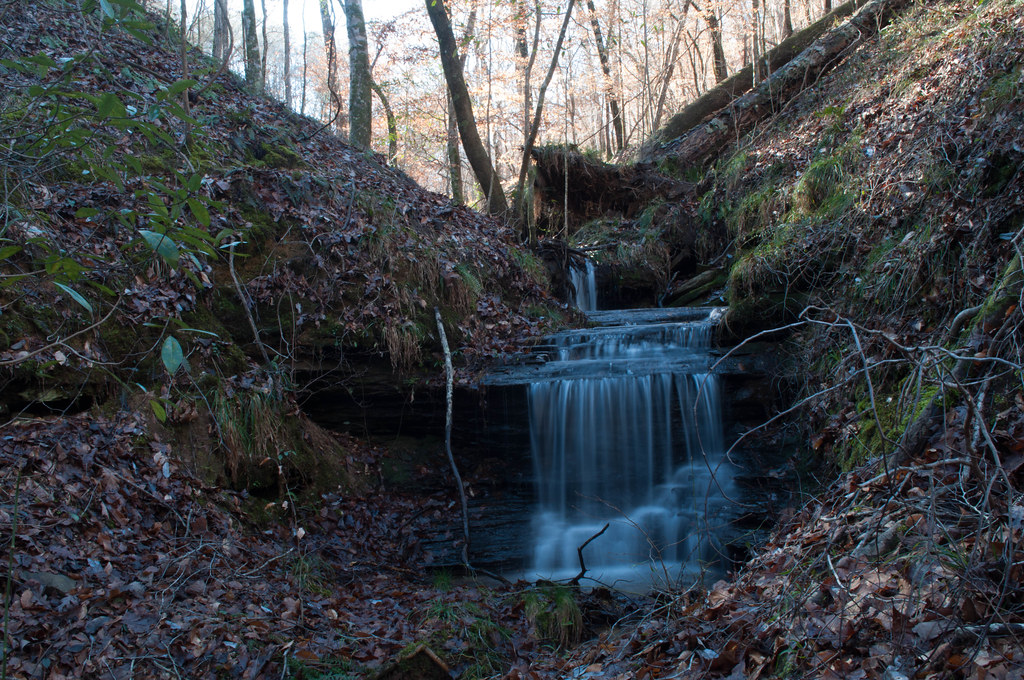
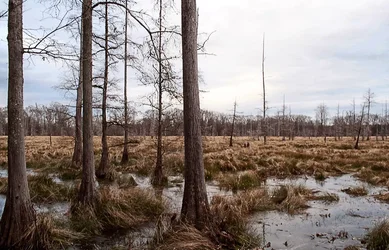
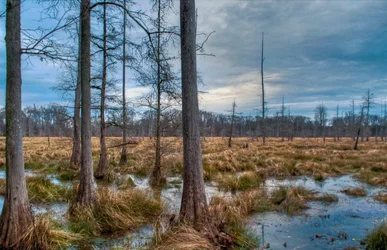
This is my first real post here and these are actually from a few weeks ago but I figured I would share them and ask for some feedback anyhow. I took the first couple on a short hike near a friend's house. The last two were from a recent trip to Columbus, MS.

Yes they're all HDRs, since I picked up a camera with exposure bracketing I'm bad about using Photomatix too much... I try to keep it modest but sometimes I overdo it.

Lake Harris Creek
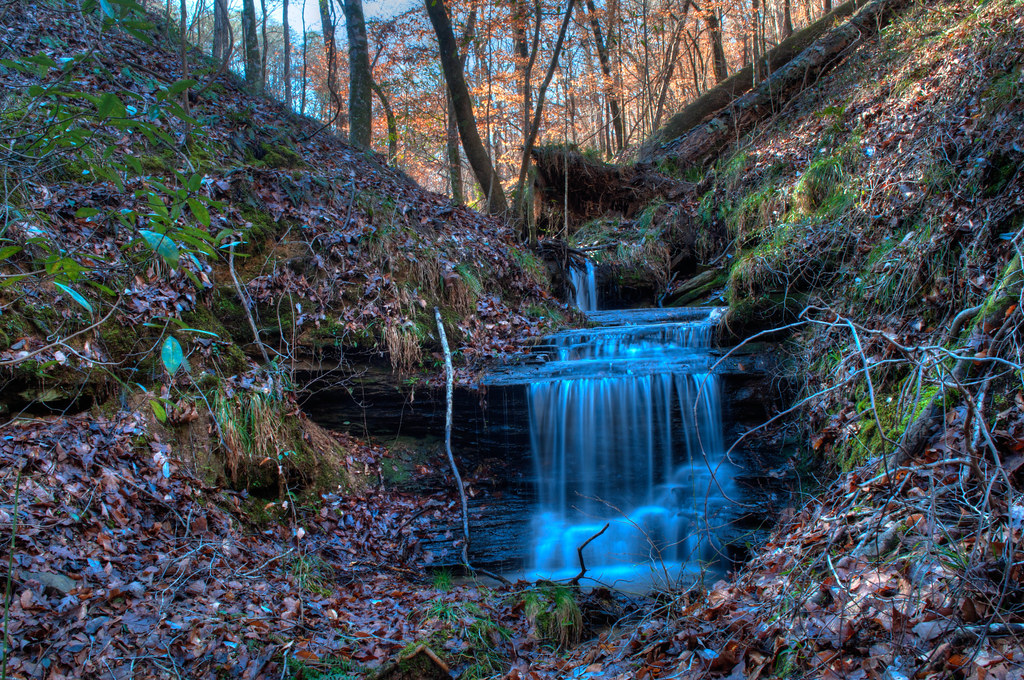
8392774665_8c29183653_b.jpg


8392779467_85eff65433_b.jpg


Tenn-Tom Swamp

8422352558_4a9f8f2e31_b.jpg


8422350702_964330b16d_b.jpg
 
All but the last one have a terrible blue cast to them. As to HDR, at least they aren't tone mapped to death. I find the merge to HDR in CS6 is as good a program as is needed, but that's personal taste. And, I notice you are from Tuscaloosa..I was born there. Roll Tide..whoohoo.

As to the blue cast, you can adjust in the curves channel adjustments. If you will allow editing to your photos selceted intead of not, you will learn much more about processes, etc on here. Also, welcome to the forum.
 
Thanks for the comment, I only thought the first one was a little blue. I think I may need to calibrate my monitor as I added blue to all of them because they appeared too orange on my monitor.

I changed my edit setting as you said, I was unsure why anyone would want to edit my photos when I originally checked it but I see your point now.
 
I really like #2. I see some CA along the trees in the last two (blue on the left, magenta on the right). I don't know if it's due to the processing, or not.
 
Yes they're all HDRs, since I picked up a camera with exposure bracketing I'm bad about using Photomatix too much... I try to keep it modest but sometimes I overdo it.

Post just the normal exposures. I don't think these images benefit from HDR.
 
While doing some color correction edits, I also noticed you have quite a bit of chromatic abberation toward the red side. This is very noticeable on the trees in the first image. Allthe corrections I made were done with the channel selection in Curves. On the second image, i did also add a HSB adjustment with the master set to blue and desaturated a little more of it from the water.

$gaterrose.webp $gaterrose2.webp

Forgot, I reset black and white points in the first image. Did not, much to my chagrin, level out the horizon. Oops.
 
While doing some color correction edits, I also noticed you have quite a bit of chromatic abberation toward the red side. This is very noticeable on the trees in the first image. Allthe corrections I made were done with the channel selection in Curves. On the second image, i did also add a HSB adjustment with the master set to blue and desaturated a little more of it from the water.

Forgot, I reset black and white points in the first image. Did not, much to my chagrin, level out the horizon. Oops.

That does look much better but most of what you said is Greek to me, clearly I have some more reading to do.

Post just the normal exposures. I don't think these images benefit from HDR.

Here are the normal exposures for those

8536731151_fc0ae3de89_b.jpg


8536733027_24c7016d03_b.jpg


8537837150_e26d8129c6_b.jpg


8537859988_34b7bbdb75_b.jpg


Thanks again for the help everyone! I'm just a beginner and I've only just started editing my shots, so I still have a lot to learn about light and color adjustments.
 
I like ceeboy's edits as well. I think #2 is the best of the bunch but it does have a littl haloing to it.
 
I did the original as you recently posted to give it a bit of a painterly quality...I think Ron is correct in his assessment this image didn't need HDR.

$gaterrose non hdr.webp
 
...I think Ron is correct in his assessment this image didn't need HDR.
Really? I think the last image is kind of dull and the sky is washed out. Your first edit seems much more accurate as to how the scene looked to my naked eye.
 
And therein lies the biggest difficulty withany edit..how did it originally look. Using a high dynamic range you can record far more detail though run the danger of going too photo realistic. Your HDR to me was over the top photorealistic but just by a little bit and I think a lot of that is due to your chromatic abberation issue., If I was to do it again, I'd combine the two edits, reducing the opacity in the "normal" edit to about 30 - 35% total opacity and you'd be right on the money.
 
Just for grins and giggles, I combined my first and second edits with an extra tweek or two.

$gatorrose combo.webp
 
$8535834093_fda0fef925.webp

This is such a small file ...change your levels to clean it up
 

Create an account or login to comment

You must be a member in order to leave a comment

Create account

Create an account on our community. It's easy!

Log in

Already have an account? Log in here.

Back
Top Bottom