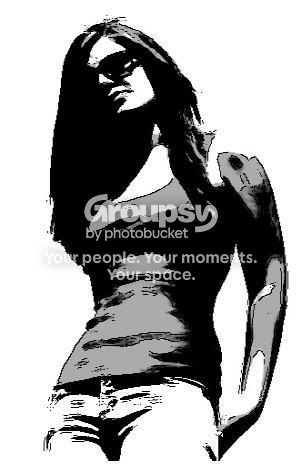
For the first one:
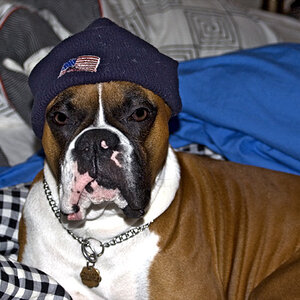
I am very old school and lame, but I actually use the forbidden program named "PAINT"... lol...
I first go and up the contrast & gamma of the picture so all the whites go a hint darker, then I outline the body using a true white, and then i use paint and go into the options and do Black and White. Then it replaces all non-true-whites to black, and leaves only the true white there. Then I invert the image, making the background white and my outline i did, black.
Then I just use the big ol' paint bucket and shade the picture to the colors I want.
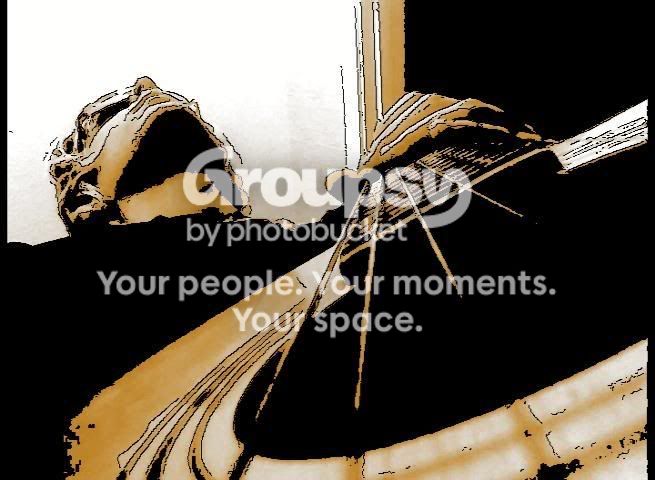
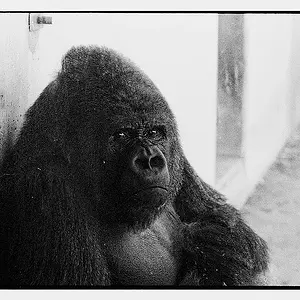
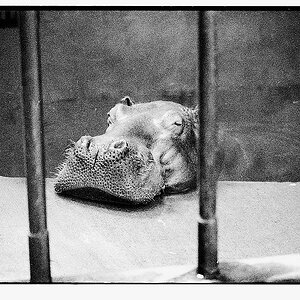
The second picture, I brought gamma, contrast, and color corrected it to have more of a yellow and orange feel than the green shade it was originally. Then I outlined it in black, then saved it, and re-contrasted/gamma'd it with the black outline.




![[No title]](/data/xfmg/thumbnail/30/30988-aef3845b94a67d6dcce6e4e59d5d66c3.jpg?1734159046)
![[No title]](/data/xfmg/thumbnail/38/38740-d1a7721cf77e9309a9b4a4829c65fdd4.jpg?1734172602)
![[No title]](/data/xfmg/thumbnail/35/35959-c7e267b1e7e08d889fe1a4fa28766c11.jpg?1734167798)
![[No title]](/data/xfmg/thumbnail/30/30987-a33ca8e90b5d786c21e59d37945b9cc6.jpg?1734159043)
![[No title]](/data/xfmg/thumbnail/30/30877-ef8d8a8cf110d5566382bb4e8a76fd3f.jpg?1734158872)
![[No title]](/data/xfmg/thumbnail/30/30989-2ed4e52fa80fcd0ba553c515ffc589cd.jpg?1734159049)
![[No title]](/data/xfmg/thumbnail/31/31038-84f0b9d14b7ced20e61bc19a9d4dfcc2.jpg?1734159138)