What's new

Some Fall [ish] Shots

H4X1MA

No longer a newbie, moving up!
Joined
Aug 10, 2011
Messages
327
Reaction score
59
Location
Vermont
Can others edit my Photos
Photos OK to edit
I havn't posted in awhile so I figured I would toss a few up here. Fall hasn't really kicked off yet in my area, probably another week or so.

C&C always welcome. Nothing terribly interesting.

1. - It has a red tint on purpose :P
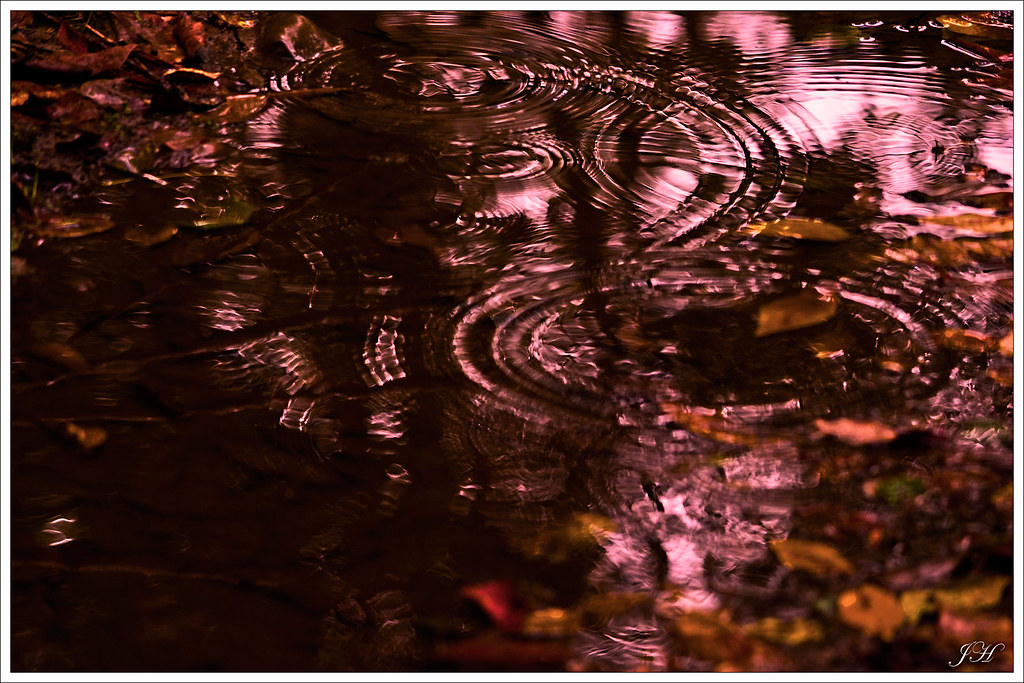

2. I just found this interesting, not sure why. I think it's just the background colors.
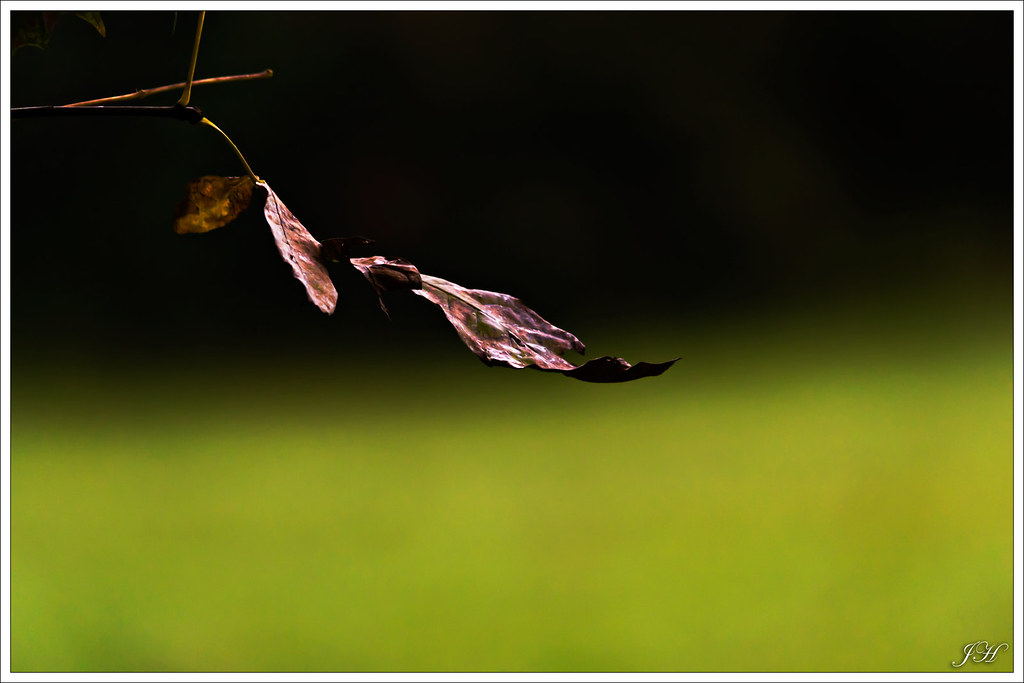

3. Blown out sky, I know :(
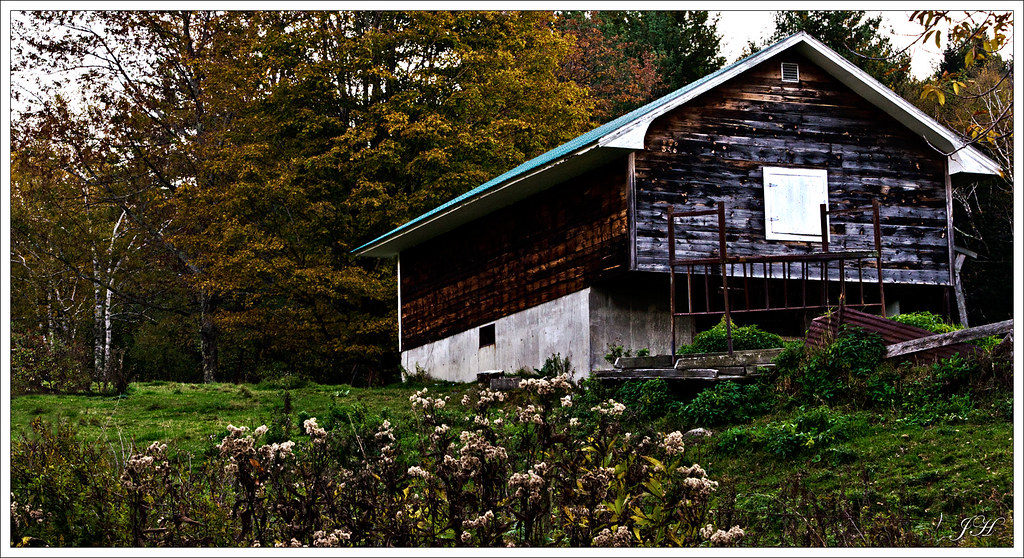

4. This was shot after the sun went down, but we were still getting a littttleeee light. The white orb is the moon (duh) and it was actually a lot bigger than it looks but the wide angle lens shrunk it down. Was kind of dissapointed on that one. There's also a pink tint on the left right above the tree's. Not really sure what that is, it was also in the original. maybe the last rays of sun coming through the mountains.
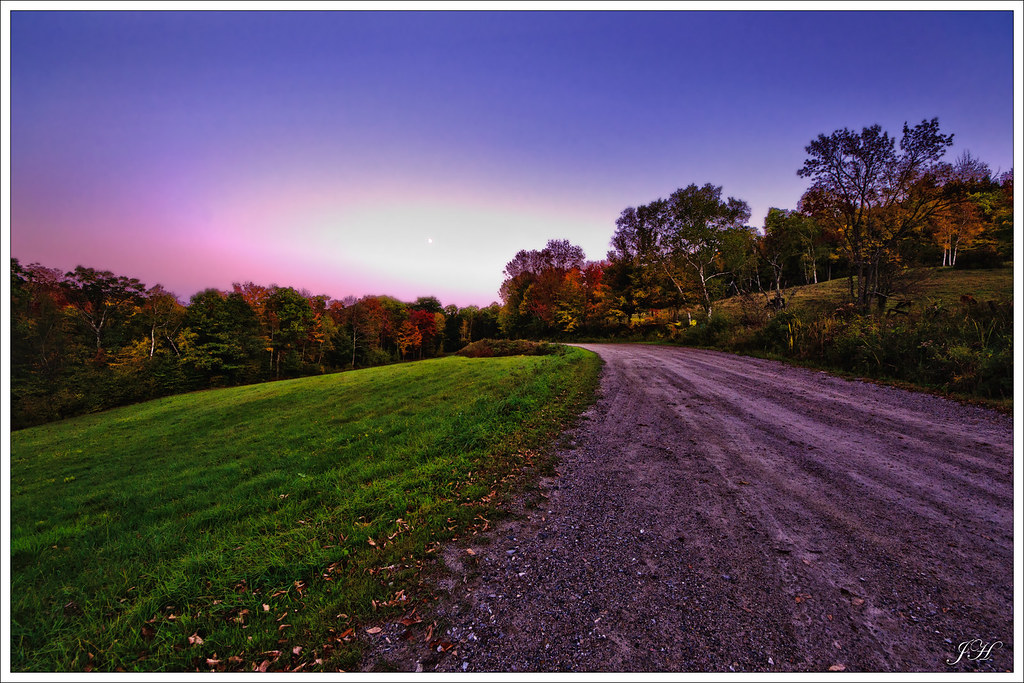
 
Not 100% fake but heavily processed. I've been doing a lot of PS experimenting just to see what I can come up with. Not that you asked, but off of the top of my head :P (and there are likely easier ways):

1) Edited the RAW file, used a lot of fill light since the tree's were pretty dark.
2) Duplicated background layer, used find edges, then did a black and white layer mask adjusting the colors. This is something I seem to like to do to fall pictures. Kind of gives them that painting feel.
3) Duplicated the edges layer, overlayed, 2 more times using varying opacities.
4) Duplicated the red channel multiplied.
5) Added a brightness layer mask to offset how dark the multiply layer made the image.
6) Added Levels and Curves layer masks.
7) Merged all and duplicated image. Sharpened using Lab color, lightness channel, Unsharpen Mask 50, 50 0.
8) Coppied new image over the top of everything else, set the opacity pretty low, maybe 15%.
9) Merged all, gausian blur to remove sky noise, layered on top, then masked the tree's out.

Might have missed something in there. There is no method really, I just go to town trying new things to see the effects. So far my favorites are the Find Edges B&W overlay, multiplying color channels, and the Lab color shapening.

This was the original (JPG from cam, not raw)
6232309311_e068f70316_b.jpg
 
I like the first one and last one... I just feel like the last one could use something else like an old tractor or something in the field... you are great at post processing though I think it's right at the edge before it looks too baked for my taste which is perfect.
 
I like your last one, and thanks for posting the original file. I'm on a horrid laptop screen but looks like some haloing and a blown out area by the moon. Would like it a lot better if those were fixed. It has a really nice sweep of the road to pull you in and I like the soft pastel coloring.
 
I do agree with the tractor! All I had was my car, and since it's lowered, if I drove into that field then a lot of people would end up getting pictures of it lol.

Fuzz, now that you say something I do see a little haloing around the trees, not too horrible. As for the blowout, I feel it adds something to the picture. not that blown out area's are ever good, but I think it adds some balance to what otherwise would be a really dark scene. In the version below it almost seems like the sky is too dark to have the forground lit as much as it is. Maybe I'm crazy >.<

Here's another version with the blowout and halo reduced anyway :P

6233202512_54211329a3_b.jpg
 
Cool. I like the last one from the original post. Maybe still needs a little ++ on the exposure, but you may not get much more if the original was .jpeg
 

Create an account or login to comment

You must be a member in order to leave a comment

Create account

Create an account on our community. It's easy!

Log in

Already have an account? Log in here.

Back
Top Bottom