What's new

Some flowers C&C welcome

Joined
Jul 14, 2011
Messages
4,173
Reaction score
2,551
Can others edit my Photos
Photos OK to edit
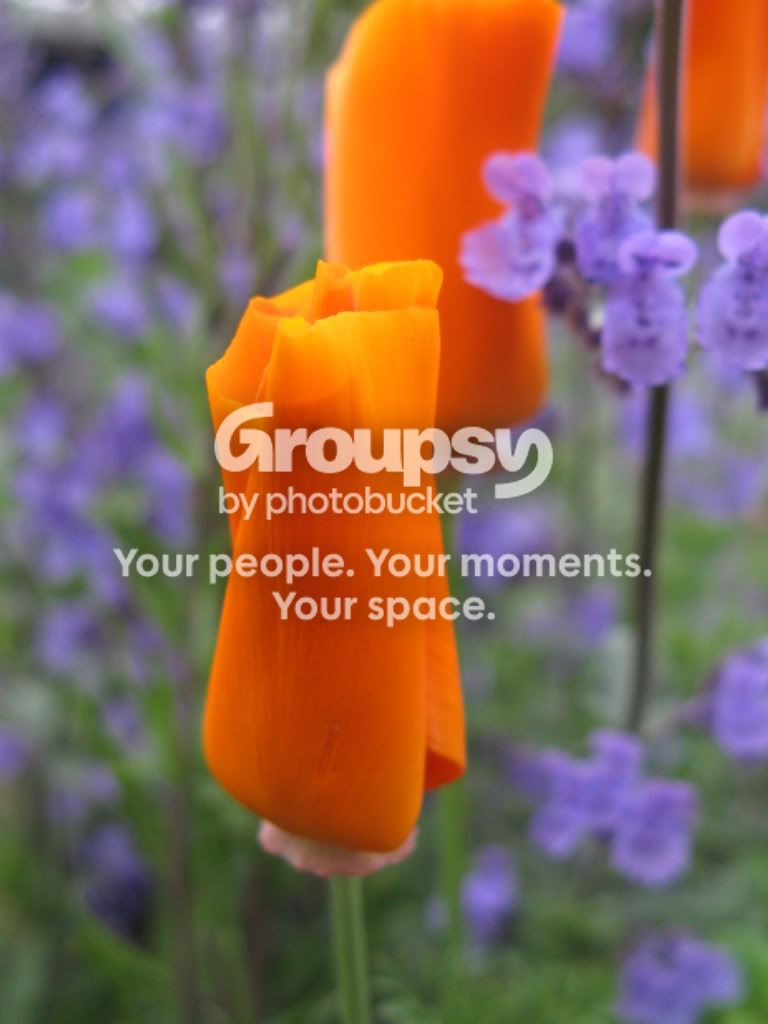
Neither image is processed at all.


#1

IMG_5533.jpg


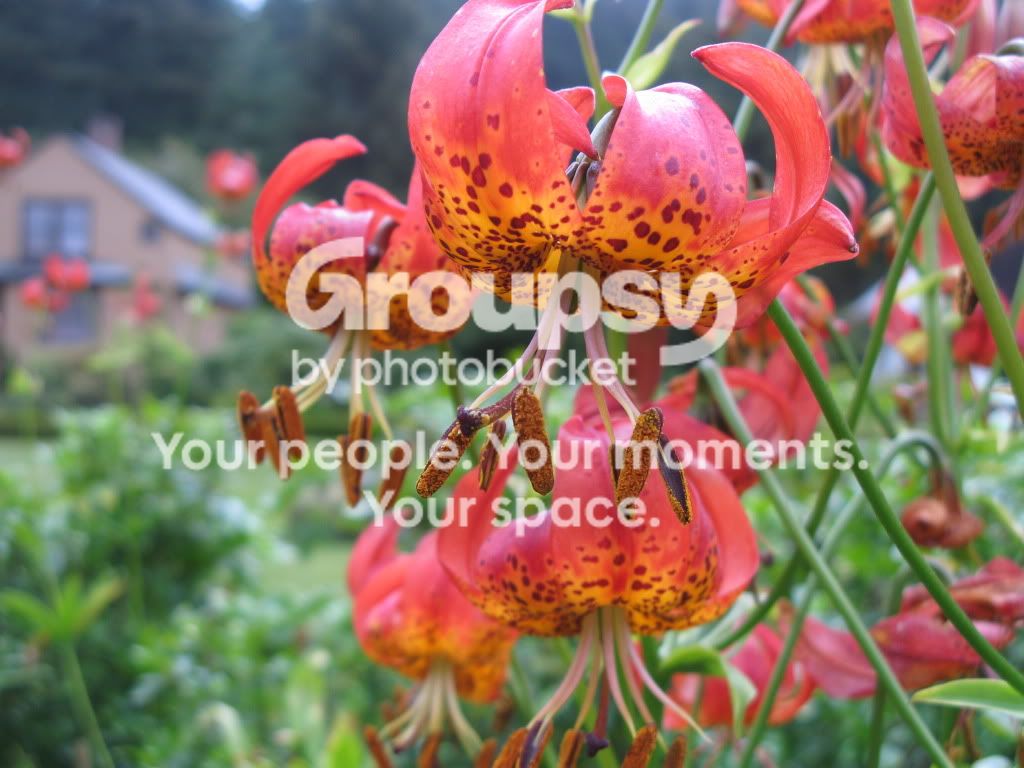
#2
156.jpg
 
Little processing might help. You have room at the black end to boost gain in the mid-tones. Second image may have some blue cast. Don't like the framing of the first one with the secondary subject underlapping the primary causing some lose of contast at the top edge of the primary. Second one is a bit busy and anthers of the primary subject are getting loss in the lower flower. Kind of like the house at upper left being "hidden" by flowers. Some blow-out of highlights but not much. Both images are slightly soft with softer lighting (appropriate for these subjects).

 
So some processing would help a lot.

You don't have your edit/no edit flag set so I'm going to assume it's OK and make some adjustments to one of these for you to see.

It's a very nice photo -- I like it a lot.

I first made a Levels adjustment to the photo to correct the tone response. The original is flat. You had the camera set to auto WB and as a result picked up, as jrice noted, a blue color cast. I removed it.

Then I did a little clone work to repair the blown highlights in the flowers some -- could do better there.

Joe

lilyg.jpg
 
Joe the clone work is excellent hadn't even noticed the blown highlights...It seems like your edit ratcheted upnthe warmth quite a few notches when the scene definitely had cooler tones. The flower pops a bit more with your rendition
 

Create an account or login to comment

You must be a member in order to leave a comment

Create account

Create an account on our community. It's easy!

Log in

Already have an account? Log in here.

Back
Top Bottom