I'm glad you like it

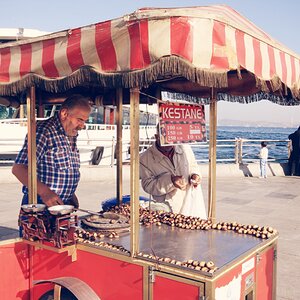
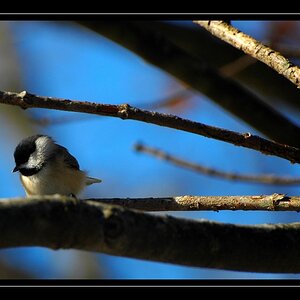
I could have focused a bit more down, and maybe I should have.. but I thought focusing on the middle peanut would have been a little conventional, and I wanted to try something a little different

The border was done in paintshop (not photo-) and goes a little somewhat like this:
1. Select all
2. Contract selection by x pixels (30 in this case)
3. Smooth selection by x pixels (for those rounded corners) (35 in this case)
4. Invert selection
5. Blur average by x amount
6. New raster layer (about 30% opace)
7. Airbrush - spray selection in white
8. Invert selection
9. New raster layer (about 80% opace)
10. Airbrush - spray selction in white
11. Contract selectoin by x pixels (2 in this case)
12. Delete selection
13. Put your name under it
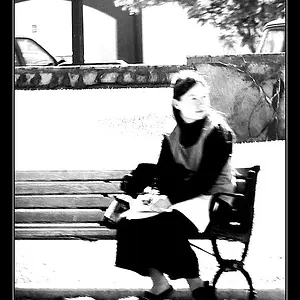
After 13 lucky steps you should have somthing that looks similar to this
Problem with this border is that you have to keep in mind that it wil take up x amount of pixel of your photo..



![[No title]](/data/xfmg/thumbnail/31/31095-2b52a6dcc956382cffdd384ae4d156f2.jpg?1734159250)