What's new

This is why I don't take pictures of people.

powasky

TPF Noob!
Joined
Aug 5, 2011
Messages
168
Reaction score
14
Location
Virginia
Can others edit my Photos
Photos OK to edit
My first attempt at portraiture. I find most of them to be mediocre.

I really wanted to use a thinner DOF, but my 50/1.4 is feather-soft at larger apertures. Not being able to separate the model from the background like I wanted to frustrated me a bit. I had trouble directing the model on how to position herself, and in composing scenes that were non-distracting. Here's what I got:

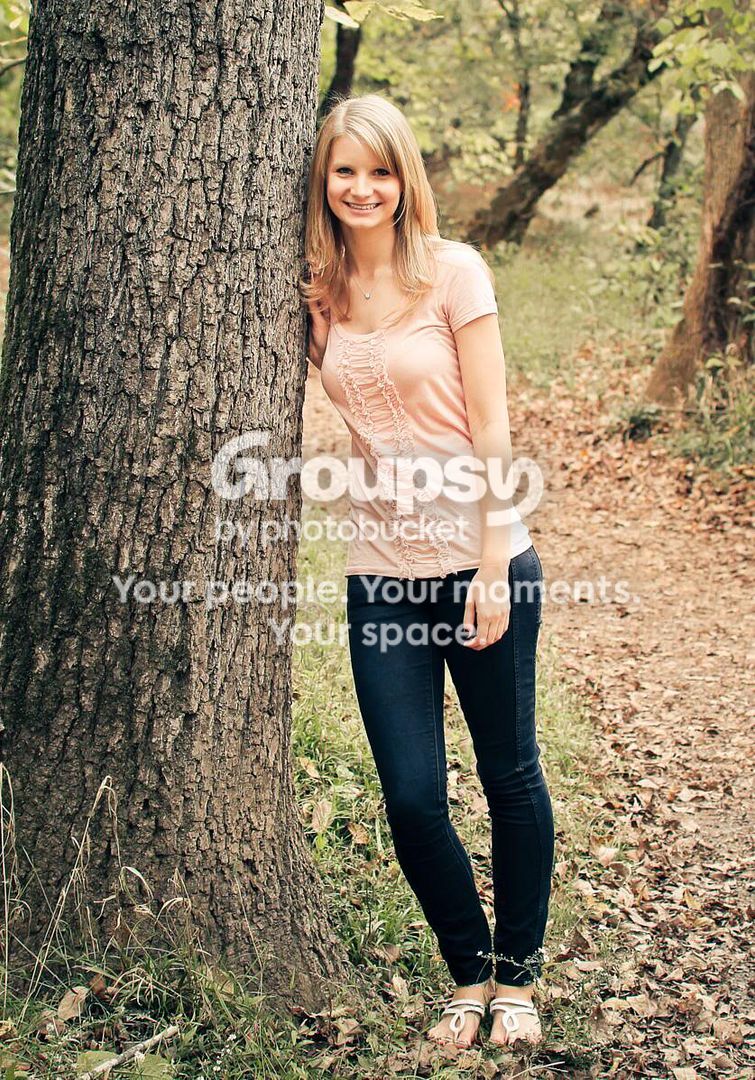
1:

IMG_1062_1560x1140.jpg


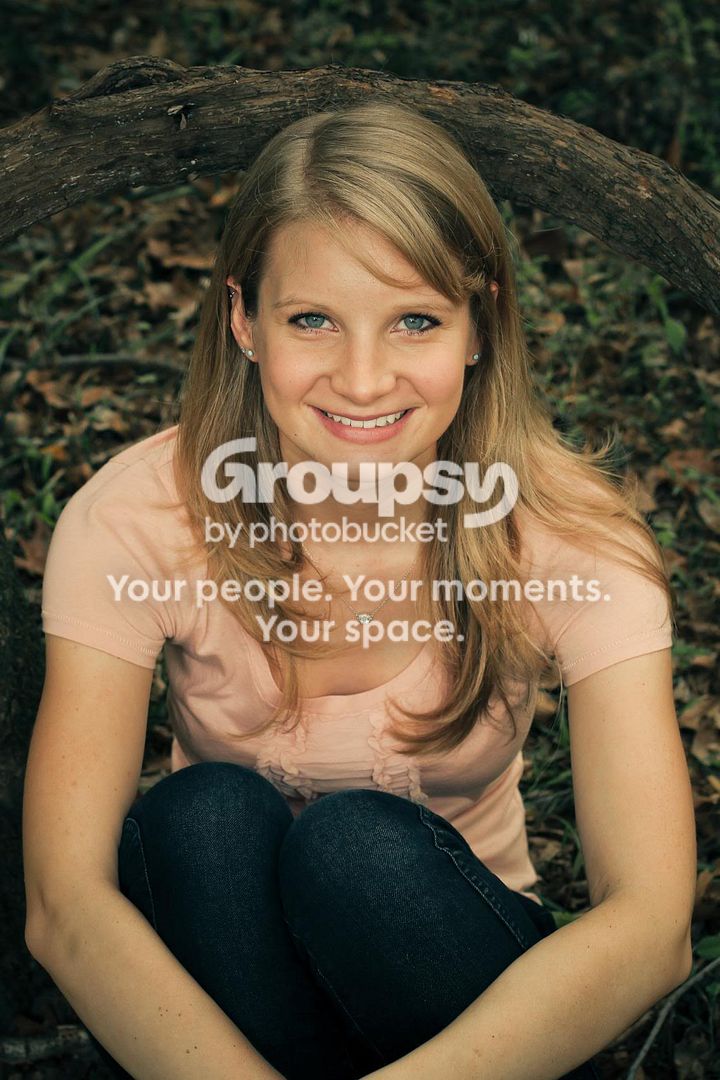
2:
IMG_1112_837x1197.jpg


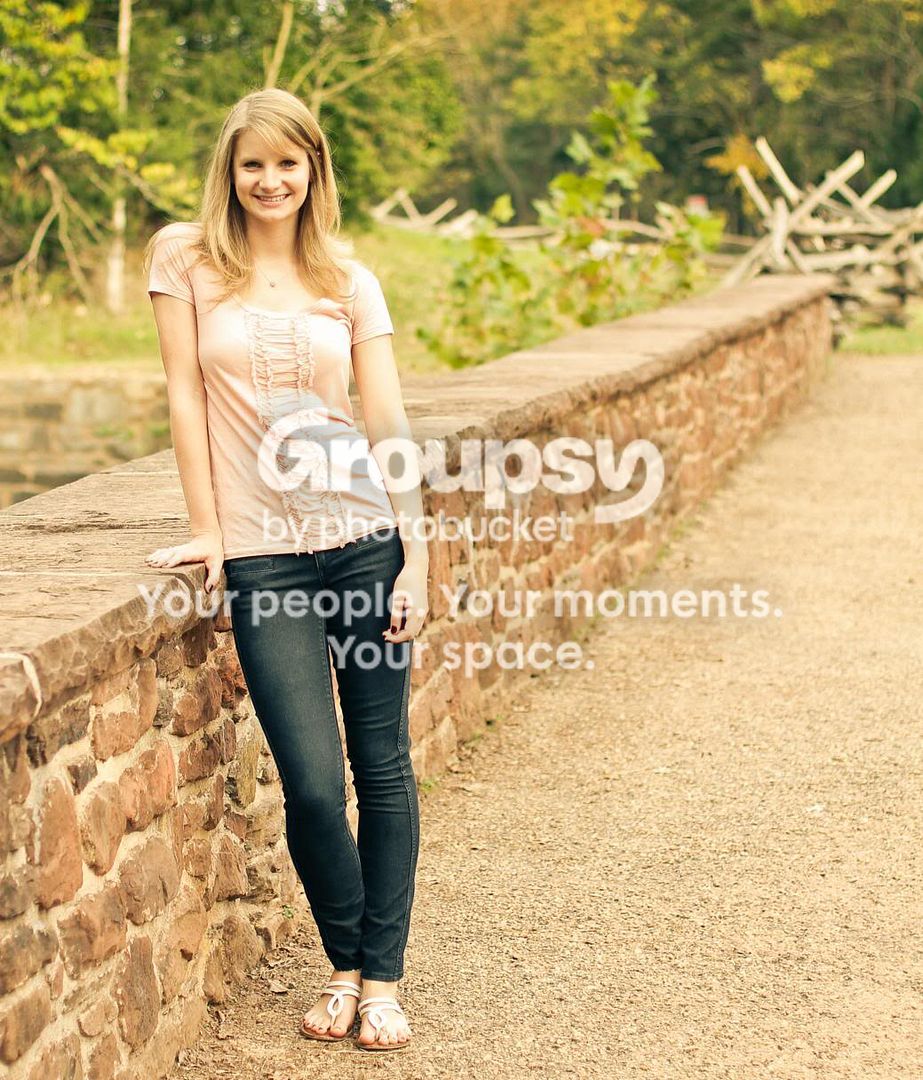
3:
IMG_1128_1140x1711.jpg


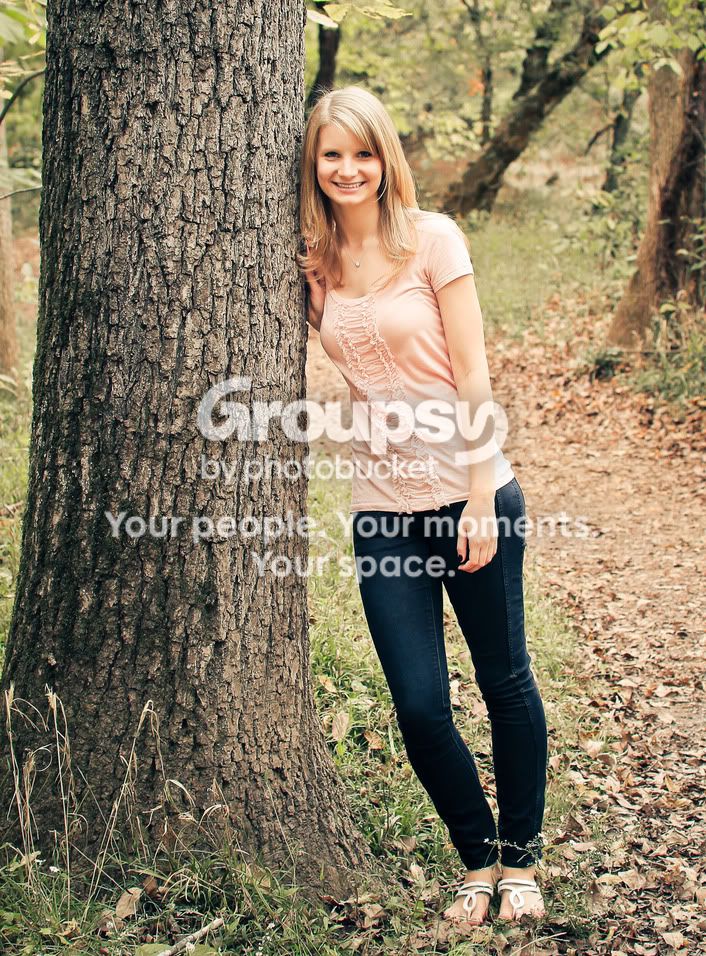
4:
IMG_1174_1039x1216.jpg


Thanks for taking the time to look at my images.
 
DOf in each and every one of those looks simply superb to me....not too deep, not to shallow...the yellowish color is a bit not to my liking, but a ot of younger people like it and call it "vintage". The girl's simply adorable, with an excellent, long, lithe,slender build. Her sort of low-waisted shirt is not the most flattering top for her body type. She looks a wee bit nervous, maybe uncomfortable. I think the key might be to shoot MORE pics, with some coaching and guidance from you. Tell her how to pose,and then tell her that yuo aee going to shoot three, four,five, or even six shots until you get the best possible shot out of each pose, or pose variation. We're not shooting 120 rollfilm here, with 12 shots per magazine...they key is to make her realize that NOT EACH SHOT needs to "be good"...you need to tell her that, in plain English. After about 10-15 minutes of shooting like this, you can get a non-photo kinda' person pretty well relaxed. This eliminates that fakey "picture smile" so many people tend to put on when they think that each shot actually "COUNTS" in that weird way parents tend to instill in their kids. Once you get a good shot, then set up the next pose, and shoot 3,4,5,6 frames, as you give minor posing directions like "chin up and out toward me a little bit!", or "a little head tilt this way (use your hand to show the head tilt direction), and "bring your back arm around toward the camera so we can see you have two arms!" Stuff like that.

Your last shot shows a leading line going right out of the frame...not too good of a composition really, is it?

#2, with the tree, seems MUCH better to me....shows a nice location, fall, cue girl, tall, full-length, good focus, good background rendering.
 
I don't get it... they're not perfect, but they're not bad at all. I don't think there's a lot of room for complaint!
 
She's square with the camera in every one. Not bad by itself, but you could try profiles, turning her some.
 
I appreciate the criticism so far.

Derrel- I was originally thinking of it as a leading line to her, not away...now that I look at with a different eye I see exactly what you're talking about.

480sparky- I honestly didn't even think about posing her with some turn. It's a good thing to keep in mind for next time, thank you.
 
yeah if she wasn't square on these would be great, especially the last one, I like it anyway though.
 
They look fine, changing up the poses would help, but there really isn't much wrong with these.
 
Ron-

How's this?

IMG_1112-2.jpg


What should I be reading in order to prepare for my next model shoot?
 
I much prefer this edit to the previous one. A little lean is consistent with the background trees.

You shot @ f4 with a 1.4 lens & the background is still quite distinct, so I would recommend in a re-shoot try f2. I am not an advocate for wide open.
 
I much prefer this edit to the previous one. A little lean is consistent with the background trees.

You shot @ f4 with a 1.4 lens & the background is still quite distinct, so I would recommend in a re-shoot try f2. I am not an advocate for wide open.

Ron-

My copy of the 50/1.4 gets hairy inside of 2.8. I would worry that a shot at f/2 would be soft and chromabby. But that doesn't stop me from trying it next time!
 

Create an account or login to comment

You must be a member in order to leave a comment

Create account

Create an account on our community. It's easy!

Log in

Already have an account? Log in here.

Back
Top Bottom