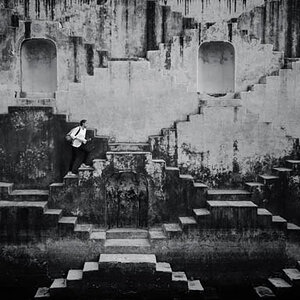
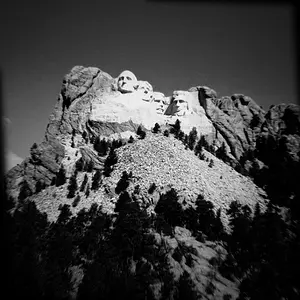
First, of course make sure your monitor is properly calibrated. Also realize that if you have natural daylight near your monitor then your perception of white changes along with the daylight. Best is to edit with controlled light and have the monitor set accordingly. Finally, I use some white window (e.g. an empty MS word window) to calibrate my eyes to monitor white.
Then, for outdoors the clouds or street are usually good grey-reference, or some grey part in the image. Sometimes, I take two photos, one with my business card at some distance and one with the actual scene. Make sure the reference is somewhere gray, you can't use very light parts for white balance.
Indoors is tricky, I'm not aware of the "proper light balance". Just setting white "correctly" in a candle-light scene will give a cold picture. I think getting the white balance right in such cases is more art than science.