What's new

Which crop?

pen

TPF Noob!
Joined
Aug 12, 2011
Messages
256
Reaction score
12
Can others edit my Photos
Photos OK to edit
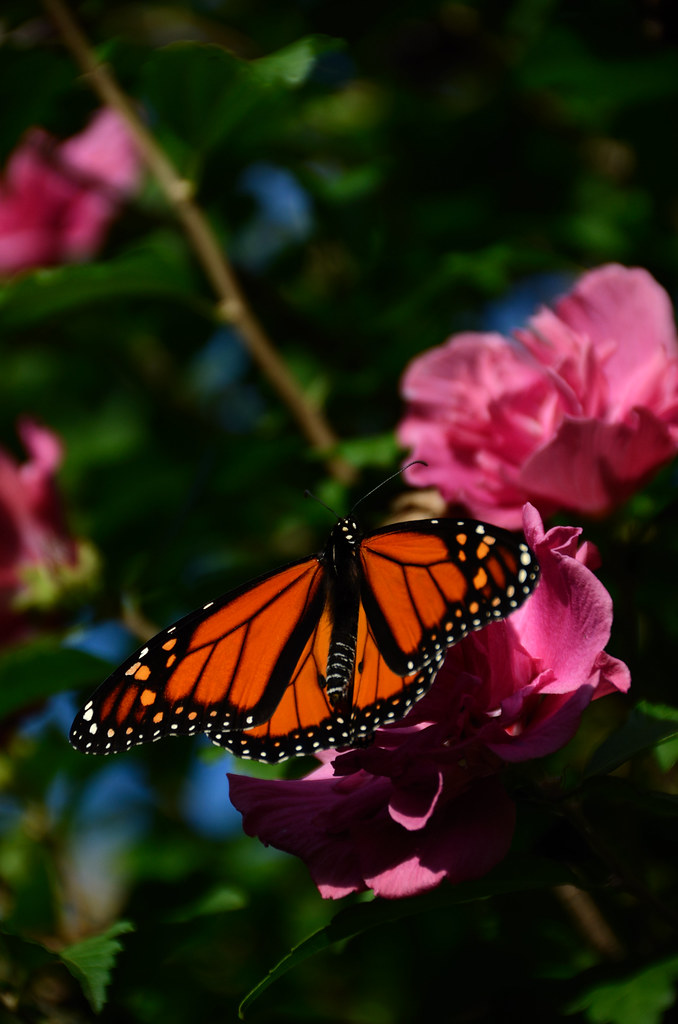
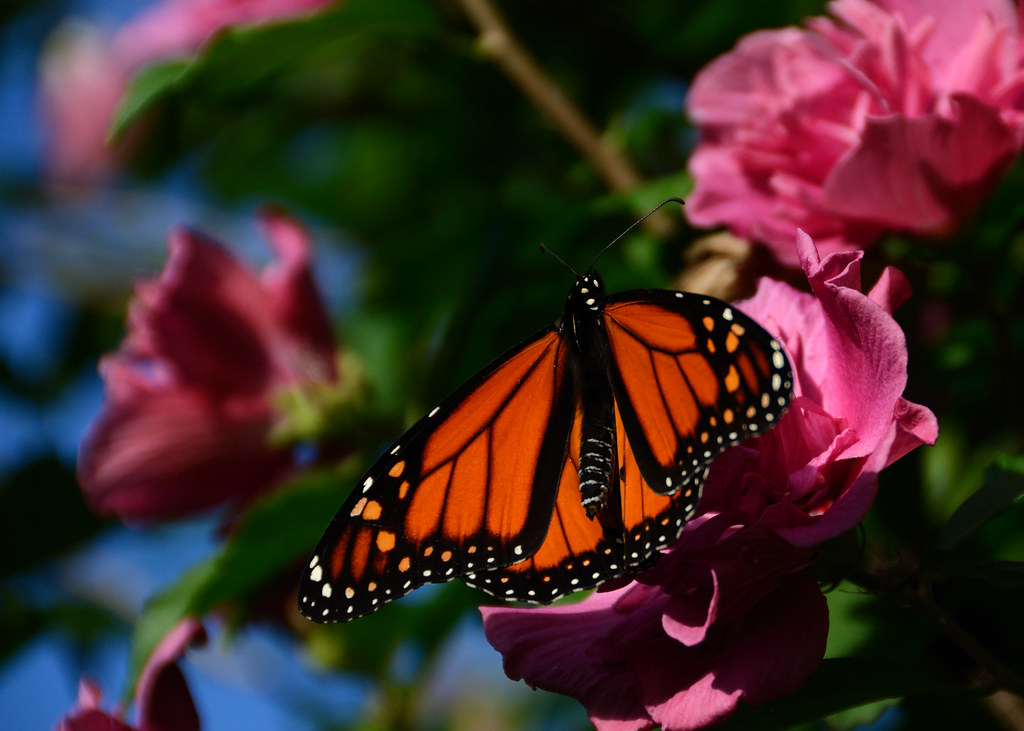
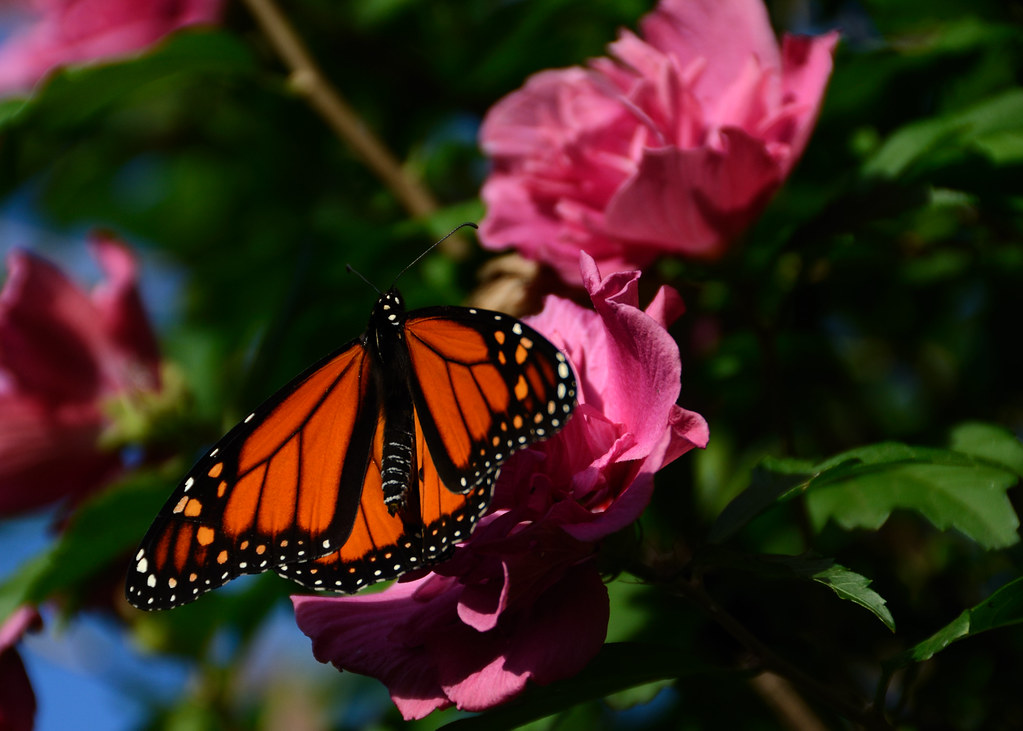
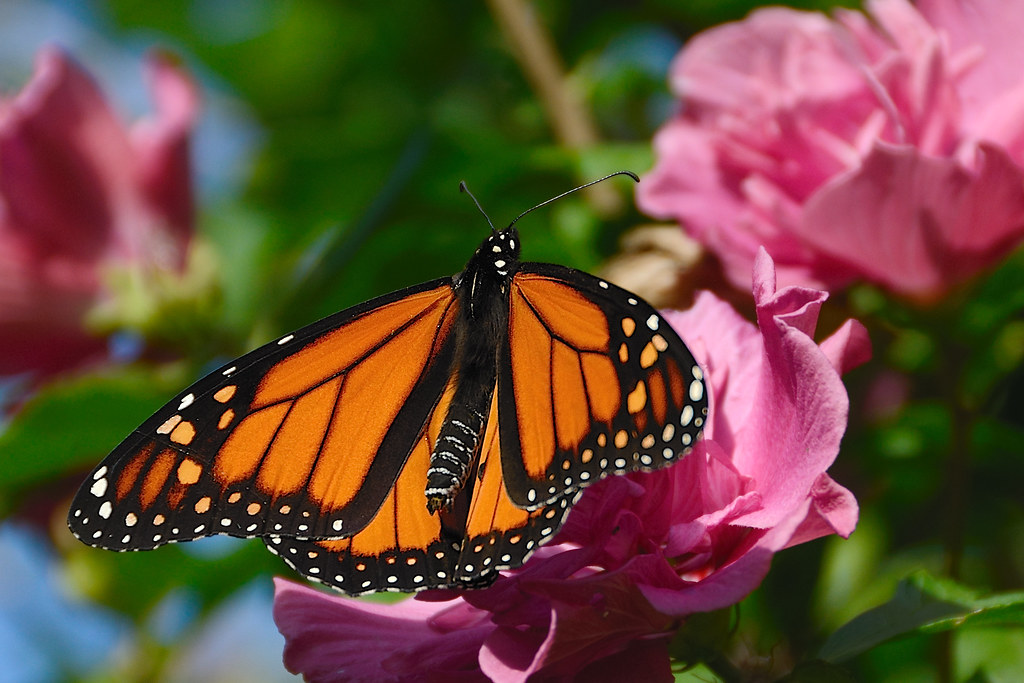
All 3 leave me wishing there had been a couple more pink flowers toward the top left of the butterfly... but if I had to choose I'd say make #1 a little tighter crop and move the butterfly down into the bottom right corner a bit more.
 
#2 for me. I think #1 might be good with a square crop...
 
Thanks for looking. I will try another crop on the first and see what it gets me.

Sent from my iPhone using PhotoForum
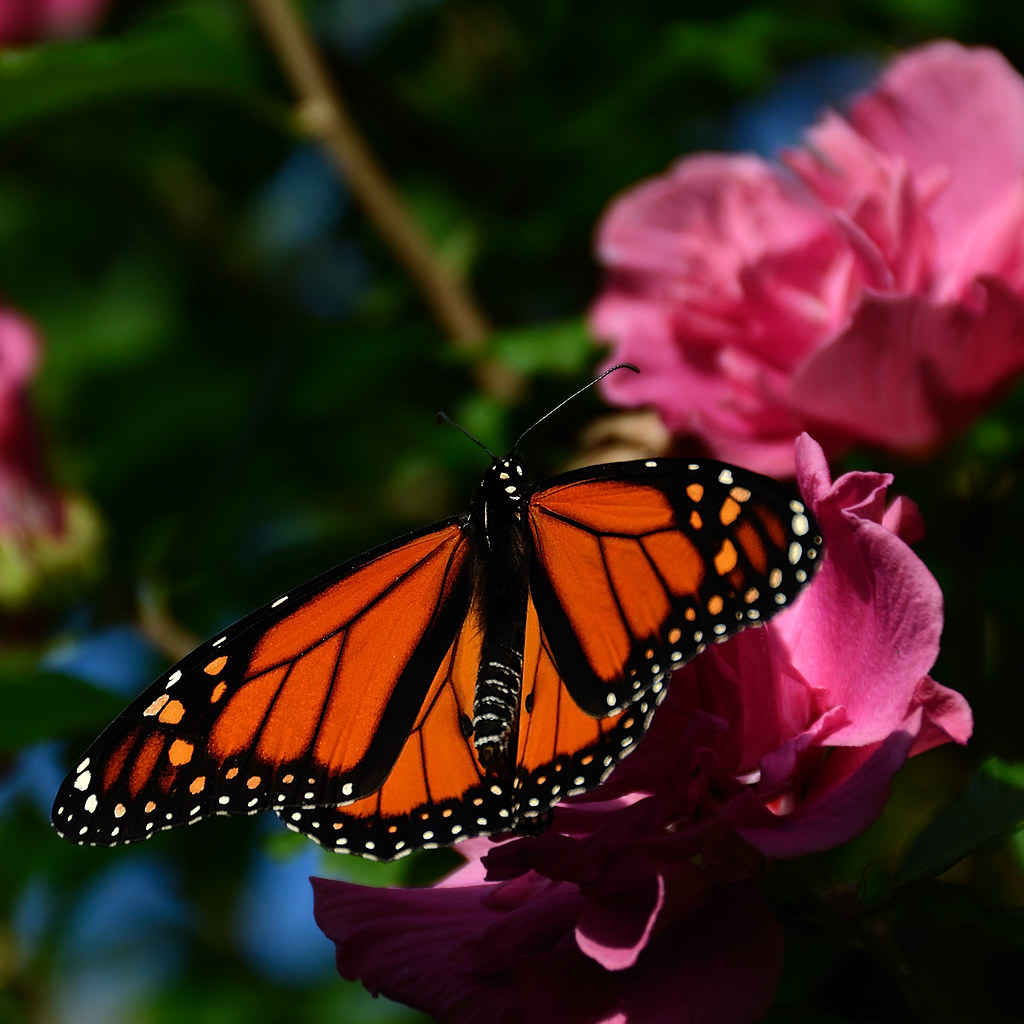
 
I might be able to do that with the second image. I'll give it a shot and repost.

Sent from my iPhone using PhotoForum
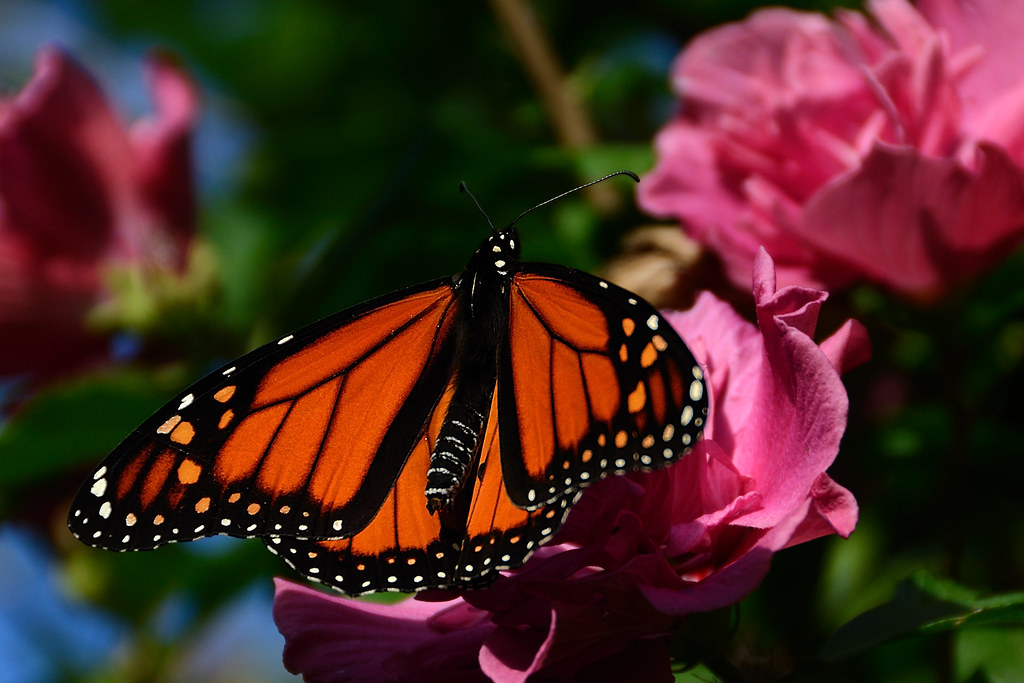
 
Well, I have to say - the square crop looks awesome.
 
I like the original #1 photo at the top. Leave it to me to be different.
 
I like the original #1 photo at the top. Leave it to me to be different.

I would like #1 best if the butterfly were in the lower right hand corner. #2 almost gets there--again, move the butterfly to the lower right hand corner. #2 overcomes the darkness of the background in #1. The crops in #4 an #5 put the butterfly in the center of the frame and don't really put the image in context.
 
Thanks for the input every one. I might try a couple more things and then it is time for a print.

Sent from my iPhone using PhotoForum
 
They're over saturated and under exposed IMO. If you have a Fill Light adjustment as in LR3, that could be your saving grace. Reduce the blacks.
 
kundalini said:
They're over saturated and under exposed IMO. If you have a Fill Light adjustment as in LR3, that could be your saving grace. Reduce the blacks.

Under exposed? Really? Hmm, not seeing that but I will take it into photo shop and see what happens when when I push up the mid tones.

Sent from my iPhone using PhotoForum
 

Create an account or login to comment

You must be a member in order to leave a comment

Create account

Create an account on our community. It's easy!

Log in

Already have an account? Log in here.

Back
Top Bottom